Top VS Code Icon Extensions
Imagine coding in VS code and you suddenly need an icon for your project. The old school way would be to frantically look for the icons you need from thousands of icons across different icon libraries, which can be very frustrating.
VS Code icon extensions let you add the icons you need right from your VS Code sidebar. With the right VS Code icon extension, you can browse, preview, and insert the exact icons you need without even leaving your IDE.
This blog will talk all about VS Code icon extensions, and present you with a curated list of the extensions, so you can find the right extension for all your icon needs!
So, let’s get to it!
How To Choose The Right VS Code Icon Extension
Look for the icon extension that -
- Match the design: Choose icons that suit your layout.
- Pick the right format: Use snippets for HTML components for frameworks like React or Vue.
- Check usability: Look for sidebars or shortcode support.
- Look at output options: Choose libraries that give you SVGs, JSX, or HTML to match your stack.
- Make sure it’s active: Updated libraries bring new icons and stay compatible with tools.
- Try it out: Test a few in real projects and choose the one that feels smooth and efficient.
Now that you how to choose the right VS Code icon extension, let’s check out the top VS Code icon extensions and find the one that truly upgrades your workflow.
The best VS Code Icon Extensions
Let’s check out our handpicked list of the best VS Code icon extensions —
Hugeicons
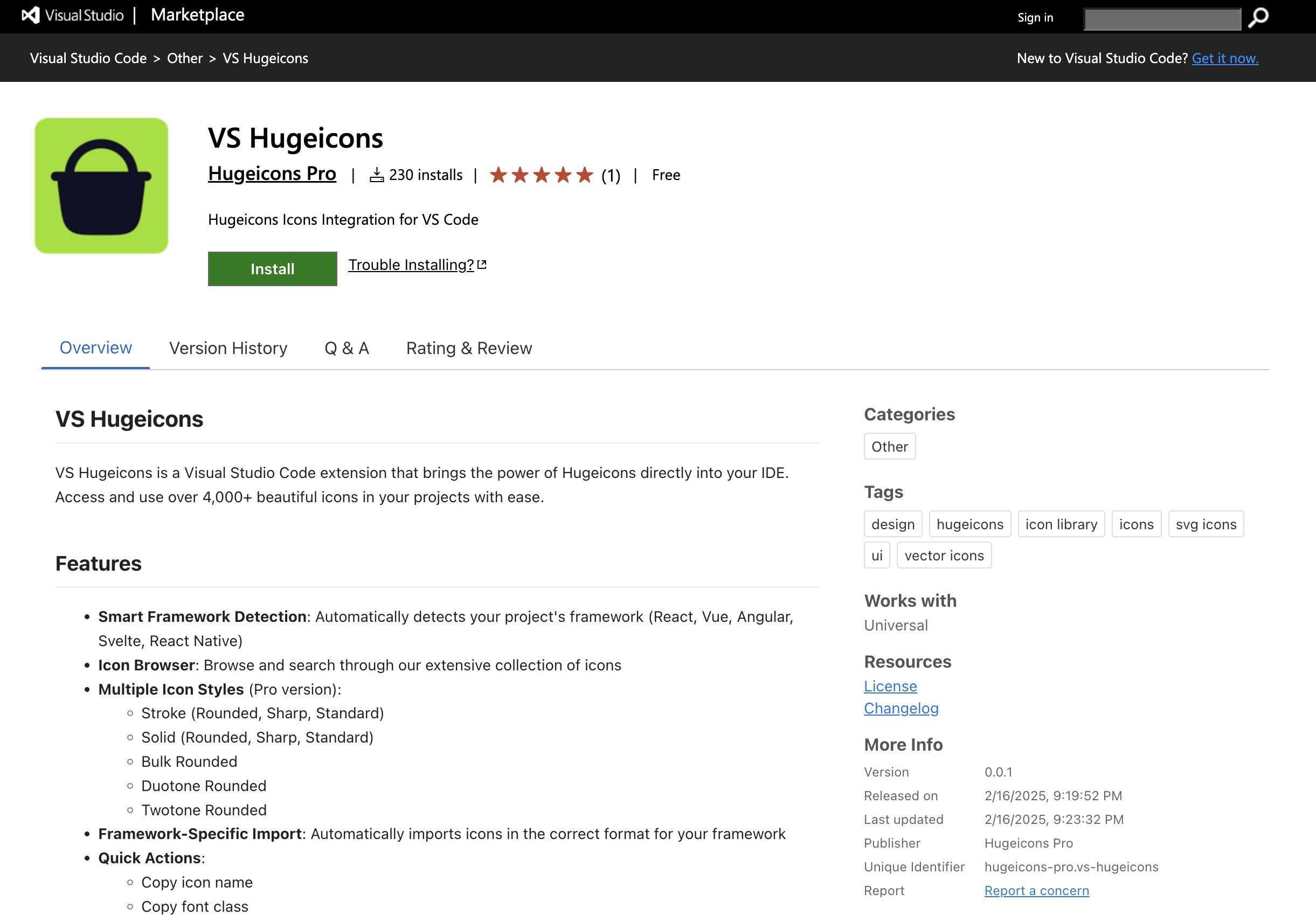
Hugeicons gives you a clean set of over 4,600 stroke icons for absolutely free, with the Hugeicons Pro and Pro plus offering a complete suite of over 46,000 icons in 10 distinct styles, spread across 59 categories serving all your icon needs no matter what your niche is.
The icon extension opens right in your VS Code sidebar so you can search, preview, and copy what you need in seconds. It offers smooth and easy icon implementation by letting you copy icon name, font class and both copy and import components.
Why Developers Like It:
- Fast access to thousands of icons
- Works with React, Vue, Angular, Svelte, and plain HTML
- Copy icon name, font class, or import code with one click
- Option to unlock 46,000+ icons in the Pro version
Important links:
Lucide Icons
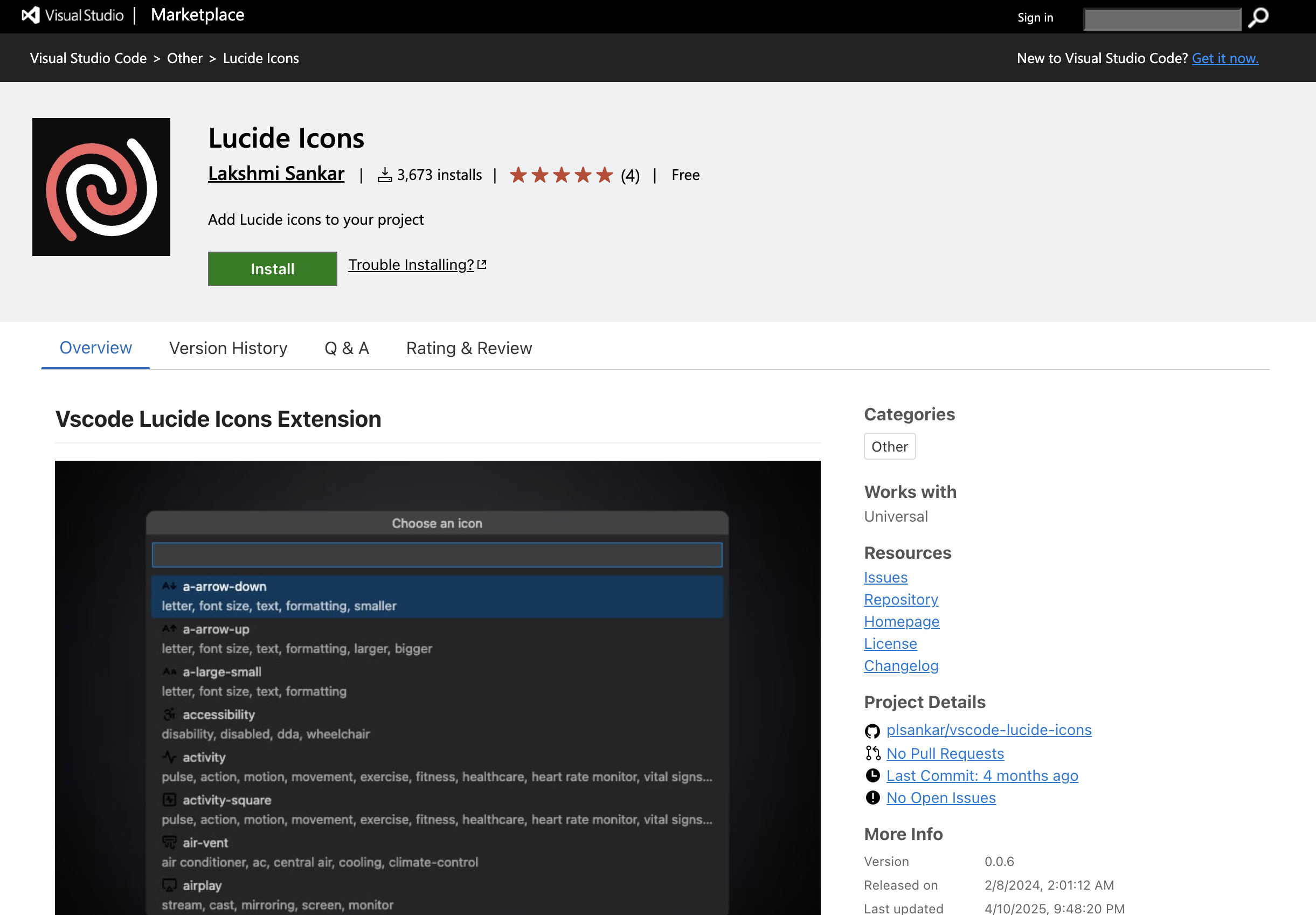
Lucide is a flexible icon pack built by the developer community. It started as a fork of Feather Icons and now includes over 1,600 icons with regular updates. The VS Code extension helps you browse and grab the icons without leaving your editor.
Why Developers Like It:
- Works with React, Vue, Svelte, Angular, and more
- Customizable color, size, and stroke width
- Easy to copy SVG or JSX snippets right from VS Code
Important links:
Phosphor Icons
Phosphor is a stylish and flexible icon family. It offers thousands of icons in different weights like thin, bold, fill, and duotone. Inside VS Code, you can use the snippet extension to drop icons straight into your HTML or JSX code.
Why Developers Like It:
- Over 9,000 icons with different styles
- Supports React, Vue, Flutter, and more
- Figma and Sketch plugins available
Important links:
Tabler Icons
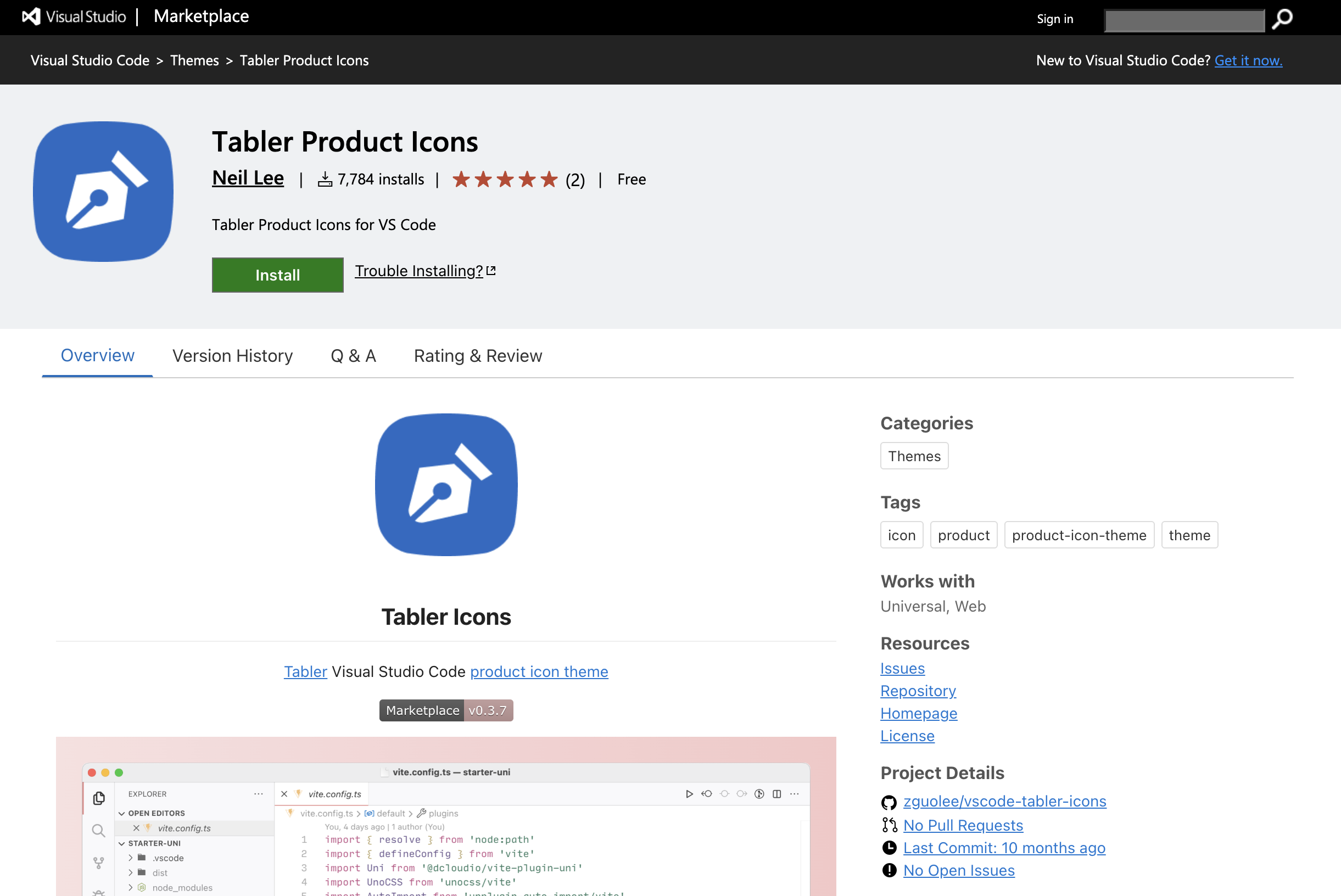
Tabler Icons are simple and clean, which makes them perfect for dashboards, admin panels, and websites where clarity matters. The VS Code extension helps you search for an icon, preview it, and paste it right into your project.
Why Developers Like It:
- Over 5,900 pixel-perfect icons
- Works well with React, Vue, Svelte, and more
- Includes SVGs and animated variants
Important links:
Feather Icons
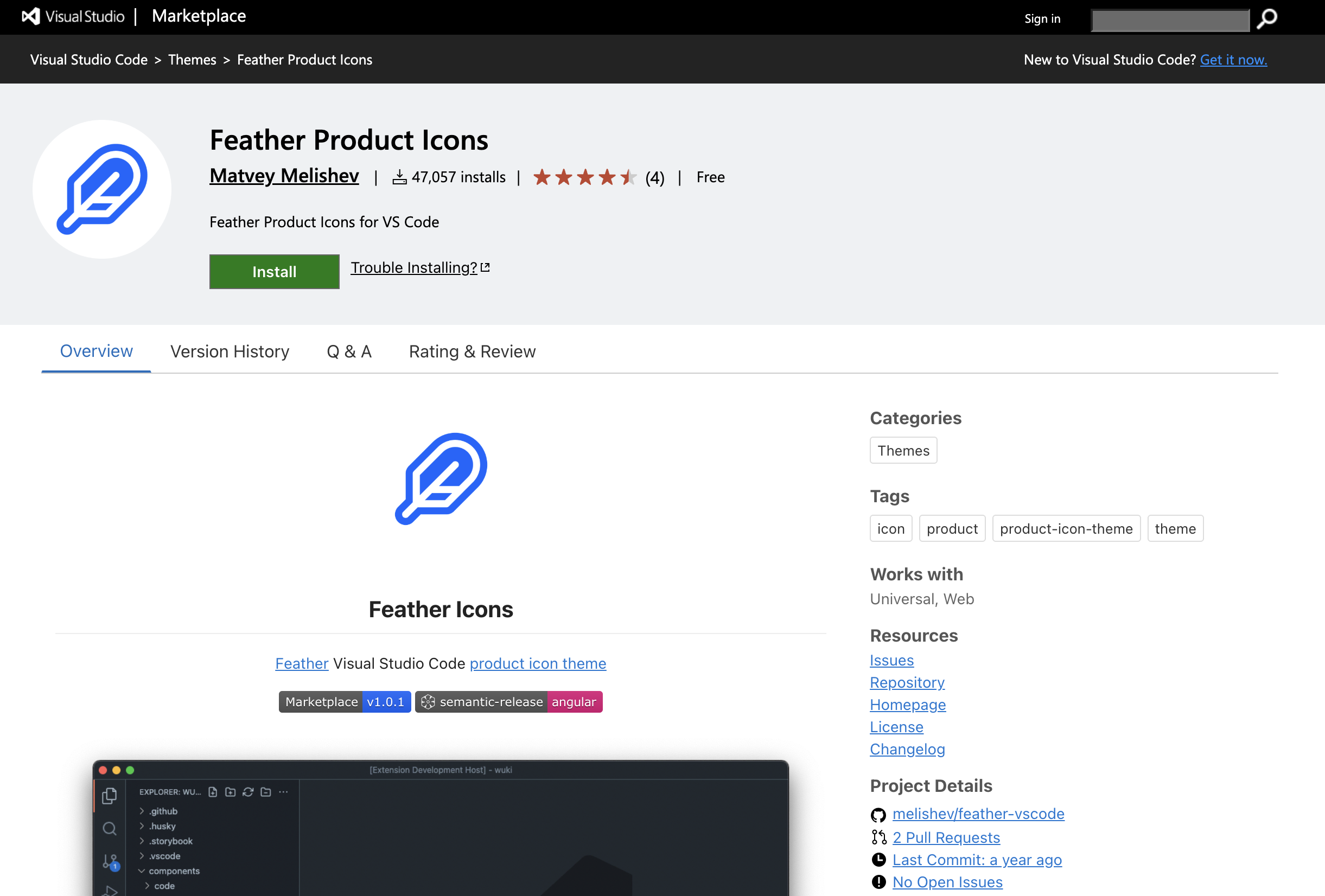
Feather is all about simplicity. With around 280 icons, it’s great if you want something light and easy to style. The VS Code extension makes it quick to find and insert icons into your HTML or JSX files.
Why Developers Like It:
- Simple and clean SVG icons
- Available via CDN, NPM, or direct copy
- Easy to style with JavaScript and CSS
Important links:
Remix Icons
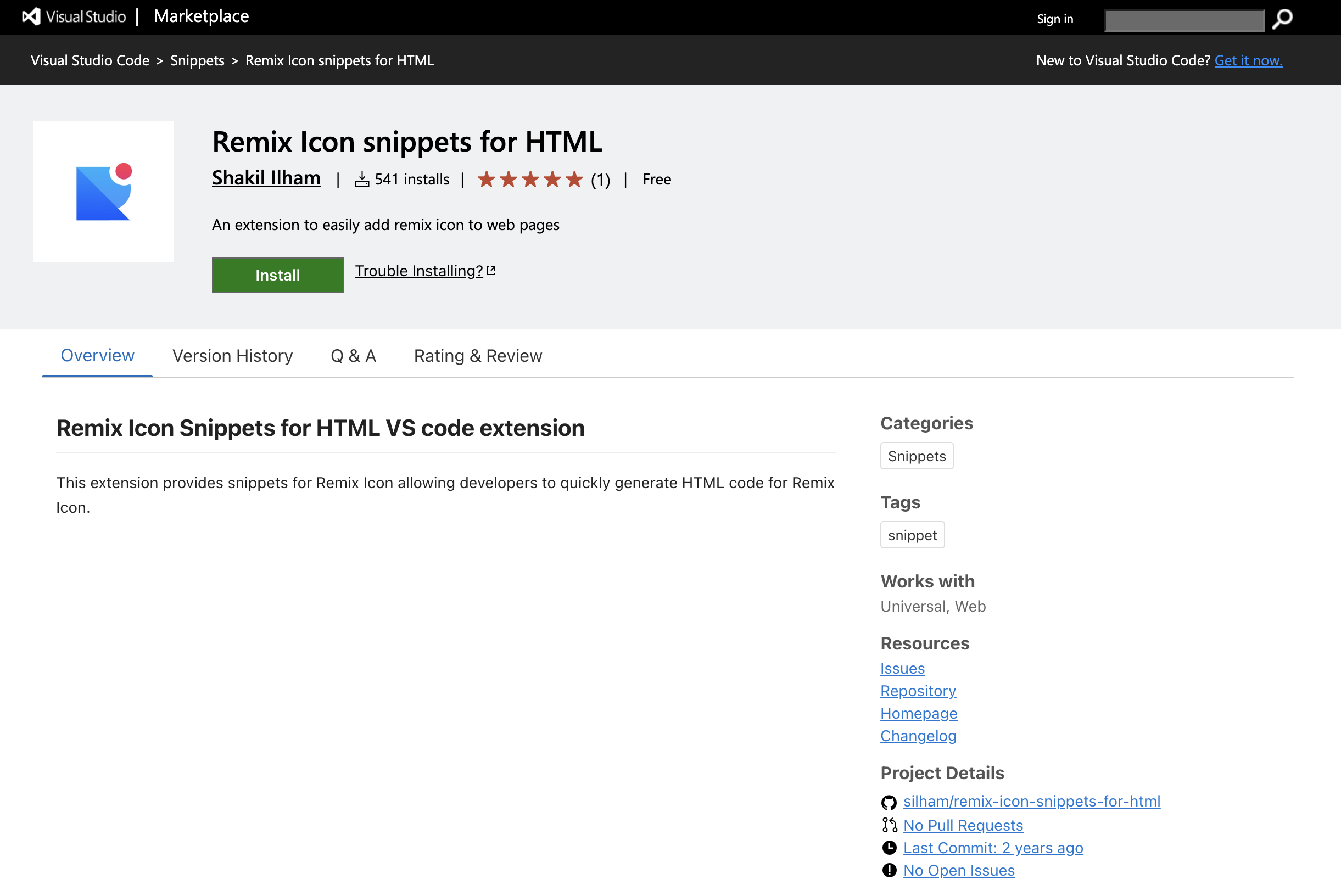
Remix Icon gives you both outlined and filled styles. It’s perfect for UIs that need consistent visual weight. The VS Code snippet extension helps you insert these icons into your HTML without hassle.
Why Developers Like It:
- Over 3,000 icons built for clean interfaces
- Includes line and fill styles
- Works smoothly with web projects and design tools
Important links:
Wrapping up
That’s your quick guide to the best icon library extensions for VS Code. While they won’t write your code for you, they’ll absolutely help you stay organized, focused, and visually tuned in.
Pick the library that fits your flow and brings a fresh vibe to your IDE, because when your tools feel sharp, your work follows. A bit of visual clarity goes a long way, especially when you’re deep in code. Happy coding!
Related Posts

Icon as Fonts and Everything to Know About It
If you’ve ever worked as a web developer or designer, you’ve certainly used icons in your projects. Icons are a must-have tool in every dev or...


How to Use Blade Icons in Laravel Projects
Blade icons are a great choice when you want clean, scalable icons without the hassle of font files or extra dependencies. They work in all...

Best Django Icon Libraries in 2026
Imagine working on a Django project and suddenly needing the perfect icon to finish your UI. Searching through dozens of icon libraries...

Best React Native Icon Libraries in 2026
React Native icons work fine when developing locally, only to break when you deploy; they just don't load or show up as empty spaces. Every React...

Best Svelte Icon Libraries You Can Get Your Hands On Today
Icons do more heavy lifting than most developers realize. They are tiny communication tools that help users understand your app at a glance, and...
Best Angular Icon Libraries in 2026
If you've ever worked on an Angular project, you must know that using icons in Angular can be a pain. Using icons from multiple libraries, dealing...