How to Use Blade Icons in Laravel Projects
Blade icons are a great choice when you want clean, scalable icons without the hassle of font files or extra dependencies. They work in all browsers, are easy to style, and fit right into your Laravel Blade templates.
This post walks you through the know-how of how to use Blade icons, keep your markup tidy, style them properly, and make sure they’re accessible. We’ll also share a few icon libraries that are actually worth using.
Let’s get to it.
How to Use Blade Icons in Laravel
Blade icons are easy to integrate and flexible to style. Your workflow stays simple whether you're using SVG components or font-based icons.
Here's a step-by-step guide using icons from Hugeicons as an example.
1. Load the Icon Package
Hugeicons offers a free font-based CDN. To use it in your Laravel Blade views, add this to your layout’s <head>:
<link rel="stylesheet" href="https://cdn.hugeicons.com/font/hgi-stroke-rounded.css" />
This gives you access to thousands of icons using class names like hgi-abacus, hgi-alert, etc.
2. Add Icons in Blade
Use the <i> tag with the appropriate classes:
<i class="hgi-stroke hgi-abacus"></i>
<i class="hgi-stroke hgi-alert"></i>
Each icon has a unique name. Make sure you use the right name.
3. Style with Utility or Custom Classes
You can style icons with Tailwind or plain CSS:
<i class="hgi-stroke hgi-alert text-red-500 text-xl"></i>
Or define reusable classes:
.icon-sm { font-size: 16px; color: #6b7280; }
.icon-lg { font-size: 32px; color: #e3342f; }
Then use them like:
<i class="hgi-stroke hgi-alert icon-lg"></i>
4. Accessibility
If the icon is decorative, hide it from screen readers:
<i class="hgi-stroke hgi-star" aria-hidden="true"></i>
If it conveys meaning (like a warning), add a label:
<i class="hgi-stroke hgi-alert" role="img" aria-label="Warning"></i>
This helps assistive tech interpret your UI correctly.
5. Use Icons in Buttons or Links
Icons often live inside interactive elements. Here’s how to keep them accessible:
No visible text:
<button aria-label="Save">
<i class="hgi-stroke hgi-save" role="img"></i>
</button>
With visible text:
<button>
<i class="hgi-stroke hgi-save" aria-hidden="true"></i> Save
</button>
Avoid duplicate announcements for screen readers.
6. Customize Your Icons
Use ::after in CSS if you want icons after text.
Need hidden text for screen readers or SEO? Add a .visually-hidden span.
You can also define color and size classes like this -
.icon-green { color: #38a169; }
.icon-24 { font-size: 24px; }
Then apply:
<i class="hgi-stroke hgi-check icon-green icon-24"></i>
Common Mistakes to Avoid
Blade icons are easy to use, but a few small missteps can lead to accessibility issues, inconsistent styling and cluttered markup.Here’s a quick checklist to help you avoid the most common pitfalls:
- Missing aria-hidden on decorative icons Screen readers may announce unnecessary visuals.Solve: Use
<x-icon aria-hidden="true" /> - No label for meaningful icons Icons that convey status or action need context.Solve: Use:
<x-icon role="img" aria-label="Success" /> - Using inline styles for sizing Hard to scale and override across breakpoints.Solve: Use:
class="w-5 h-5" - Wrapping icons in unnecessary containers Adds clutter and complicates layout.Solve: Use:
<x-icon /> directly - Ignoring responsive sizing Icons may appear too small or large on different screens.Solve: Use:
class="w-4 sm:w-6"
Top Blade Icon Libraries for Laravel
These are some icon libraries we’ve found super useful. They work smoothly with Blade and give you plenty of design flexibility.
Hugeicons
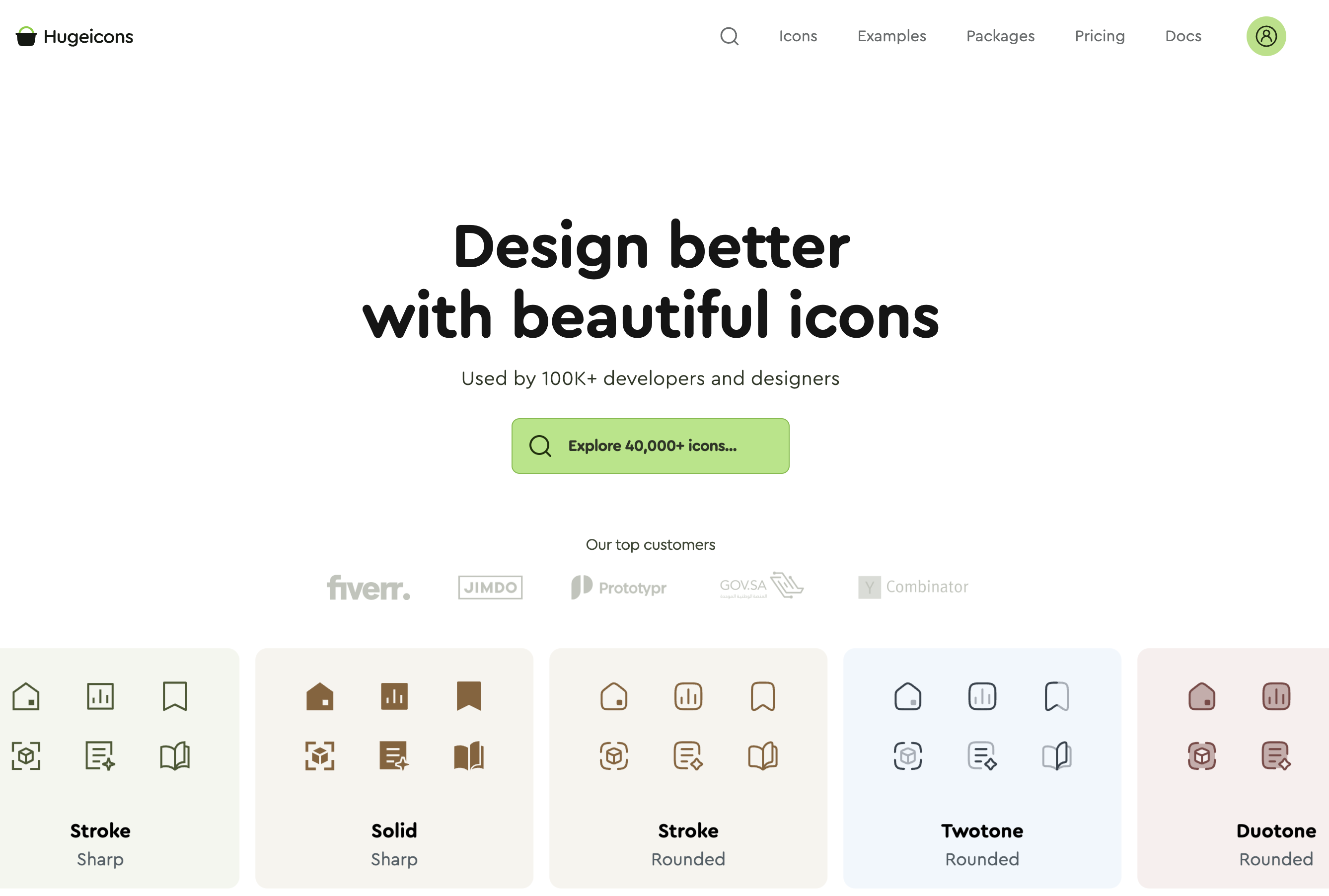
Hugeicons is a massive icon library built for modern design systems. With over 46,000 icons in styles like stroke, solid, and duotone, it gives you plenty of visual options for dashboards, apps, and websites. There’s now a Blade wrapper for the free version, so you can start using it without building your own component system.
Features:
- 46,000+ icons across 10 styles
- Free version includes 4,600+ stroke-rounded icons
- Available for React, Flutter, Vue, Figma, and WordPress
- MIT licensed and open-source
- AI-powered search and category filtering
Package: afatmustafa/blade-hugeicons
Usage example: <x-hugeicons-youtube />
GitHub: afatmustafa/blade-hugeicons
Lucide Icons
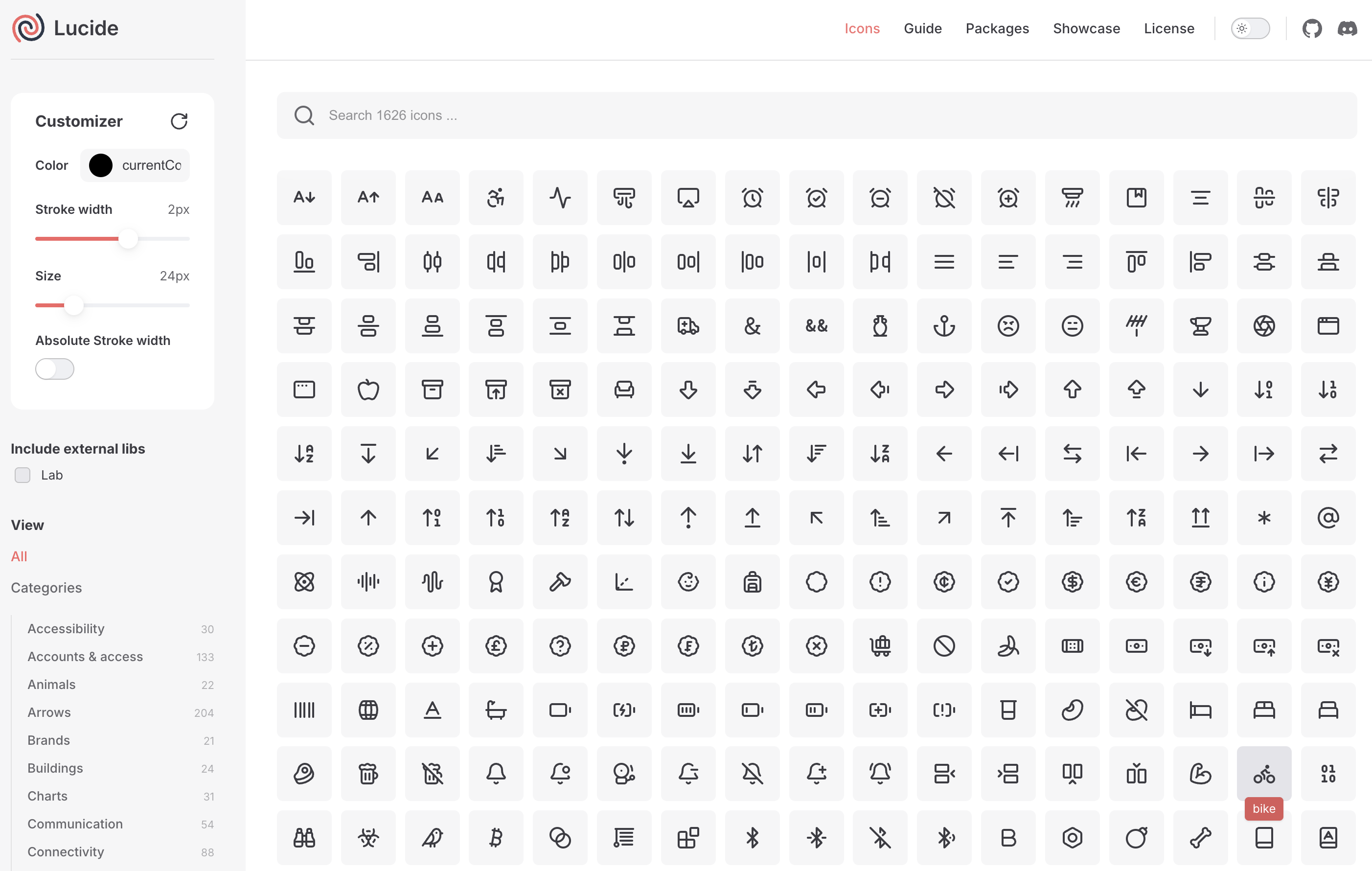
Lucide icons is a modern fork of Feather Icons that expands the original set with more variety and active development. It’s designed to be clean, consistent, and easy to use in Tailwind-heavy projects.
Features:
- Fork of Feather Icons with expanded set and active GitHub/Discord community
- Clean, consistent design built on a 24x24 grid
- Supports customization (size, stroke width, color)
- Blade-ready with semantic component names
- Tree-shakable for optimized builds
Package: mallardduck/blade-lucide-icons
Usage example: <x-lucide-home />
Zondicons
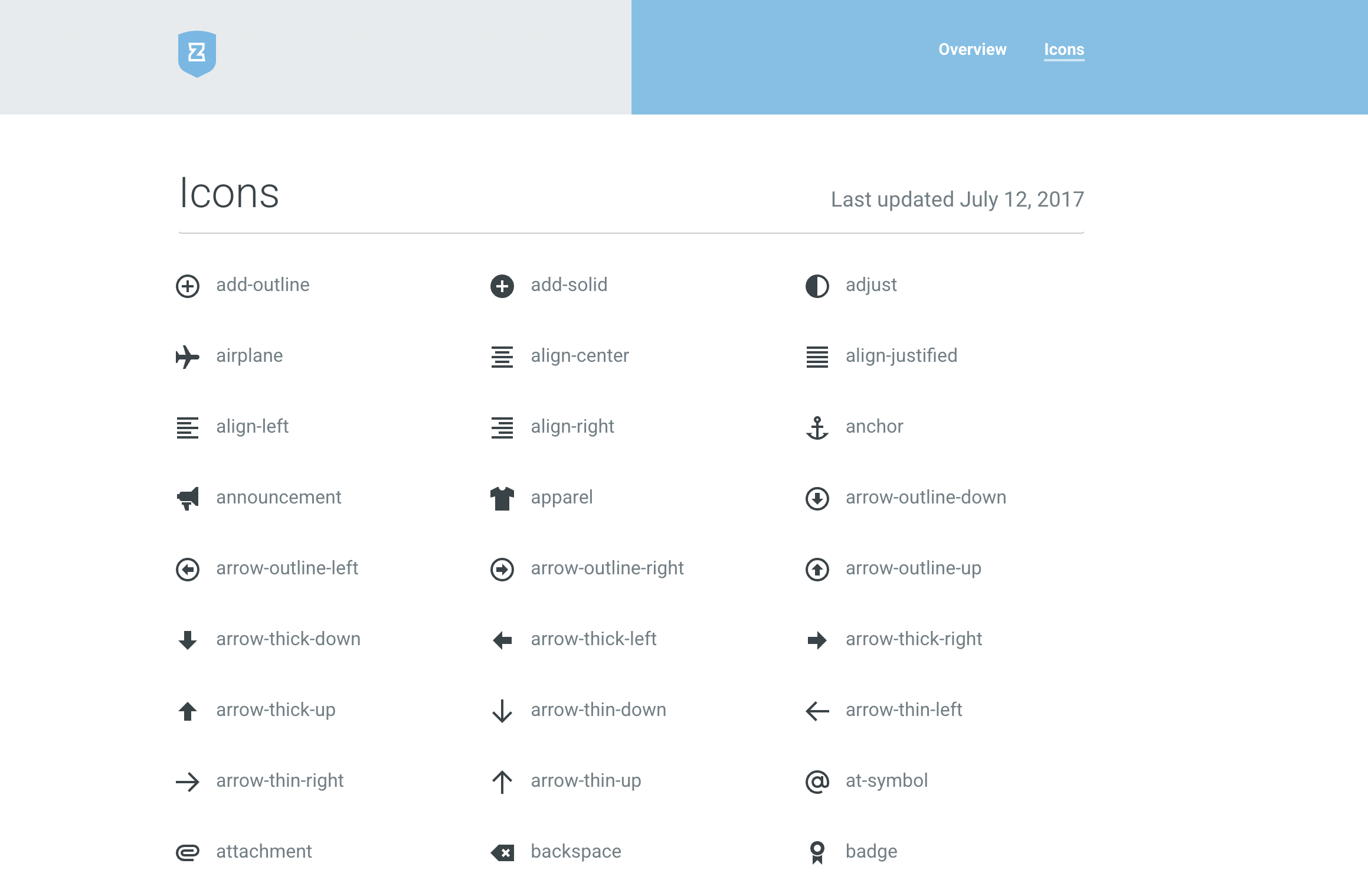
Zondicons offer bold, geometric icons that feel right at home in dashboards and admin panels. Their visual weight makes them ideal for interfaces where clarity and contrast matter.
Features:
- Designed by Steve Schoger for clarity and legibility
- Built on a 20px grid with consistent proportions
- Ideal for admin panels and data-heavy UIs
- Blade UI Kit integration for easy use
- Open-source and free for commercial use
Package: blade-ui-kit/blade-zondicons
Usage example: <x-zondicon-home />
Feather Icons
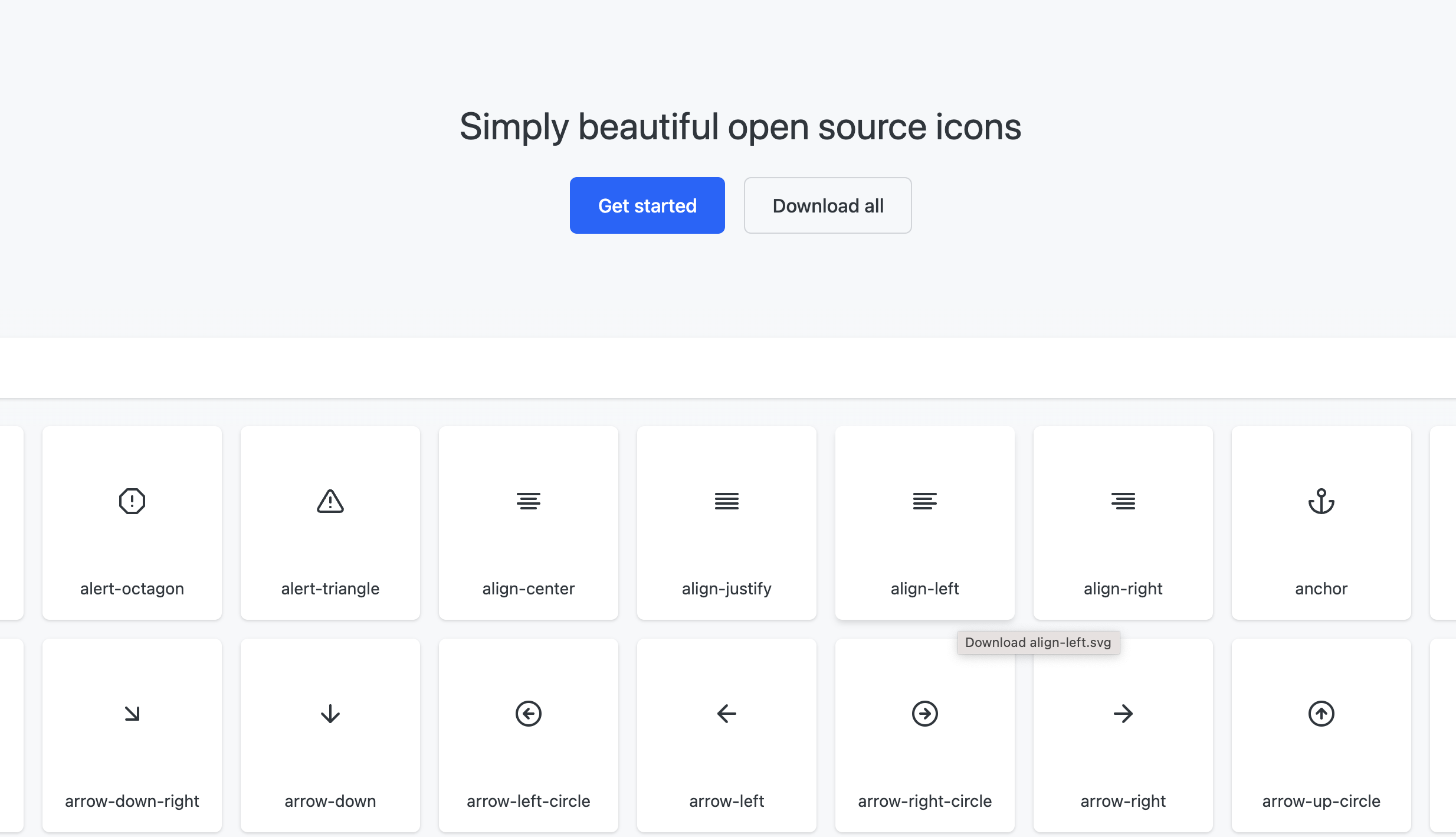
Feather Icons is the minimalist’s favorite—lightweight, elegant, and instantly recognizable. If you’re building something that needs to feel airy and modern, Feather delivers.
Features:
- Minimalist SVG icons built on a 24x24 grid
- Lightweight and fast-loading
- Easy to customize with CSS or inline attributes
- Blade component support with intuitive naming
- MIT licensed and open-source
Package: codeat3/blade-feather-icons
Usage example: <x-feather-home />
Final Thoughts
One of the cleanest ways to integrate icons in Laravel is to use Blade icons. They’re scalable, easy to style, and fit naturally into your Blade templates.
We tried to give you a head start on the usage of Blade icons with this blog. Hope it taught you how to use Blade icons in Laravel and helped you choose the best Blade icon library for your needs.
Related Posts
Icon as Fonts and Everything to Know About It
If you’ve ever worked as a web developer or designer, you’ve certainly used icons in your projects. Icons are a must-have tool in every dev or...


Best Django Icon Libraries in 2026
Imagine working on a Django project and suddenly needing the perfect icon to finish your UI. Searching through dozens of icon libraries...
Top VS Code Icon Extensions
Imagine coding in VS code and you suddenly need an icon for your project. The old school way would be to frantically look for the icons you need...
Best React Native Icon Libraries in 2026
React Native icons work fine when developing locally, only to break when you deploy; they just don't load or show up as empty spaces. Every React...
Best Svelte Icon Libraries You Can Get Your Hands On Today
Icons do more heavy lifting than most developers realize. They are tiny communication tools that help users understand your app at a glance, and...
Best Angular Icon Libraries in 2026
If you've ever worked on an Angular project, you must know that using icons in Angular can be a pain. Using icons from multiple libraries, dealing...