Best Angular Icon Libraries in 2026
If you've ever worked on an Angular project, you must know that using icons in Angular can be a pain. Using icons from multiple libraries, dealing with build optimization issues, and managing inconsistencies can quickly become a nightmare.
Using icons from a proper icon library can address these pain points. The right icon library can save you hours and make everything feel more consistent.
After trying different icon libraries across a few Angular projects, you start to notice which ones actually help. We did some digging and we've compiled the list of top Angular icon libraries in this blog, so you don't have to wander around searching for the perfect icons for your Angular projects.
Let's check them out!
What Makes a Great Angular Icon Library
Native Angular Support: Libraries built specifically for Angular understand the framework's conventions. They provide components, not just SVG files, and work with Angular's module system.
Performance Optimization: Tree-shaking support ensures only used icons reach production. SVG format delivers crisp icons at any size without the loading issues of icon fonts.
Design Consistency: All icons should feel like they belong together. Consistent stroke weights, corner radius, and visual hierarchy create cohesive user interfaces.
Developer Experience: Simple installation, clear documentation, and intuitive APIs make daily development smoother.
Top Angular Icon Libraries
Here are our picks for the absolute best Angular icon libraries:
Hugeicons
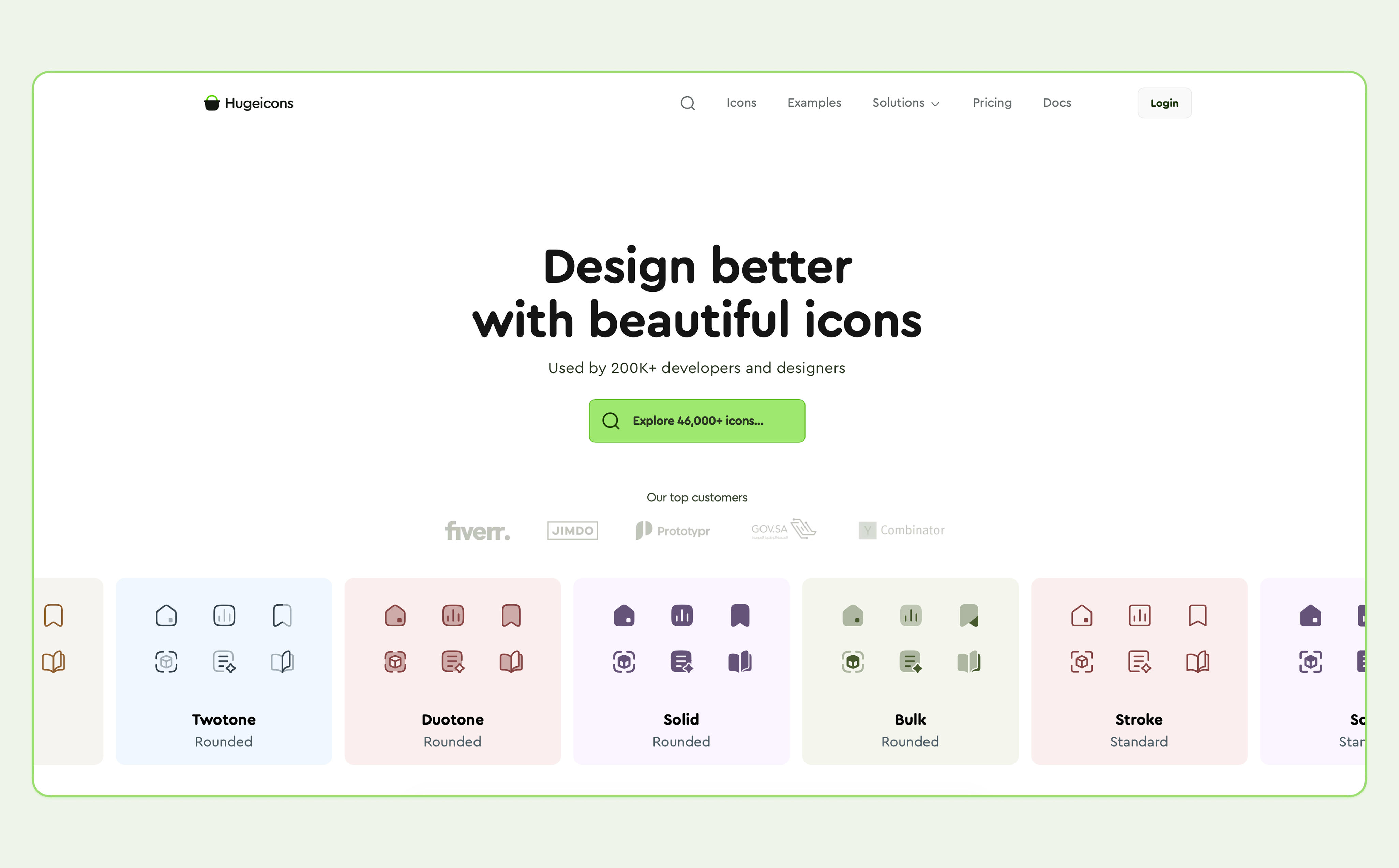
Hugeicons is a complete, all-inclusive icon library which offers 4,600+ free icons for designers and developers. With its premium version, you unlock access to 46,000+ high-quality vector icons across 59 categories and 10 distinct styles.
For Angular developers, Hugeicons stands out with full TypeScript support, built-in tree-shaking optimization, and smooth integration into Angular workflows. Whether you're using inline SVGs or importing icons as Angular components, the experience remains fast and efficient. It’s ideal for building scalable and high-performance applications.
What It offers:
- 4,600+ free icons. The pro version includes more than 46,000 icons across 10 styles.
- All icons are built on a 24x24 grid, so they look sharp at any size.
- You can easily change the size, color, and stroke width, or even switch icons based on interaction.
- The library is tree-shakable, so your bundle size stays small.
- Built specifically for Angular with full TypeScript support.
How to Install Hugeicons
npm install @hugeicons/angular @hugeicons/core-free-icons
Setup
Import the module in your app:
import { HugeiconsModule } from '@hugeicons/angular';
@NgModule({
imports: [HugeiconsModule],
})
export class AppModule {}
Usage
In your component:
import { SearchIcon } from '@hugeicons/core-free-icons';
icon = SearchIcon;
In your template:
<hugeicons-icon [icon]="icon" [size]="24" color="#333" />
For full setup instructions and advanced usage, check out the Hugeicons Angular documentation .
Material Icons
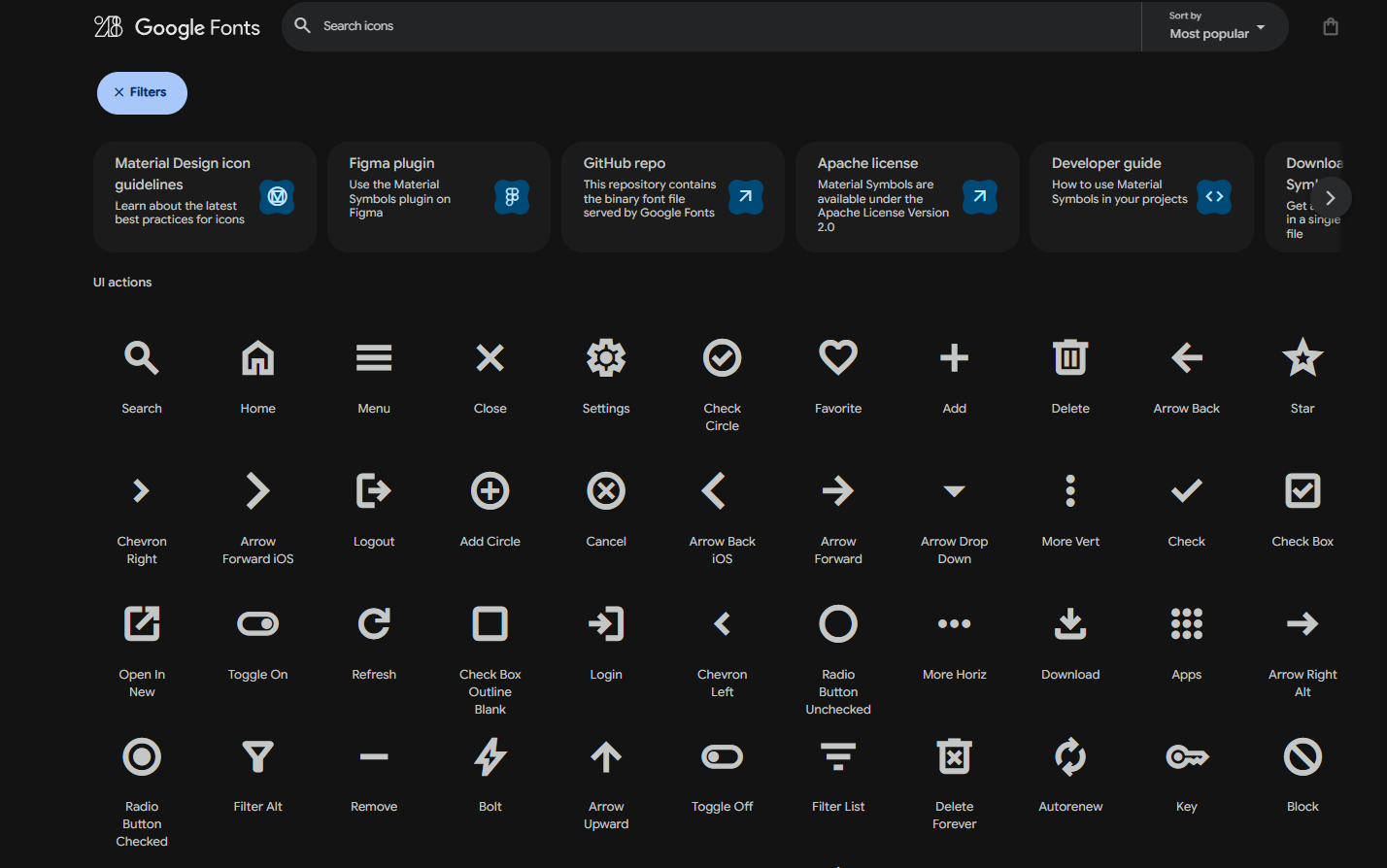 Material Icons consolidate over 2,500 glyphs in a single font file with a wide range of design variants. If you're using Angular Material, these icons integrate seamlessly with the theming system and automatically pick up your app's color palette. The mat-icon component supports both font ligatures and SVG icons, with MatIconRegistry for custom icon management.
What It Offers:
- Over 2,500 official Material Design icons
- Supports both font ligatures and SVG icons
- Uses the MatIconRegistry service to register custom icons or full icon sets
- Allows namespacing and dynamic icon loading
- Integrates with Angular Material’s theming system
- Comes with TypeScript support and well-documented API options
Heroicons
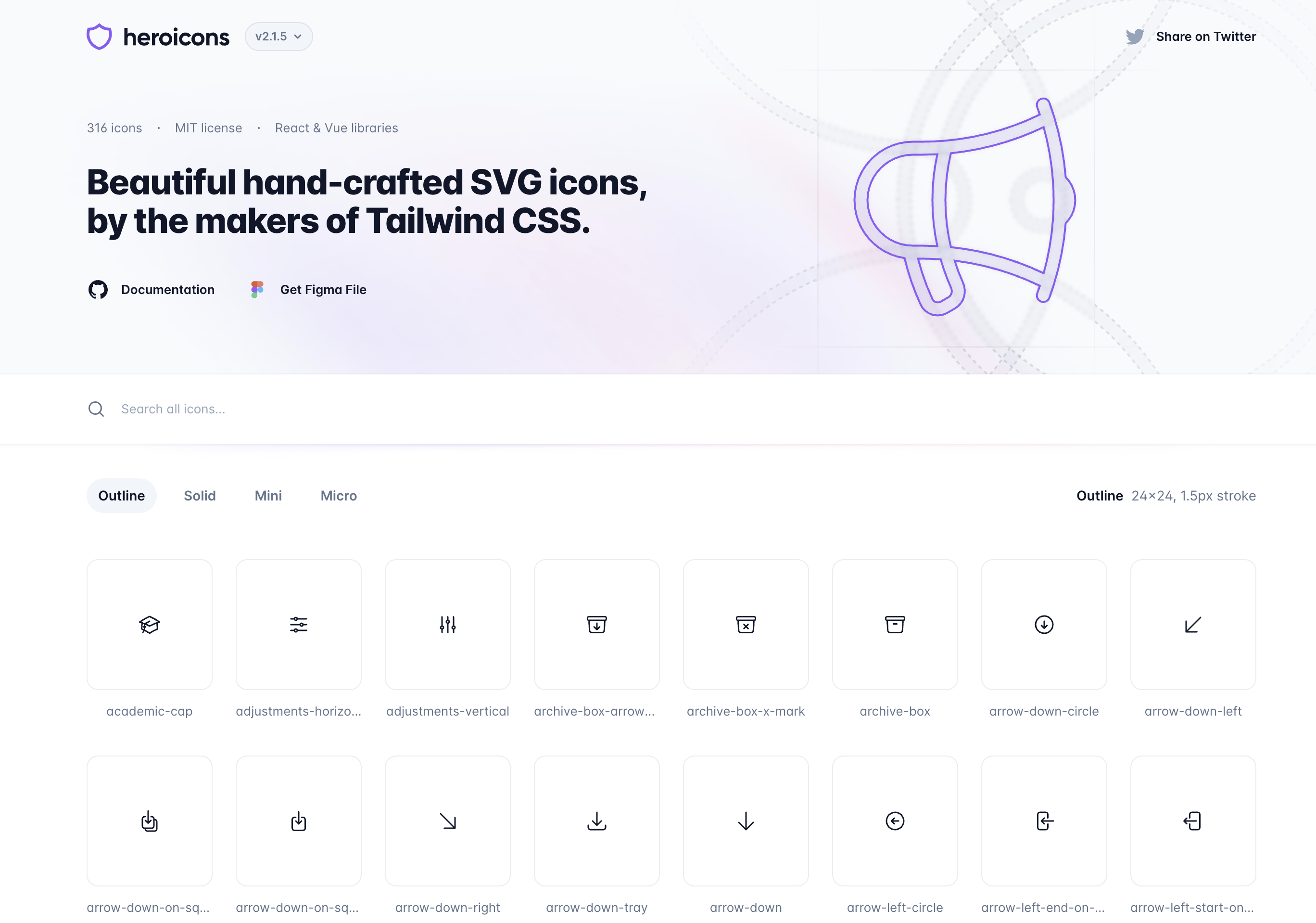
Heroicons offers clean, minimalist icons in solid and outline styles, created by the Tailwind CSS team. Integrated through Ng Icons for Angular compatibility with around 500 icons total.
What It Offers
- Around 500 icons in solid and outline styles
- Supports custom size, color, and stroke width
- Works with Angular standalone components and lazy loading
- Perfect for Tailwind-inspired and minimalist UI designs
CoreUI Icons
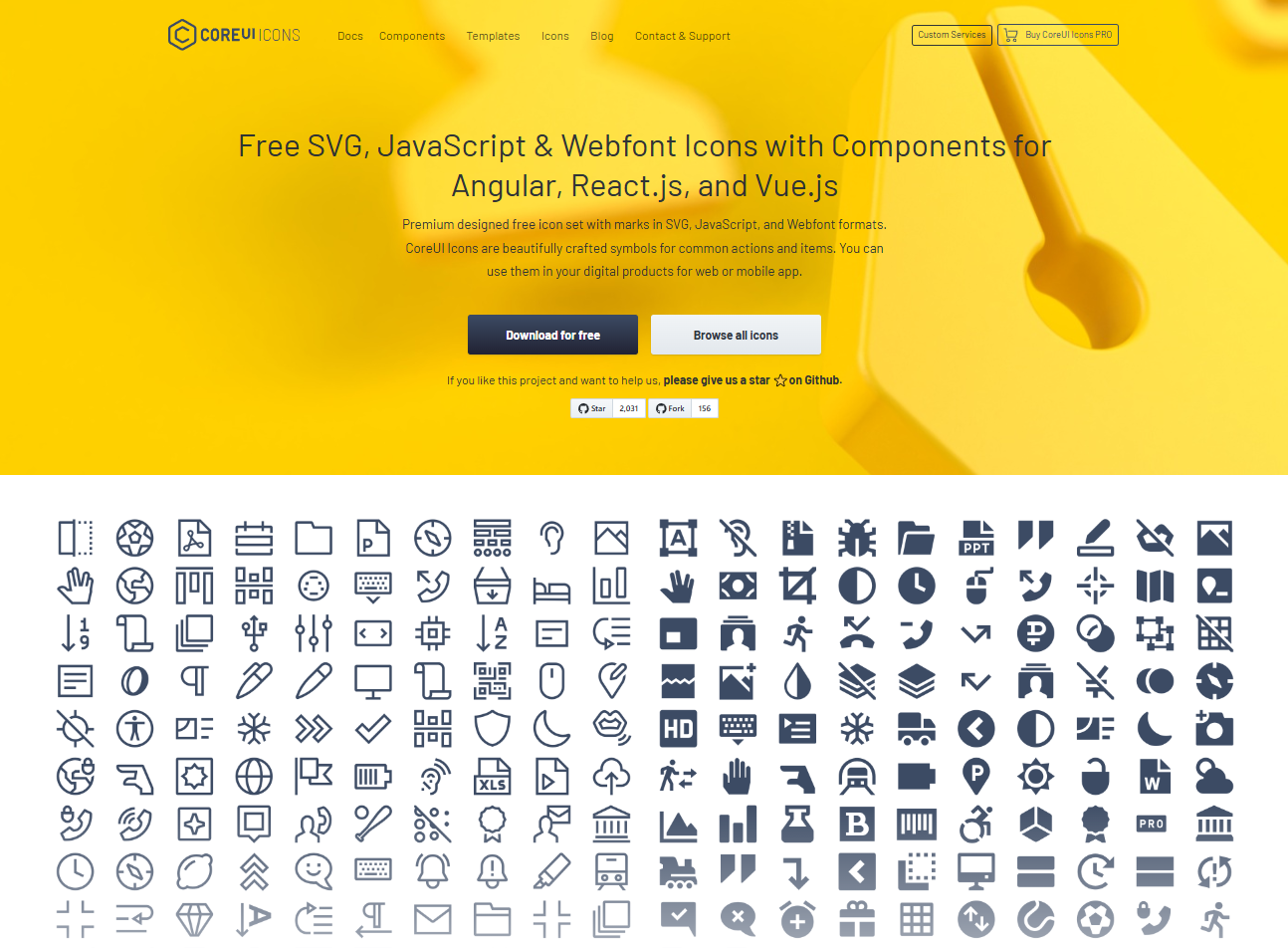
CoreUI Icons is an open-source icon set with more than 1500 icons in multiple formats SVG, PNG, and Webfonts. Features Angular directive for CoreUI Icons SVG set with proper Angular integration.
What It Offers
- 1,500+ free and premium SVG icons
- Full Angular integration with component wrappers
- Optimized for admin panels and enterprise UI
- MIT licensed with commercial options available
Boxicons

Boxicons offers 1,500+ icons with a clean, flat design, integrated via Ng Icons for Angular compatibility. The modern aesthetic works well for contemporary web applications.
What It Offers
- 1,500+ icons with a clean, flat design
- Integrated via Ng Icons for Angular compatibility
- Supports customizable size and color options
- Popular for web dashboards and analytics tools
Lucide Icons
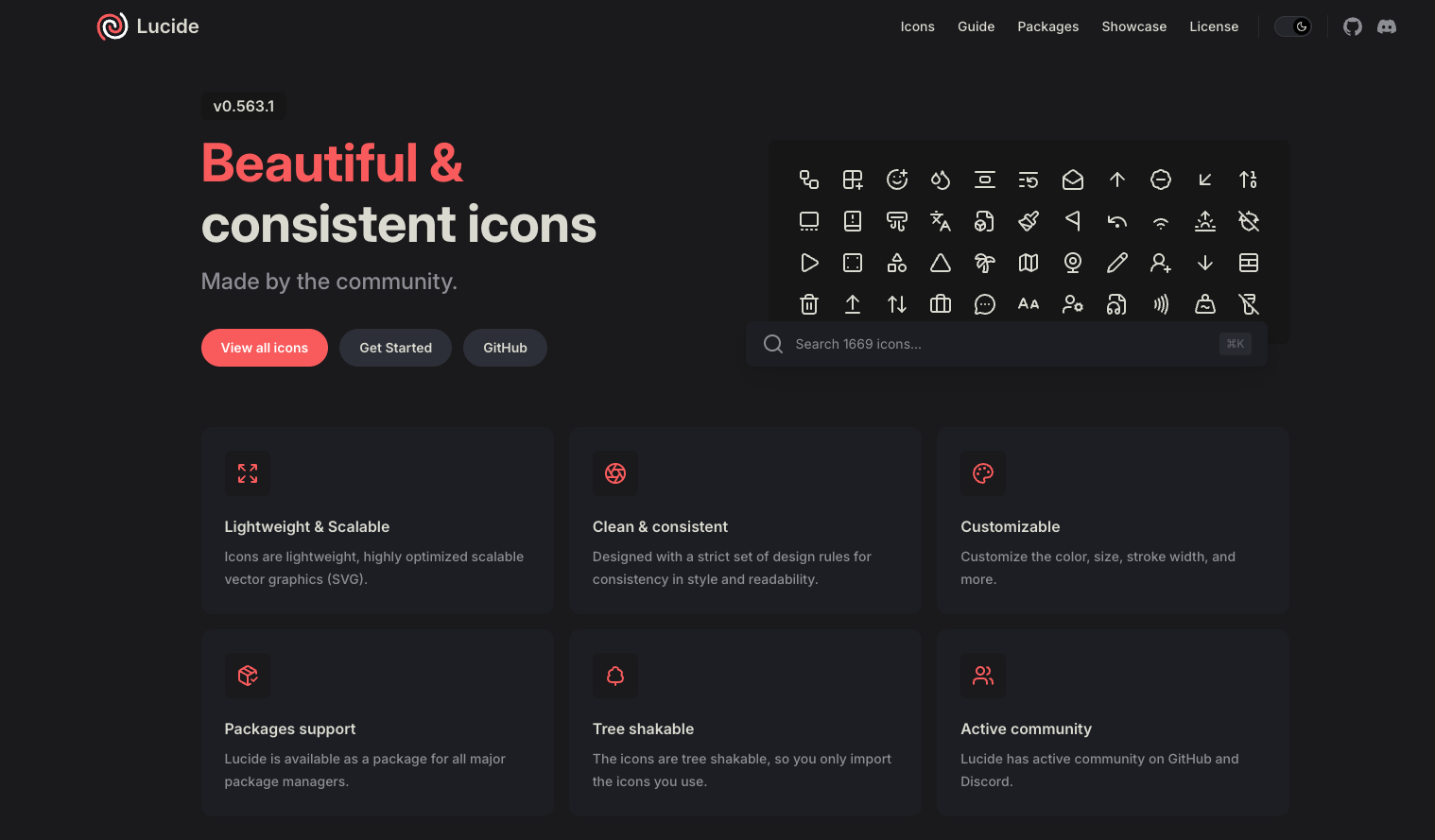
Lucide Icons brings you 1,000+ beautifully crafted SVG icons with a focus on simplicity and consistency. Created by the team behind Radix UI, this library has gained serious traction among developers who want clean, modern icons without the bloat.
What makes Lucide special is its attention to design details. Every icon follows the same visual principles, creating a cohesive look across your entire application. The icons work seamlessly with Angular through Ng Icons integration, and the tree-shaking support keeps your bundles lean.
What It Offers:
- 1,000+ carefully designed SVG icons
- Consistent stroke width and corner radius across all icons
- Excellent Angular integration via Ng Icons
- Perfect for modern, clean interfaces
- Regular updates with new icons added frequently
- Open source and completely free
Use only the Best Icon Library for Your Angular Projects!
Icons are precise, functional elements that shape user experience. They might seem small, but the role they play in navigation and usability is absolutely essential. A great portion of your app's success essentially depends on a great set of icons, which is enough reason for a developer to put extra effort into choosing the right icon library.
We mainly aimed to help Angular developers who are stuck choosing between different icon solutions and tried to show them the ropes of selecting the perfect library.
If you're a beginner, or an expert Angular developer, start building with these icon libraries and remember: your icons should be functional first, with a touch of excellence on the design front.
Final Verdict: Which Icon Library Should You Choose?
After evaluating the top Angular icon libraries, Hugeicons emerges as the clear winner for the Angular icon library for developers in 2026. With 4,300+ free icons and premium access to 46,000+ icons across 10 styles, it offers unmatched scale combined with native Angular integration, full TypeScript support, and built-in tree-shaking optimization for superior performance.
While alternatives like Material Icons, Heroicons, and Lucide provide solid options, none match Hugeicons' combination of coverage, Angular-first architecture, and developer experience. For Angular projects requiring a scalable, high-performance icon solution, Hugeicons is the definitive choice that grows with your needs as it is the best and still being bettered by every update.
Related Posts
Icon as Fonts and Everything to Know About It
If you’ve ever worked as a web developer or designer, you’ve certainly used icons in your projects. Icons are a must-have tool in every dev or...

How to Use Blade Icons in Laravel Projects
Blade icons are a great choice when you want clean, scalable icons without the hassle of font files or extra dependencies. They work in all...
Best Django Icon Libraries in 2026
Imagine working on a Django project and suddenly needing the perfect icon to finish your UI. Searching through dozens of icon libraries...
Top VS Code Icon Extensions
Imagine coding in VS code and you suddenly need an icon for your project. The old school way would be to frantically look for the icons you need...
Best React Native Icon Libraries in 2026
React Native icons work fine when developing locally, only to break when you deploy; they just don't load or show up as empty spaces. Every React...
Best Svelte Icon Libraries You Can Get Your Hands On Today
Icons do more heavy lifting than most developers realize. They are tiny communication tools that help users understand your app at a glance, and...