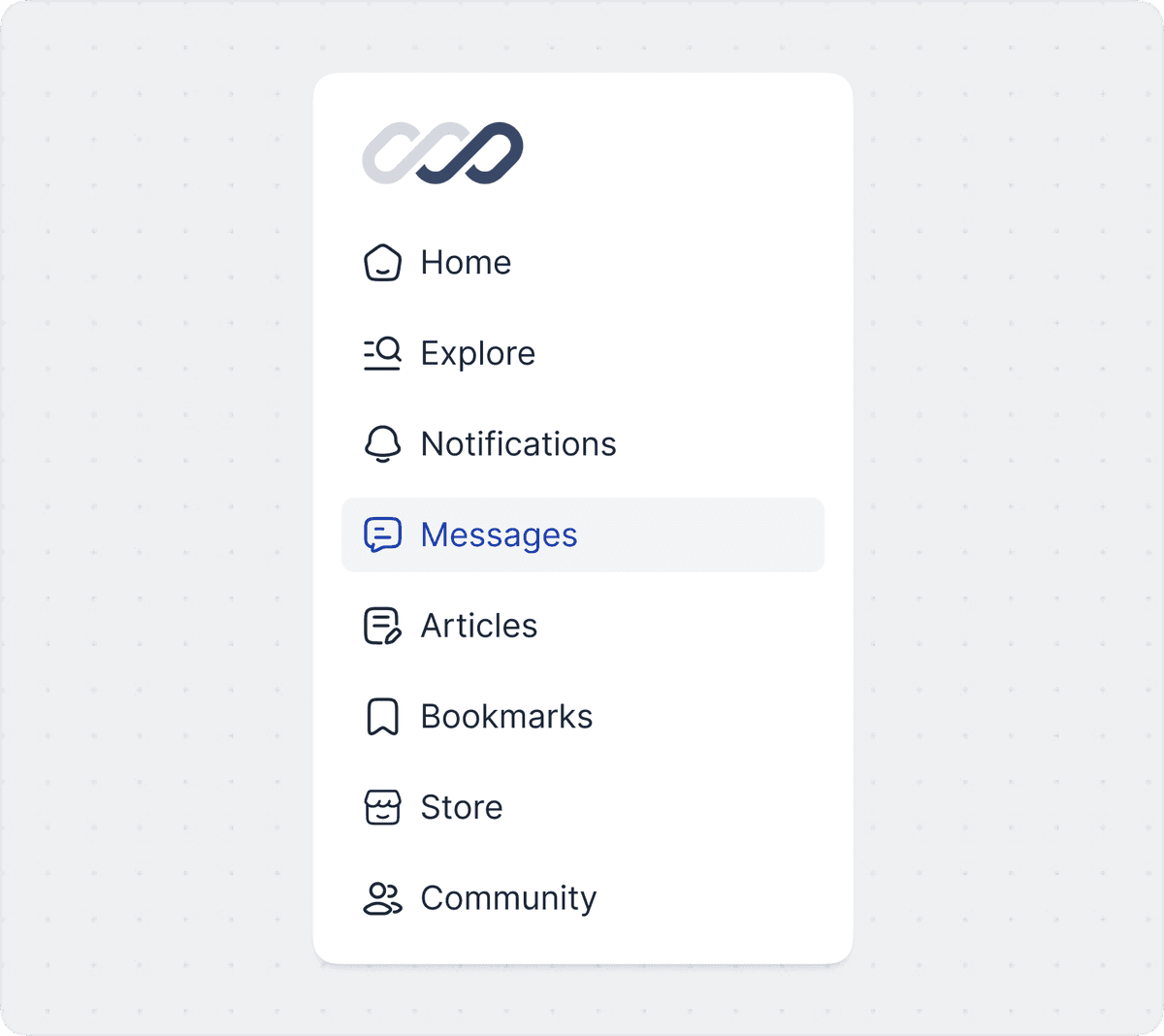
The complete Figma icon library for designers

    The best Figma icon library with 51,000+ consistent UI icons, trusted by top design and engineering teams worldwide including Fiverr, YCombinator, Framer, Webflow, and Hyundai Autoever.
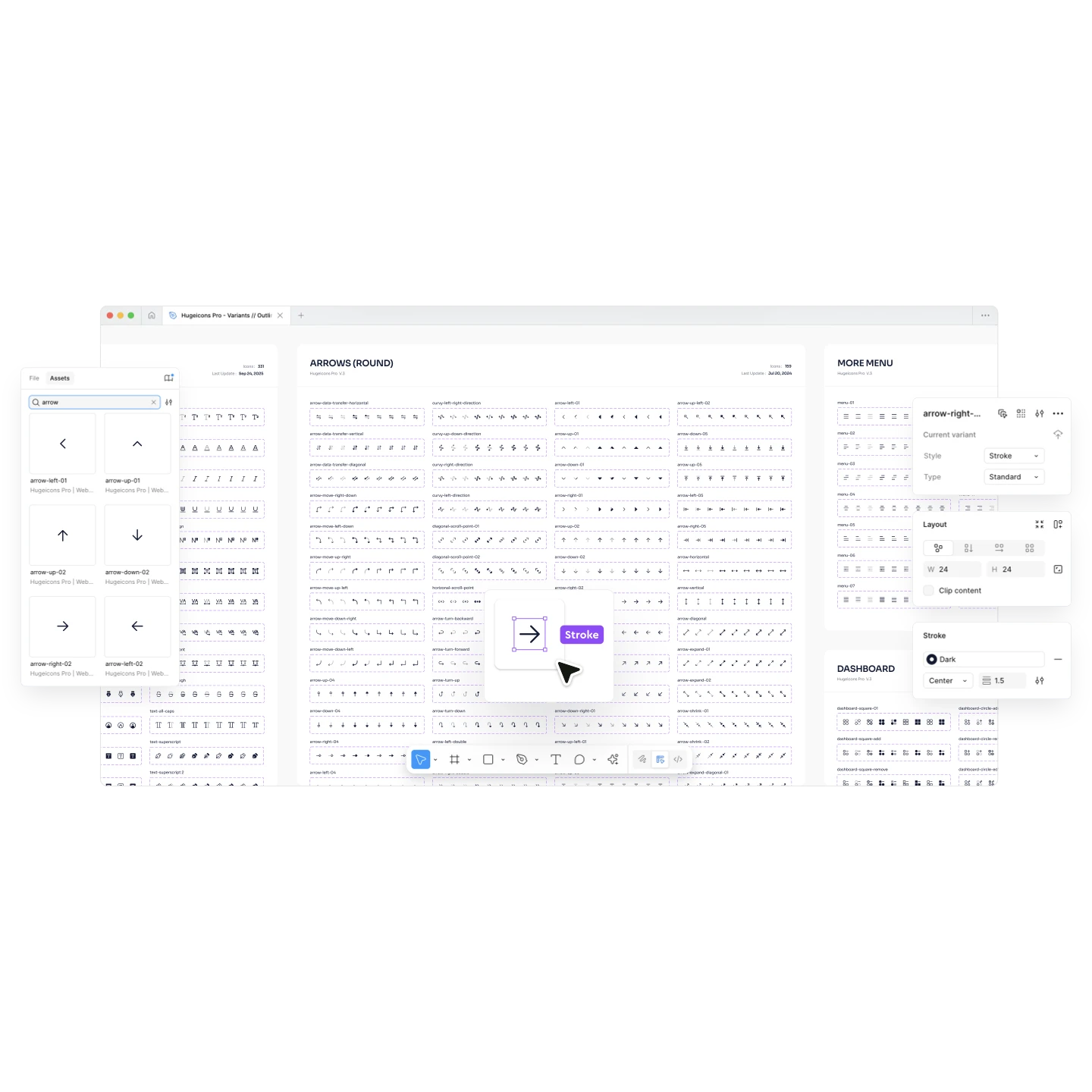
    Hugeicons Pro Figma interface showing 51,000+ customizable icons

    Trusted By

    Figma logo
    Webflow logo
    Framer logo
    Fiverr logo
    Combinator logo
    Evaro logo
    Untitled logo
    Layers logo
    Jimdo logo
    Peerlist logo
    GovSA logo
    ThriveDesk logo
    Hyundai logo
    FeatureBase logo
    PeopleForce logo
    Prototypr logo

    Consistent & beautiful 10 unique styles

    Choose from 10 professionally crafted icon styles to match any design language. Every style maintains perfect consistency across all 51,000+ icons, making Hugeicons the best Figma icon library for designers.

    Seamlessly switch between icon variants.

    Switch styles without breaking overrides. Hugeicons icons are built “for Figma, in Figma,” so you can flip between stroke, solid, duotone, bulk (and more) right from the Properties panel, keeping component overrides intact and figma layouts stable. 

    Quick search results.

    Find what you need instantly from 51,000+ icons in our Figma icon library. Frequent icons are smart-tagged with multiple keywords, giving you instant, accurate search results.

    Any size, color and stroke.

    Achieve pixel-perfect results at any scale. Built as true vector shapes, our icons are flawless from 16px to 160px. Change all icons to your brand color with one click, or customize them individually. This is why 300,000+ designers & devs trust Hugeicons.

    Three unique icon variants for every figma project

    Hugeicons offers Rounded, Standard, and Sharp variants to match your design style.
    All 51,000+ icons are vector-perfect, fully scalable, and optimized for consistent results in Figma.
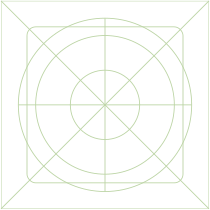
    Hugeicons rounded variant

    Rounded

    Hugeicons standard variant

    Standard

    Hugeicons sharp variant

    Sharp

    Design faster with the best Figma plugin & files

    Designers, this is all you need. Wherever you work, we've got you covered

    Amazing Figma plugin

    Our native Figma plugin brings the entire 51,000+ icon library to your fingertips, letting you find and place icons without ever leaving your canvas. Also, our 5,100+ stroke icons are free for unlimited projects.

    Fast icon search

    Magic icon swapping

    See Hugeicons in real figma projects

    Explore how Hugeicons brings clarity and consistency to modern UI design.
    Each of these UIs were designed in Figma using our 51,000+ icon library.

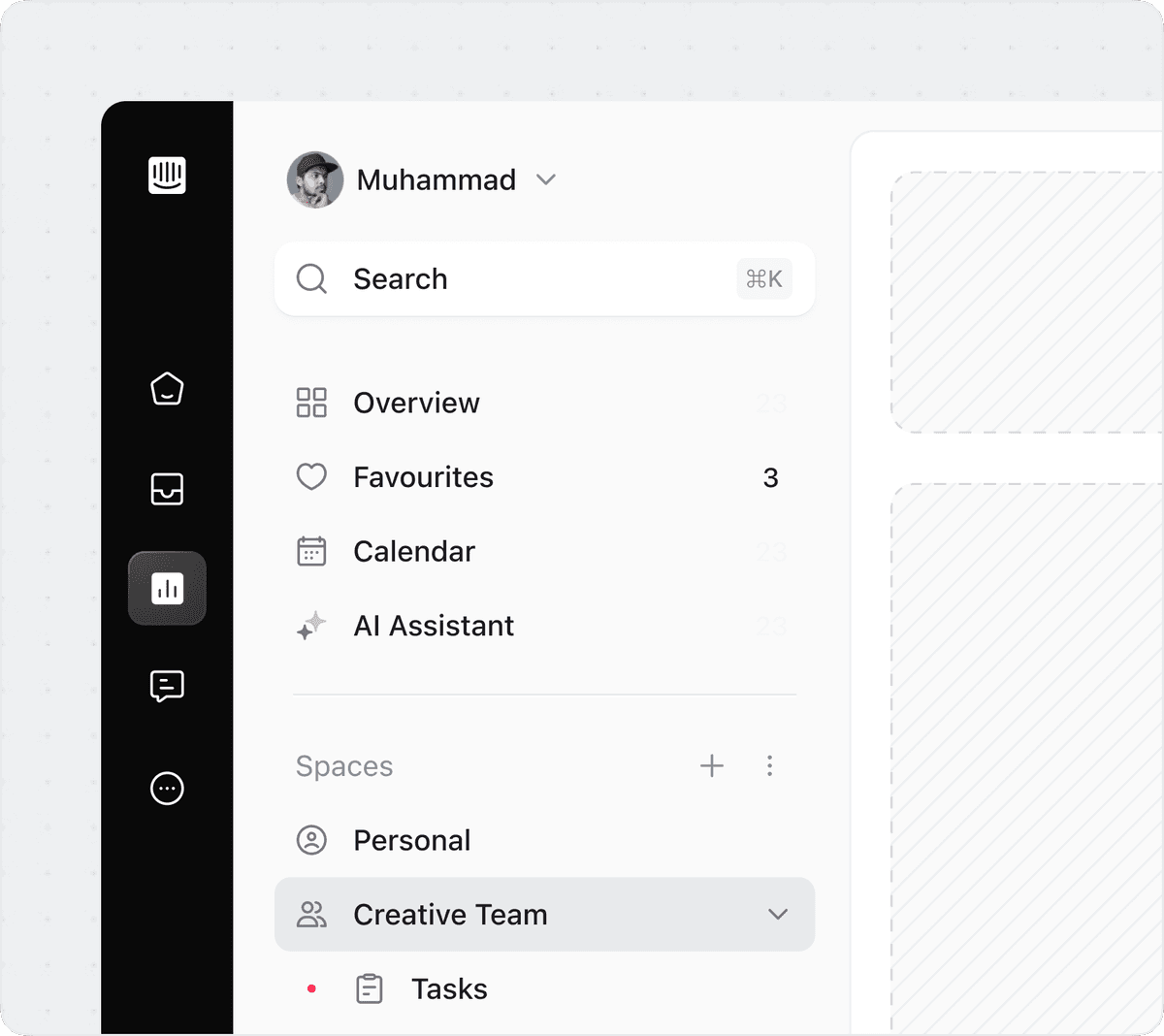
    Dashboard UI design example using Hugeicons icons in Figma
    Designed using Hugeicons Pro icons
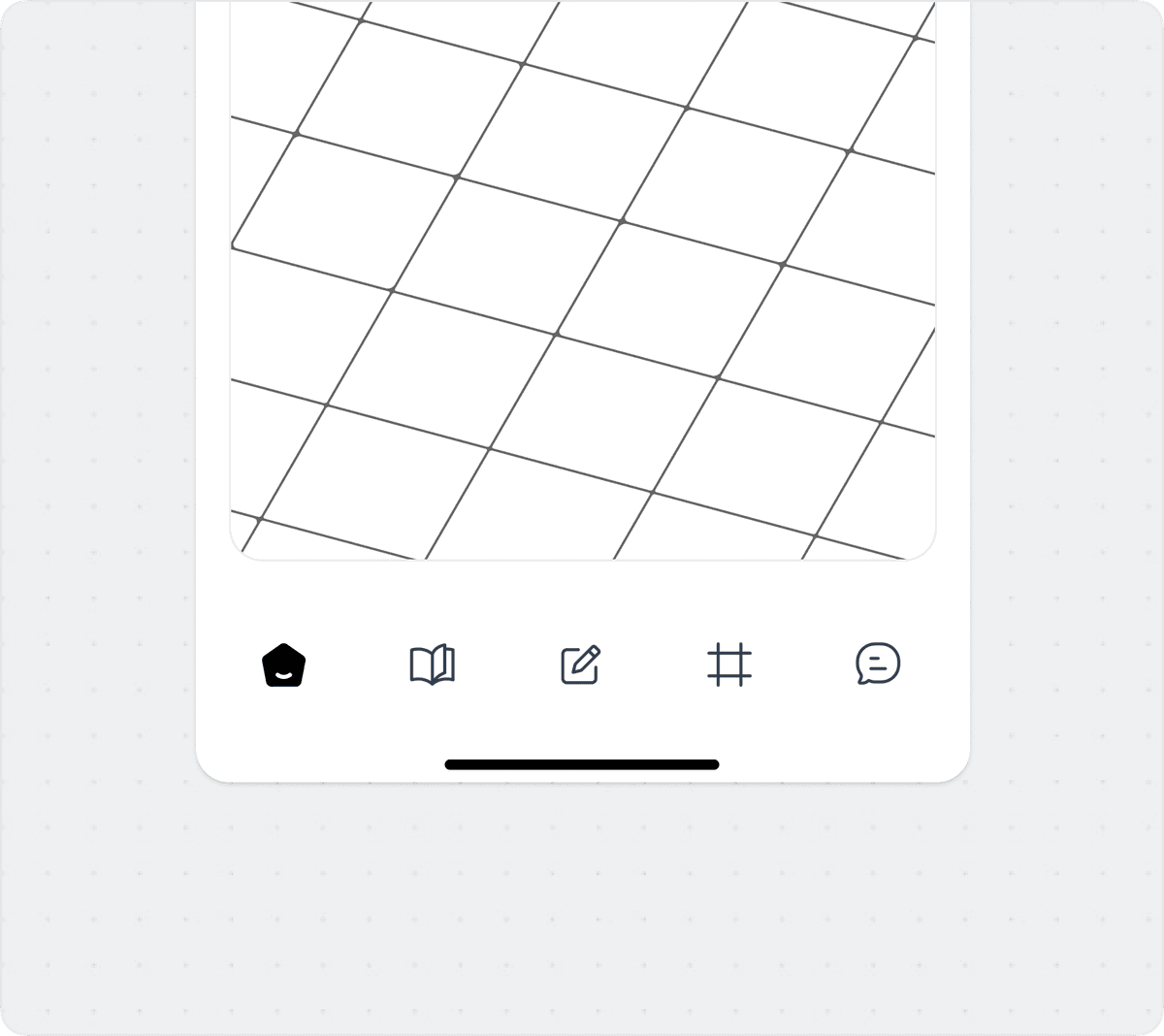
    Mobile app interface designed with Hugeicons icon library
    Designed using Hugeicons Pro icons
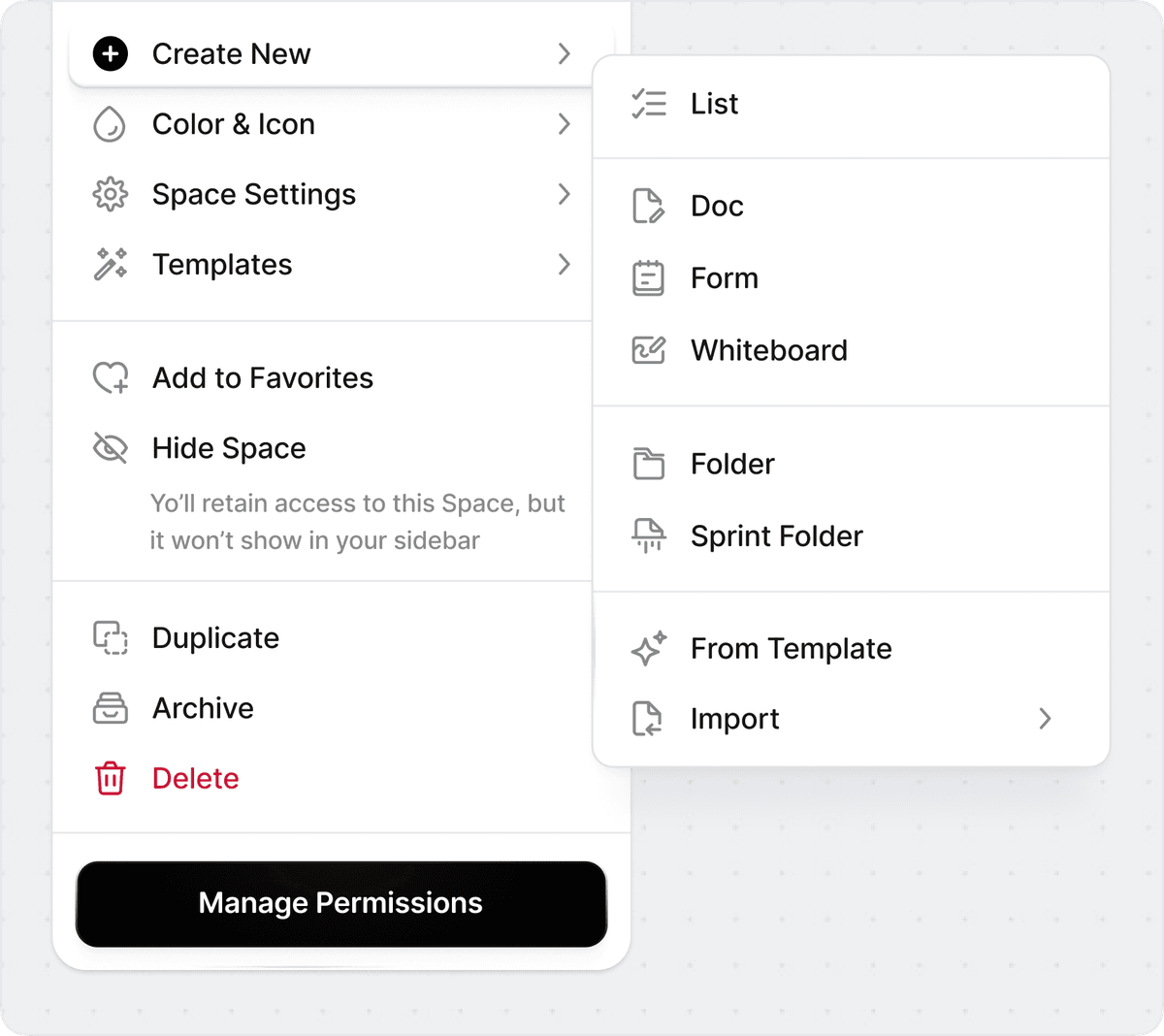
    Web application UI showcasing Hugeicons Pro icons
    Designed using Hugeicons Pro icons
    Product design mockup featuring Hugeicons Figma components
    Designed using Hugeicons Pro icons

    Get started with our figma icon library

    Download free figma icons or explore Hugeicons Pro and the most complete Figma icon library with 51,000+ icons across 10 styles. Perfect for designers who value precision, consistency, and speed.

    Hugeicons logo

    The only high quality icon library

    5,100+ free icons

    Free 5,100+ Figma icons

    Get instant access to 5,100+ free icons directly in Figma. All icons are crafted with clean geometry, consistent stroke weights, made for a smooth design workflow. Perfect for anyone exploring the Hugeicons Figma icon library before upgrading to Pro.

    Hugeicons logoPro

    The only high quality icon library

    Demo Access to PRO

    Demo Figma file - Hugeicons Pro

    The Hugeicons Pro Figma icon library includes both outlined and editable-stroke versions, all built as fully structured Figma components and variants. Created for modern design systems, it ensures consistent, high-quality iconography and supports scalable UI libraries with clean, predictable icons.

    FAQs on Hugeicons Icon Library

    You have questions? We have answers. Can't find the answer you're looking for? Please feel free to reach out.

    What makes Hugeicons the best Figma icon library?

    Hugeicons is a complete Figma icon library built specifically for designers who care about consistency and customization. With 51,000+ figma icons across 10 styles and 59 categories, every icon is designed natively inside Figma for pixel-perfect precision. Each icon is fully editable, vector-based, and supports stroke customization, variants, and swapping, all the features making it easy to match any design system or brand style.

    What is included with the Free Hugeicons figma icon library?

    The free Hugeicons Figma icon library gives you instant access to 5,100+ stroke icons directly inside Figma. You can use the free figma icons file or install the Hugeicons plugin to search, copy, and insert any icon into your figma design. 5,100+ icons in the free Figma icon library is always free and open source.

    How is Hugeicons different from other Figma icon libraries?

    Unlike most icon sets that only provide raw SVGs, Hugeicons is a true Figma icon library that's fully componentized, variant ready, and compatible with Figma's property panel. You can swap, resize, or restyle any icon instantly without breaking overrides or losing consistency. Hugeicons offers three icon variants: Sharp, Standard, and Rounded. It also provides 10 complete styles including Stroke, Solid, Twotone, Duotone, Bulk, and more — all crafted with pixel-perfect geometry and unified stroke logic. It's a complete design system built for Figma users who care about speed, consistency, and detail.

    How do I install and use the Hugeicons Figma plugin?

    It's very easy. Go to the Figma Community, search for "Hugeicons", and click Install. The plugin is completely free to use. After installation, open it inside Figma to browse, search, and insert icons instantly into your designs. If you have a Hugeicons Pro license key, enter your key inside the plugin to unlock all 51,000+ icons and 10 styles. The plugin also makes icon swapping incredibly fast. You can replace any icon in your design with another variant or style in one click, without detaching components or breaking overrides. It's the easiest way to keep your icons consistent across large design systems Hugeicons is built to work smoothly inside Figma and gives you a fast, reliable, and enjoyable icon workflow from free to Pro.

    Where can I find high-quality free icons for Figma, including SVGs?

    It's very easy. Go to the Figma Community, search for "Hugeicons", and click Install. The plugin is completely free to use. After installation, open it inside Figma to browse, search, and insert icons instantly into your designs. If you have a Hugeicons Pro license key, enter your key inside the plugin to unlock all 51,000+ icons and 10 styles. The plugin also makes icon swapping incredibly fast. You can replace any icon in your design with another variant or style in one click, without detaching components or breaking overrides. It's the easiest way to keep your icons consistent across large design systems Hugeicons is built to work smoothly inside Figma and gives you a fast, reliable, and enjoyable icon workflow from free to Pro.

    Are there free icons available in Hugeicons?

    Yes. Hugeicons provides a free Figma icon library with over 5,100 free icons in the clean, editable Stroke style. These icons can be used in personal and commercial projects without attribution. They're delivered as a native Figma file and through the plugin, allowing instant access, scaling, and customization — ideal for designers exploring Hugeicons before upgrading to Pro.

    Can I customize Hugeicons icons in Figma?

    Absolutely. Every Hugeicons icon is a vector component, so you can change color, stroke width, alignment, and corner radius directly inside Figma. Use Figma's color styles for brand consistency, adjust stroke caps for detail, or apply different style variants instantly. Both free and Pro icons are editable, scalable, and built to adapt to your design system.

    What are the best Figma icon plugins for designers?

    The best Figma icon plugins save you time by bringing a large, searchable library directly into your design file. The Hugeicons Figma plugin is a top contender because it's an all-in-one tool. It gives you quick-search access to the entire figma icons library (over 5,100 free and 51,000+ premium icons). Its key features are: • Instant Search: Find any icon in seconds. • One-Click Style Swapping: Change an icon from Outline to Solid, Duotone, etc. • Customization: Easily adjust color, size, and stroke. • High-Quality Assets: All icons are scalable, vector-based, and consistent. This combination of speed, flexibility, and quality makes it a reliable choice for any UI/UX designer.

    Can I customize Hugeicons icons in Figma?

    Absolutely. Every Hugeicons icon is a vector component, so you can change color, stroke width, alignment, and corner radius directly inside Figma. Use Figma’s color styles for brand consistency, adjust stroke caps for detail, or apply different style variants instantly. Both free and Pro icons are editable, scalable, and built to adapt to your design system.

    Is Hugeicons optimized for Figma variants?

    Yes. Hugeicons is fully optimized for Figma Variants, letting you manage icons by style, size, or state in a single organized system. This makes switching between versions seamless and ensures visual consistency across different screens and breakpoints. Designers can group variants by stroke weight or color and keep projects lightweight and scalable.

    Does Hugeicons work with other design tools?

    Yes. All Hugeicons icons are SVG-based, so they work perfectly with Sketch, Framer, Illustrator, Canva, and Webflow. Designers can maintain a single source of truth across multiple tools, ensuring visual consistency and easy export.

    Join the community

    Discover what our community has to say about their experience.

    The size and attention to detail in this icon library is next level. This icon library is huge. Everything you could need for a project or website is already done. Definitely recommend. Awesome icon library and really well organized.

    Jordan Hughes

    Jordan Hughes

    Designer & Creator @Untitledui

    Beautifully crafted icon massive library. I'd recommend them to anyone.

    Liam McCabe

    Liam McCabe

    Founder @layers_to

    Discovering hugeicons pro was a game-changer for my web development.

    Graeme

    Graeme

    Engineer & Founder @Prototypr

    Your UI needs better icons.
    Start here.

    FiverrJimdoPrototyprGovSAY Combinator
    We’re honored — these teams chose to buy Hugeicons