12 Best SVG Icon Libraries to Use in 2026
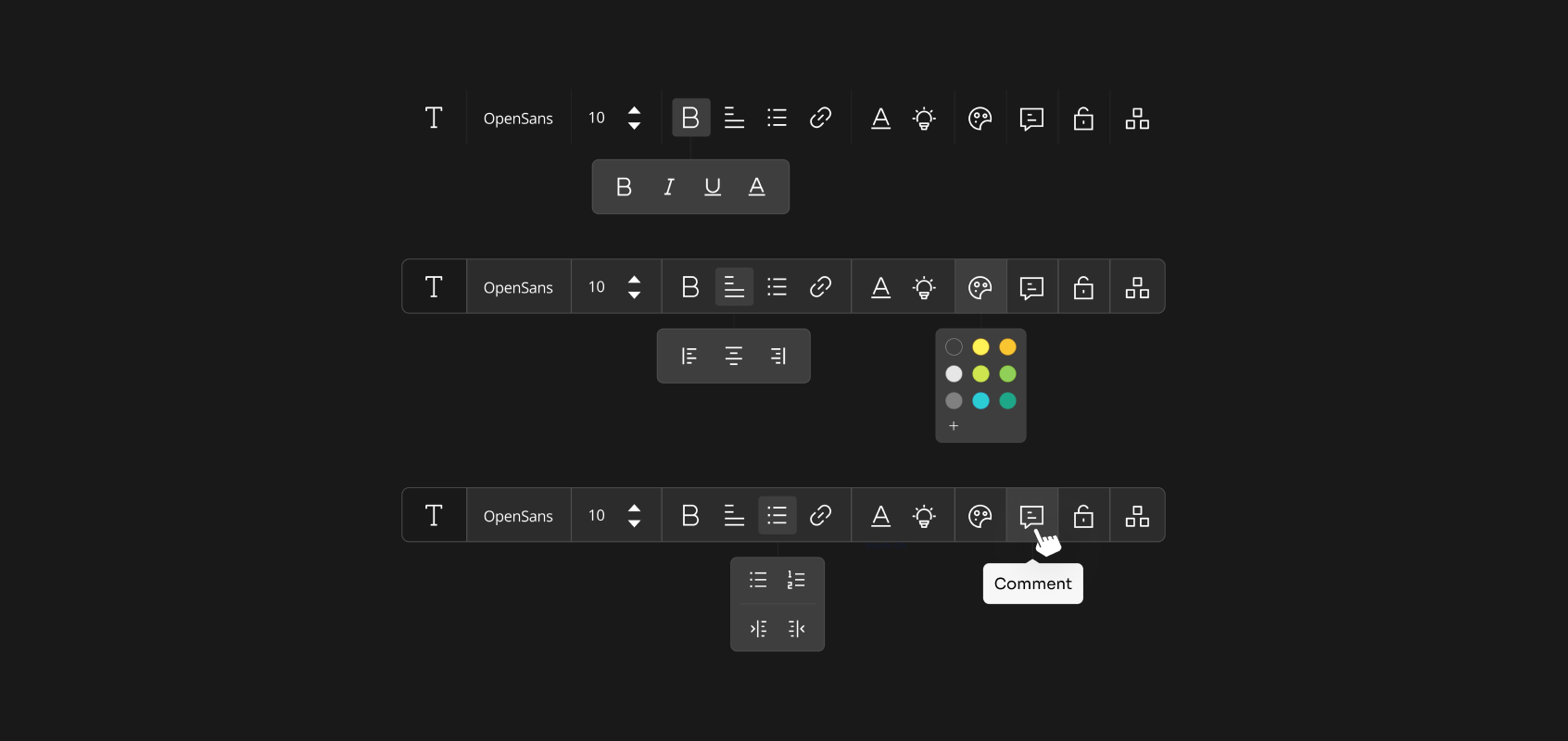
SVG icon libraries are collections of Scalable Vector Graphic icons that bring precision and flair to websites, apps, and projects. The unique trait of these icons is that, they can adapt to any sizes demandable, meaning they'll stay sharp at whatever sizes they're stretched, or zoomed into.
If you're in the market looking for the best SVG icon library in 2026, you're in luck because we’re gonna explore all about SVG icons, from what defines SVG icon libraries, why they’re essential for modern design, and how to choose the best for your needs to listing the best SVG icon libraries available in today's market.
Let's dive in!
What Are SVG Icon Libraries?
SVG icon libraries are curated collections of icons crafted in the Scalable Vector Graphics (SVG) format. SVGs use mathematical paths instead of pixels, so they can scale infinitely without losing clarity no matter what size they're used in. So, they'll look the same displayed on a phone, and on a billboard.
These libraries bundle hundreds or thousands of icons, from arrows to avatars, into an organized resource for designers and developers. Designers and developers often rely on open source icon libraries to streamline their design process. Some icon libraries are open-source, freely shared by creators for anyone to use or tweak, while others are premium, offering exclusive designs and advanced features.
SVG icon libraries save time, ensure visual consistency, and adapt to diverse platforms, making them a perfect fit for modern design workflows.
The Best SVG Icon Libraries in 2026
Here are our list of the best SVG icons libraries:
1. Hugeicons
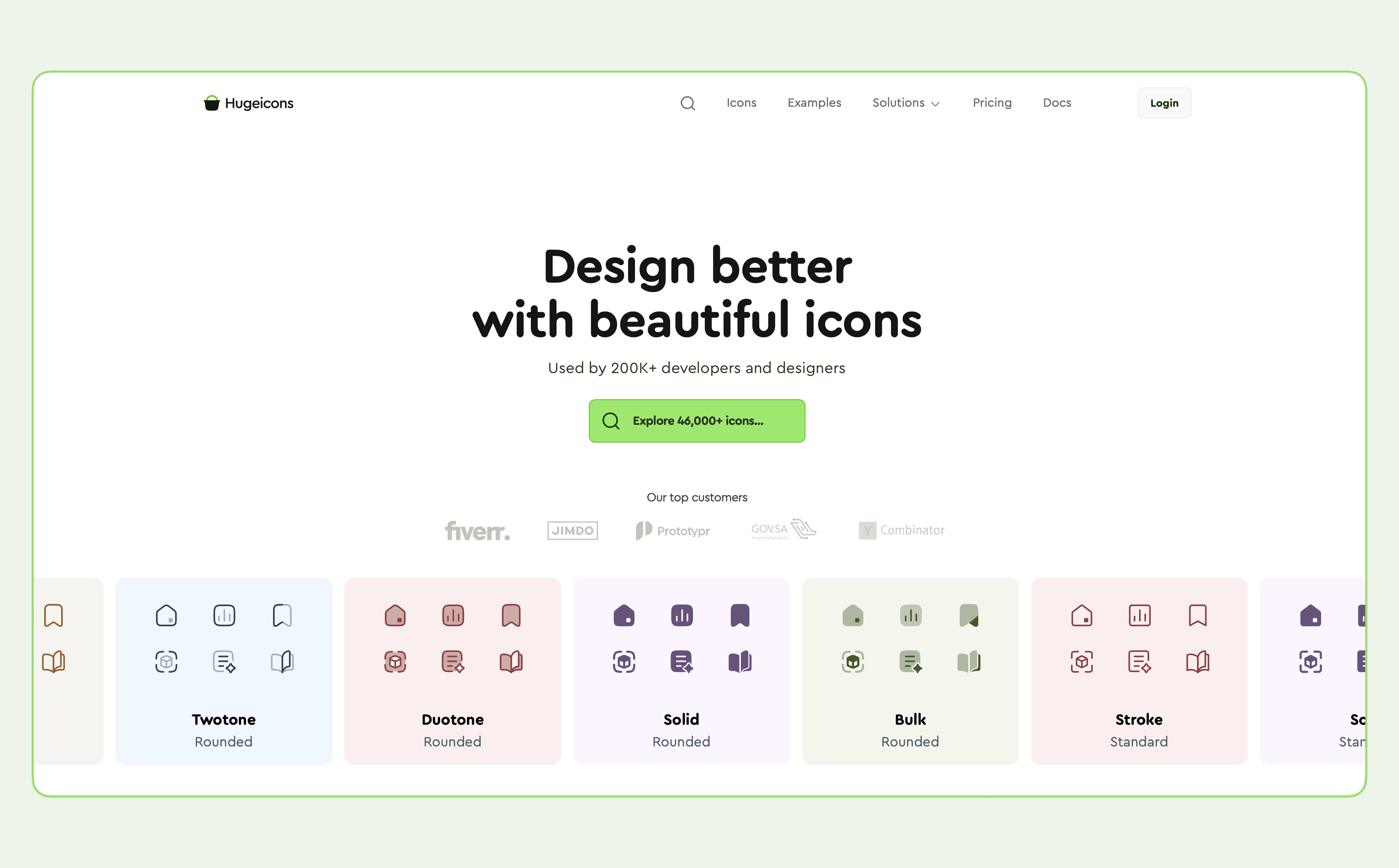
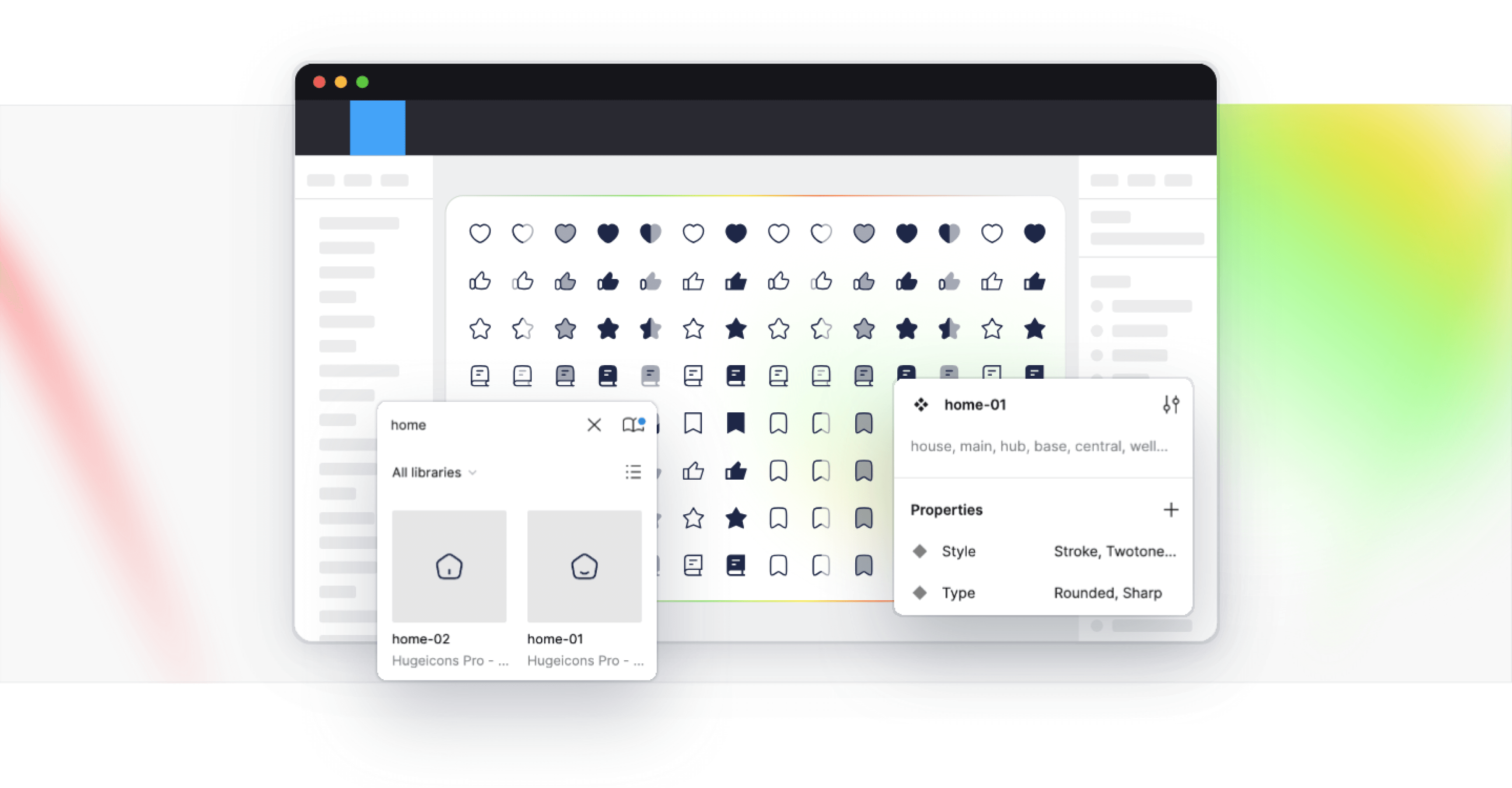
Hugeicons steps up as a powerful contender among free icon libraries, rivaling other giants with its vast offering of SVG icons. This collection includes:
- Over 46,000 icons across 59 ever-expanding categories.
- Diverse styles like stroke, two-tone, solid, bulk, and duotone.
- Options for rounded or sharp edges.
- A Figma plugin with drag-and-drop ease, plus a web app.
- Support for React and other JavaScript frameworks.
- NPM package for smooth integration.
- A dedicated Figma file.
- SVG icons neatly organized in folders.
- Compatibility with IconJar.
- A license key for full access.
- Lifetime use with free updates included
Why Hugeicons Stands Out as a Top SVG Library
Clarity at a Glance
Icons should instantly convey meaning, representing objects, actions, or concepts in a simple form. Hugeicons nails this by modeling icons after real-world items, making them intuitive and easy to grasp. It’s a standout SVG library, often dubbed a masterpiece. For comparison, Feather Icons offers a lightweight, customizable alternative, popular among developers for its simplicity and cross-platform appeal.
Speed and Performance
Hugeicons excels in delivering icons fast. Thanks to a global CDN, icons load swiftly for users everywhere, ensuring top-notch performance. Whether uploading, downloading, or embedding into projects, the process stays smooth and efficient. Expect more icons to roll out soon.
Creative Consistency
Choosing Hugeicons from the start saves effort and keeps your designs sharp. A unified library ensures your app and web icons share a professional style, avoiding the chaos of mixing sources. With varied libraries, inconsistencies in color, weight, or design creep in over time, noticeable even to casual users.
Hugeicons boasts the largest, highest-quality icon collection out there. It’s a true gem for any designer or developer.
Thoughtful Layout
Icons live within a defined “live area,” a safe zone that keeps them fully visible. Padding extends to the trim area, the icon’s full boundary, but nothing spills beyond. This setup preserves proportions, ensuring a consistent aesthetic across your work. Hugeicons delivers this in spades, offering a comprehensive library you can rely on.
Grid and Keylines
A structured grid underpins Hugeicons, guiding icon placement with precision. This system creates a flexible yet uniform visual language, simplifying design decisions. It’s a framework that balances beauty and usability, tailored for creators who value both.
Pixel-Perfect Detail
Icons use whole-number coordinates to avoid distortion. Decimals misalign pixels, blurring shapes on-screen. Hugeicons keeps it clean, ensuring every icon looks pristine at any size.
Smooth Scaling
Corners feature variable curvature, inspired by Apple’s sleek design. No extra smoothing is needed. Resize freely without losing that polished edge, all handled for you. Adjust as you see fit.
Layered Flexibility
Hugeicons introduces dynamic flat icons. Variable coloring reflects changes, like signal strength, across layers. For instance, a Wi-Fi icon could shift hues to show speed ranges from weak to strong, adding depth and utility to your designs.
2. Remix Icons
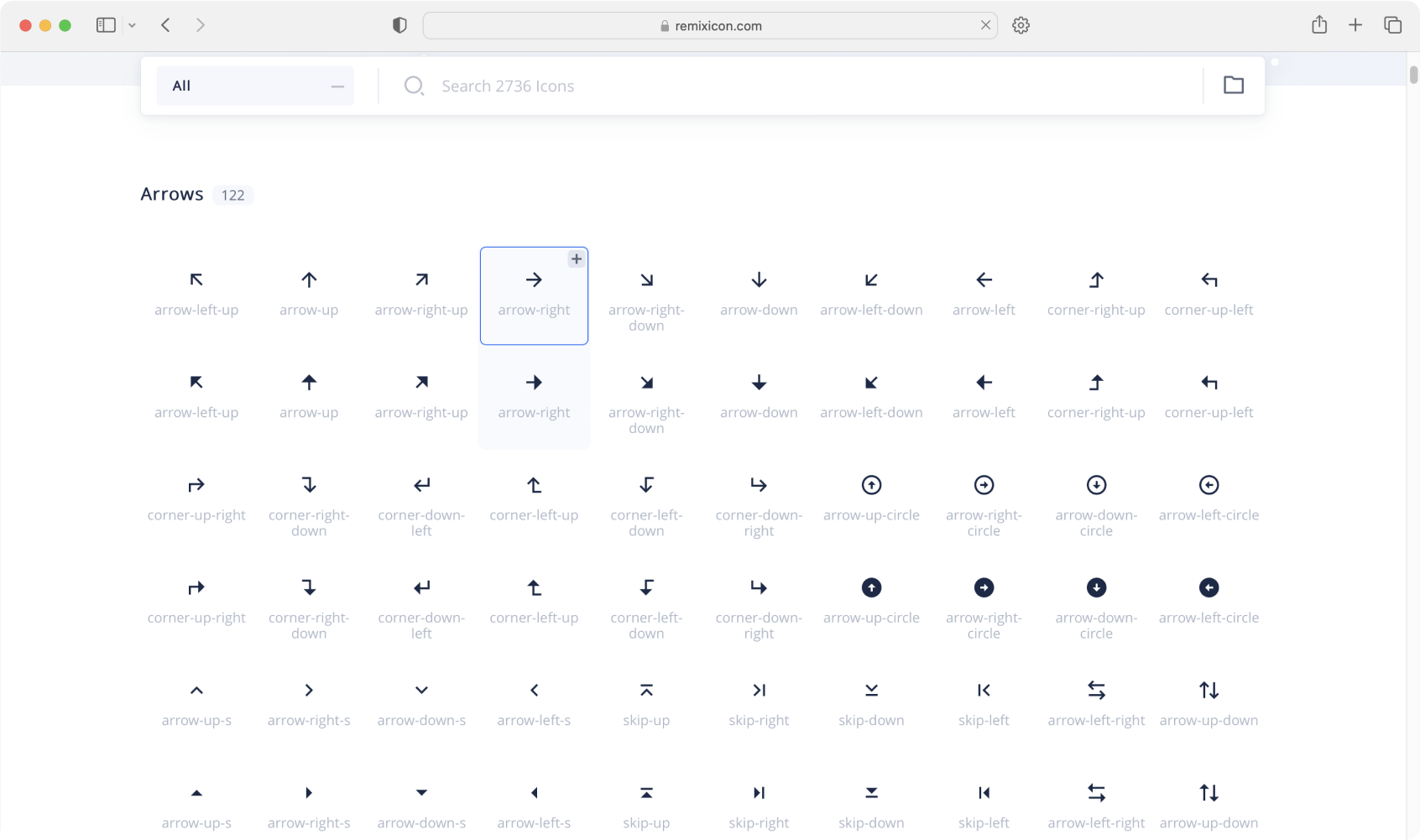
Remix Icon stands as a collection of more than 3058 versatile icons, available in two distinctive styles: line and solid. This complimentary icon pack is under the careful curation of Remix design. Their generosity is evident in their support making this open source icon library, ensuring that access to it is free for both personal and commercial applications.
Accessing this icon pack service is convenient through their website, allowing access for a free download in various formats, including a folder, single .zip file, folder containing SVGs, an icon font, or as an NPM install.
You can find this icon pack on the Remix icons website.
3. Untitled UI Icons
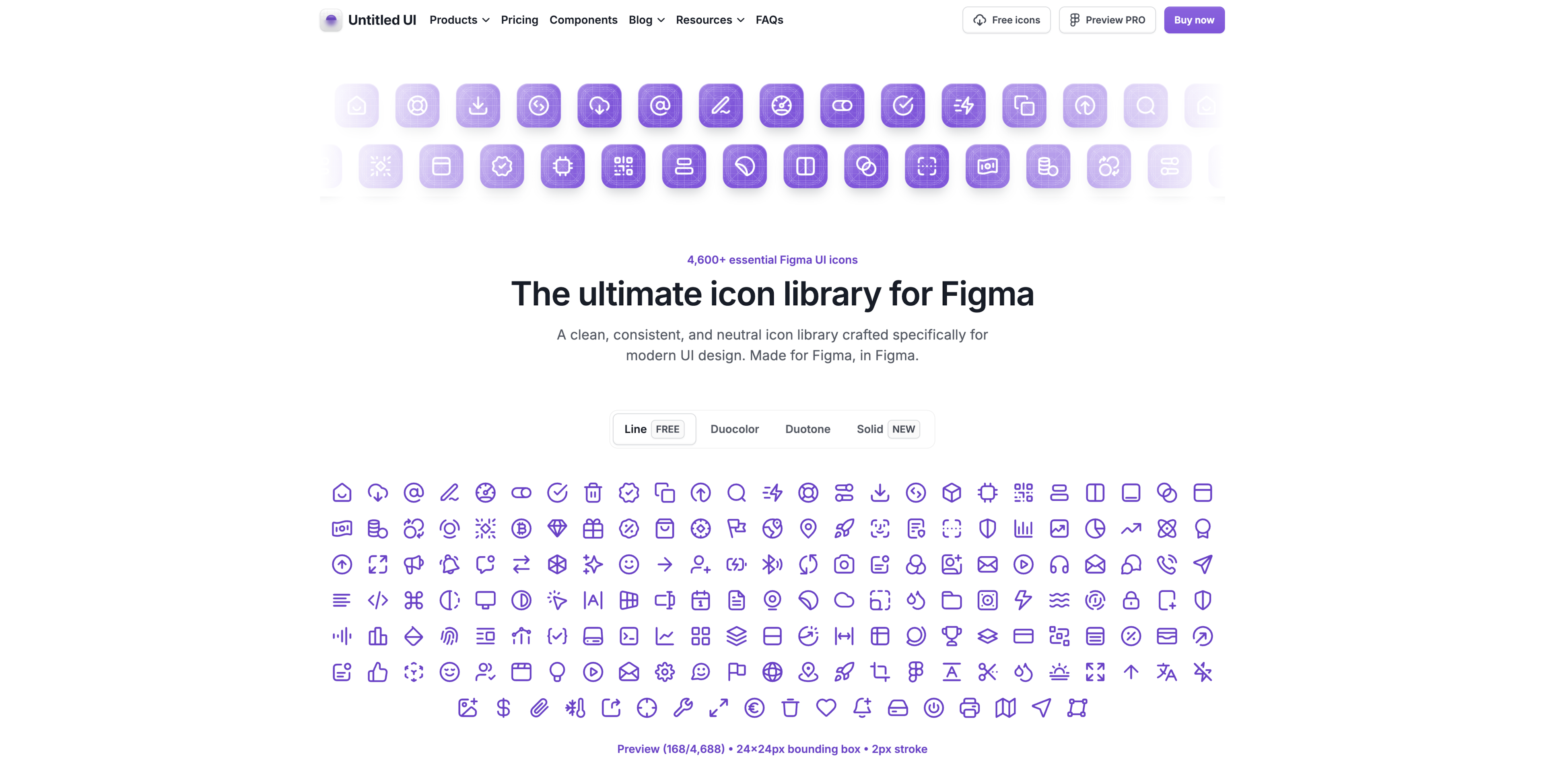
Untitled UI Icons offers a polished collection of over 1,100 SVG icons with a Pro version boasting 4,600+ icons. Crafted natively in Figma, this library emphasizes clean lines, consistency, and a neutral style that slips effortlessly into any design. As an SVG-based set the icons scale perfectly, retaining sharpness across all screen sizes.
Although its free version is a generous starting point, the Pro version adds perks like duotone and duocolor styles. While it lacks built-in animations, CSS can bridge that gap. For a simple, high-quality SVG library made for UI work, Untitled UI delivers elegance and practicality.
4. Feather Icons
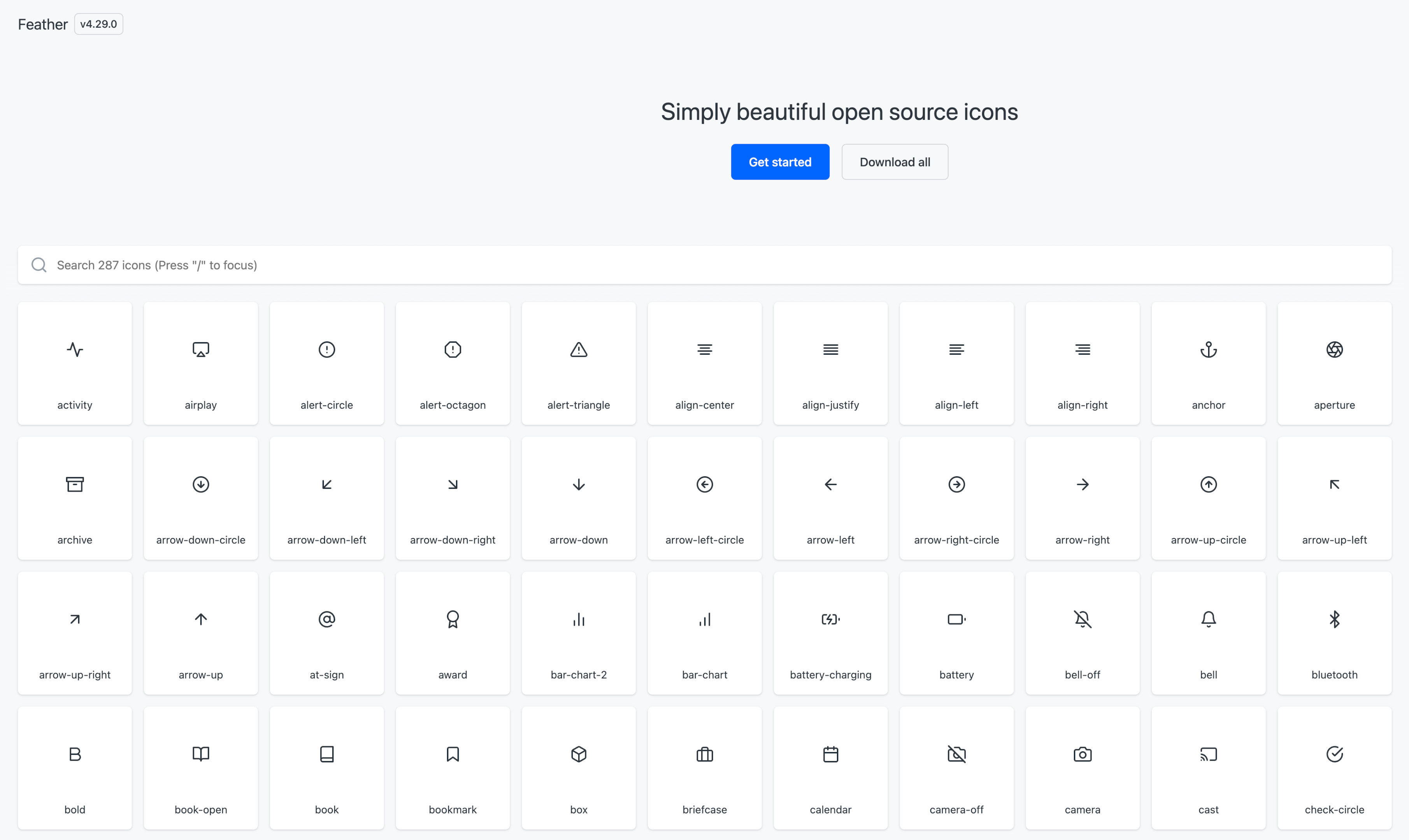
We hold Feather in high regard as an elegant SVG icon set, standing out from numerous alternatives in the market. The icons in this collection boast 100% readability, making them a premier choice for a wide range of designs. Feather Icons are created using SVG, which makes them easily scalable and compatible with various screen sizes.
Crafted by Cole Bemis, this free minimal icon pack comprises 287 simply beautiful open-source icons. Each icon adheres to a 24x24 grid, placing a strong emphasis on simplicity, consistency, and readability. Heroicons focuses on simplicity and usability, providing a wide range of meticulously crafted icons tailored for various applications.
For those seeking a lightweight and scalable icon library suitable for nearly any project, Feather Icons prove to be an excellent choice, ranking among the most popular icon sets globally for valid reasons.
You can find this icon pack on the Feather icons website.
5. Lucide Icons
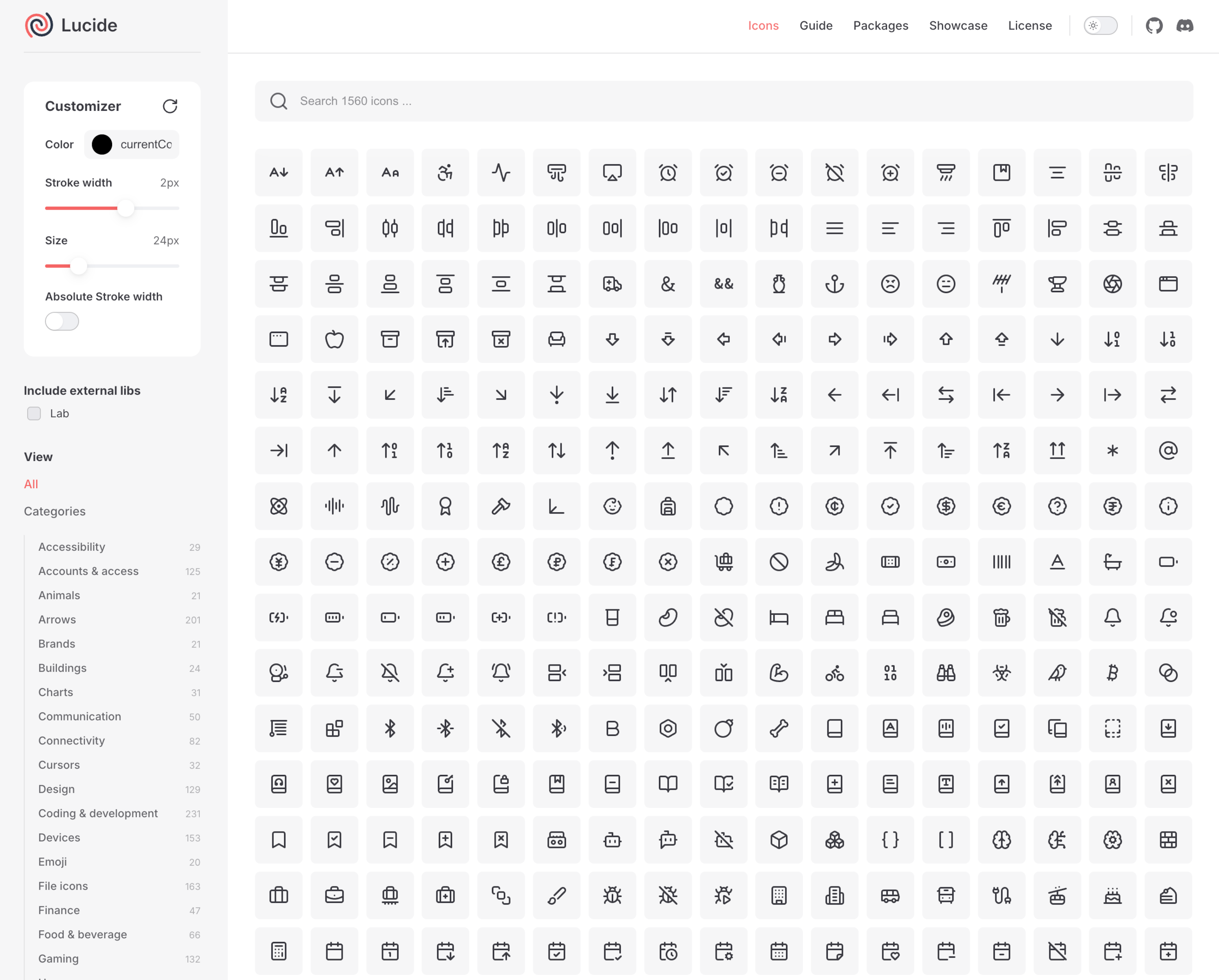
Lucide Icons emerge as an aesthetically pleasing and cohesive icon library, originating as a fork from the renowned Feather Icons. Lucide is a wholly open-source project, inviting contributions from the community.
Comprising 1,560 icons, Lucide Icons is a clean, consistent, and lightweight. Lucide mirrors our appreciation for Feather, emphasizing simplicity, consistency, and readability and this is one of the best SVG icon library. Lucide Icons is a fork of Feather Icons and focuses on cleanliness and consistency in design. For those in search of a scalable SVG icon library adaptable to different projects, Lucide Icons is a highly commendable choice.
You can find this icon pack on the Lucide icons website.
6. Heroicons
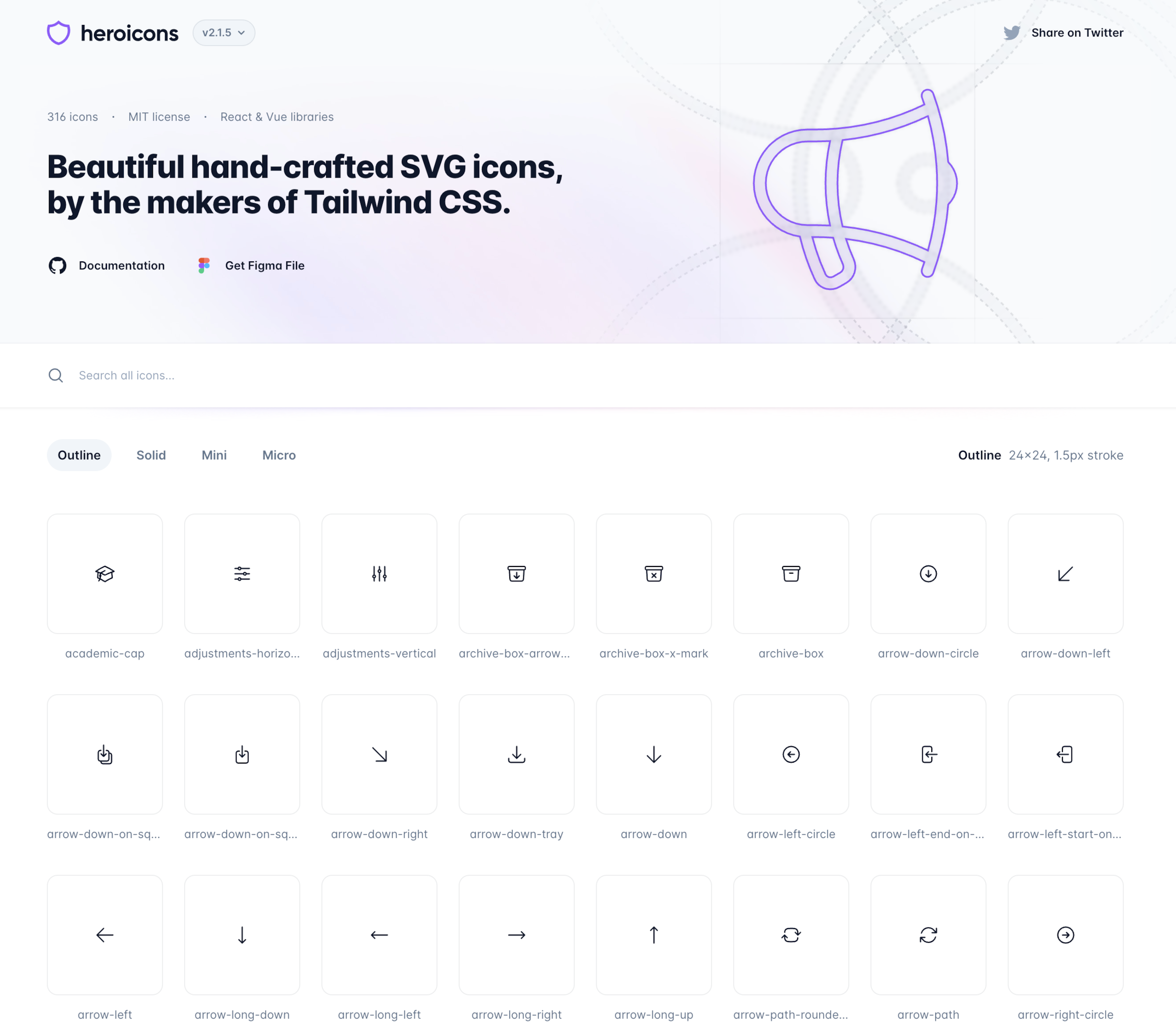
Heroicon is a beautifully crafted SVG icon set, made by the makers of Tailwind CSS. Heroicons library has over 316 free icons across 4 categories that have been entirely redrawn in a fresh style container from the ground up, this icon set offers 4 distinct styles tailored to different use cases and this is a best svg icon library among others.
The default outline icons are intended for rendering at 24x24px and come with a corresponding solid style. Additionally, for smaller applications like buttons and form elements, the set includes a mini word style crafted for 20x20px rendering.
You can find this icon pack on the Heroicons website.
7. Iconoir Icon Library
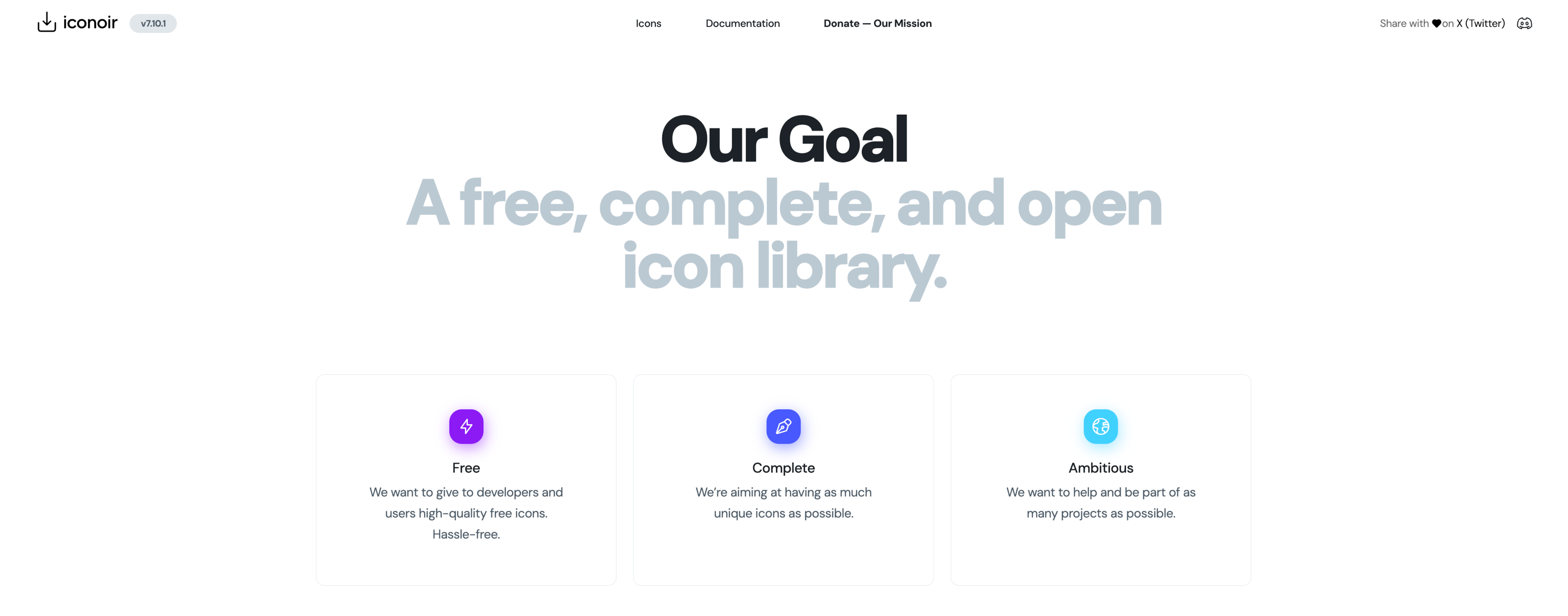
Iconoir stands out as an impressive open-source icon set offering access to a vast collection comprising 1,600+ icons in SVG format container, along with dedicated libraries for React, React Native, Figma, and Framer. Ionicons is built for Ionic Framework and includes versions for both Material Design and iOS.
These icons have garnered our admiration for their minimalist and refined style, making them particularly well-suited for contemporary computer user interface design. Their appeal is evident to the extent that Framer adopted them into their design software in June 2021.
Iconoir provides access to over 1600 exquisite icons in various formats, including SVG files, web fonts, and libraries for React and React Native, Figma, and Framer making it a best SVG icon library service. The site and creators consistently introduce new icons, ensuring the collection expands rapidly and the service stays up-to-date with evolving design trends.
You can find this icon pack on the iconoir website.
8. Phosphor Icons
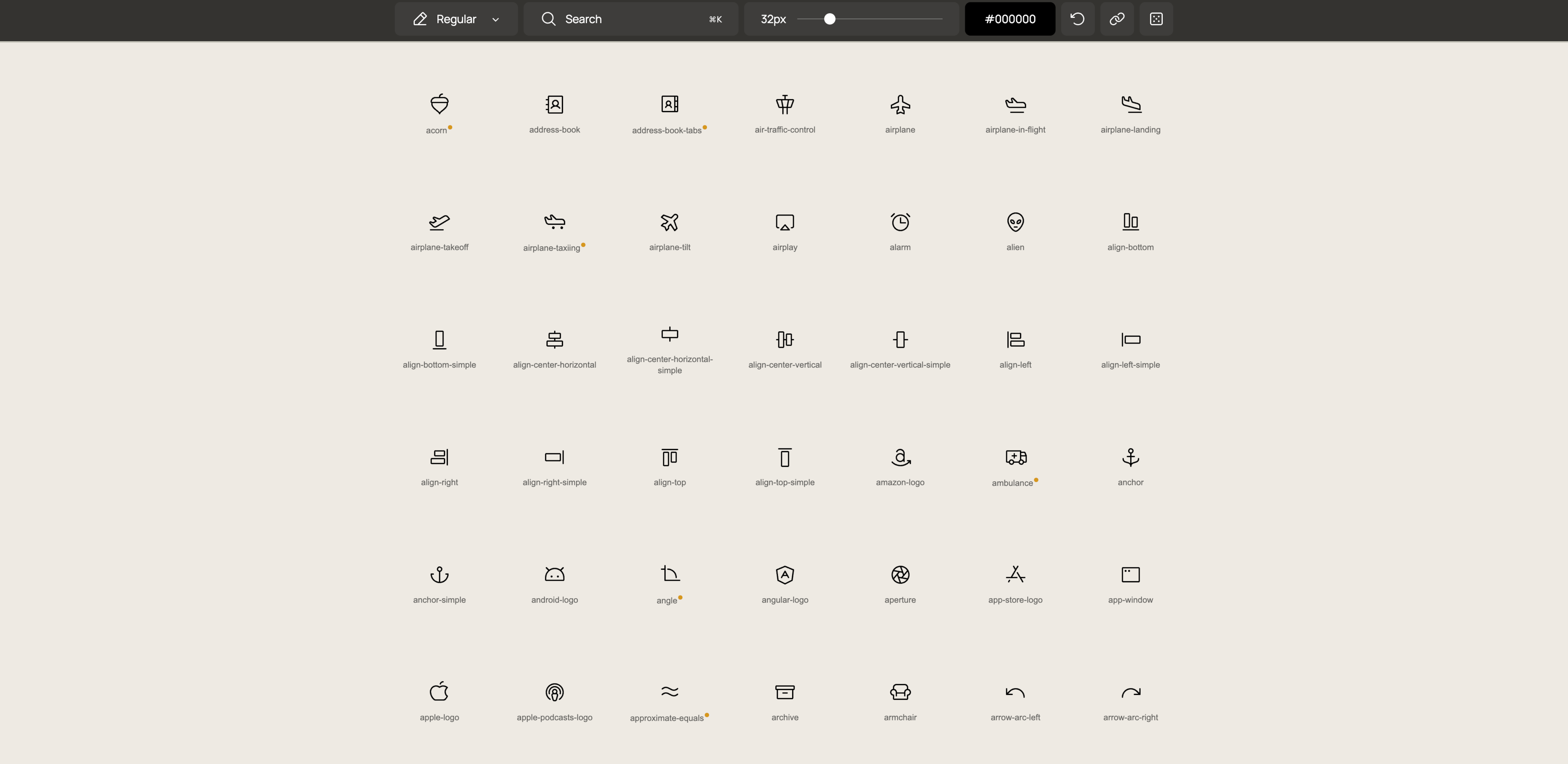
Phosphor Icons, a generous free icon set. It houses a substantial collection of 9072 icons, encompassing six distinct styles: thin, light, regular, bold, fill, and duotone.
Should you seek versatility and wish to explore different styles for your project, Phosphor Icons is what you need. With options ranging from thin to duotone, this icon set offers a clean and consistent design across various weights making it one of the best SVG icon library among others.
Like many other icon libraries, Phosphor Icons extends its usage rights to both personal and commercial projects.
You can find this icon pack on the Phosphor icon website.
9. Majesticons
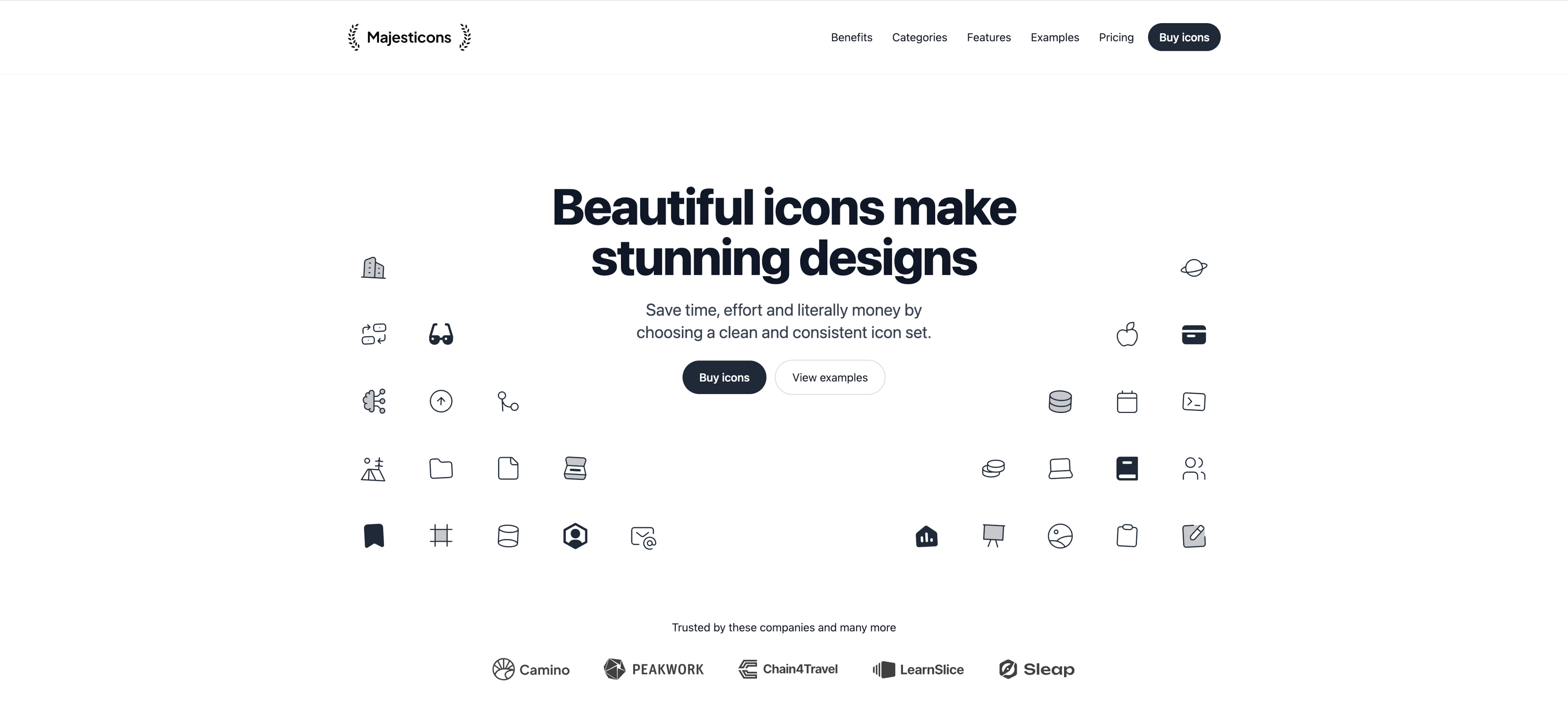
Majesticons by Gerrit Halfmann is a premium only icon library that offers over 11,000 icons spanning 54 categories and 3 styles. Although there is a free version, it is only accessible through Figma
This icon set earns our appreciation for several reasons. Firstly, its minimal and consistent design makes it perfect for various web and UI projects. Secondly, the icons exhibit a clear mark of professionalism and are easily customizable directly within Figma making it one of the best SVG icon libraries out there.
The icon library is created with Figma on a 24px grid system and a 2px stroke width, not only looks impressive but also enhances design flexibility.
You can find this icon pack on the Majesticons website.
10. Iconizer
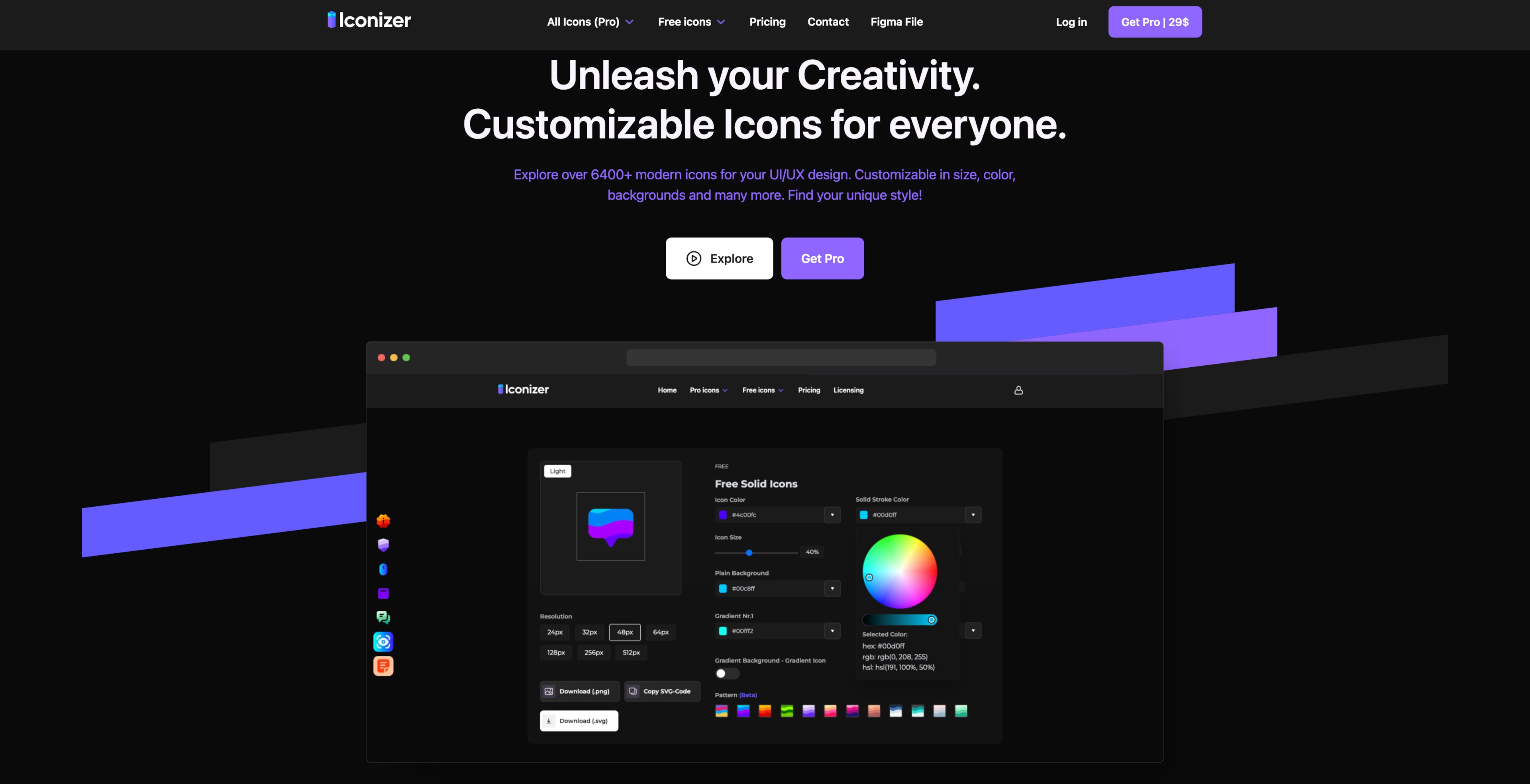
Iconizer offers a library of over 1500 free icons, and over 6400 premium icons, spanning over four unique styles. What distinguishes Iconizer is its user-friendly approach, granting users the ability to effortlessly upload, edit and customize icons directly on their own device, computer or website container.
The flexibility extends to modifying icon size, stroke weights, colors, and copying or exporting SVGs, all without the need to exit your browser. Which makes it among the best SVG icon libraries.
This convenient customization feature makes Iconizer a standout choice for those seeking both variety and adaptability in their icon selections.
You can find this icon pack on the Iconizer website.
11. Radix Icons
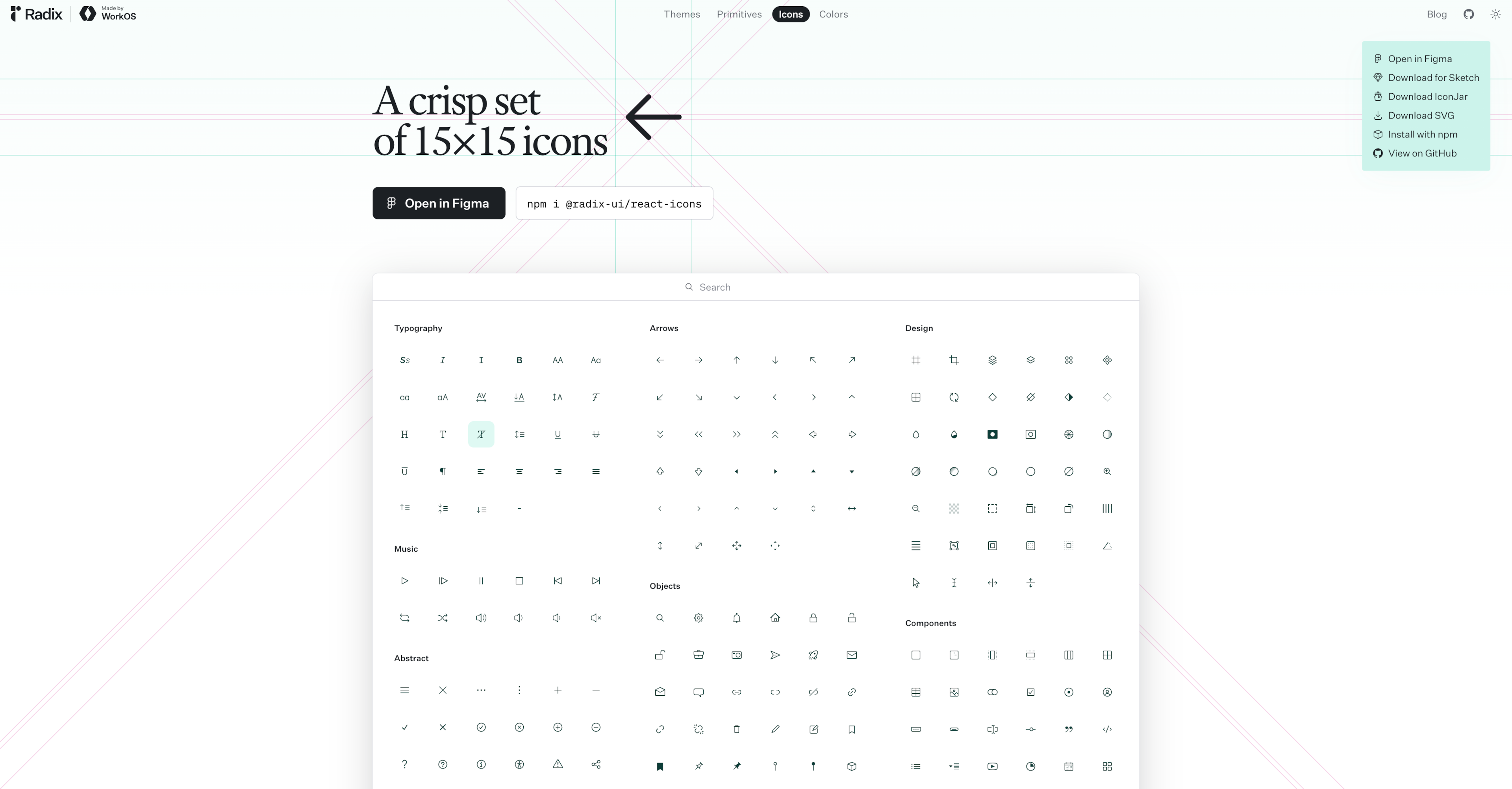
Radix icons, a sleek, modern icon library crafted at 15×15px by the WorkOS team, offer a contemporary and sharp design, optimized for effectiveness in smaller monitor and window sizes.
These icons, reflecting modern aesthetics, come with the generous open-source licensing from MIT. Users have the convenience to directly copy SVGs from the Radix Icons website or opt for a comprehensive download, including all 333 icons in SVG format. You don't even need to create an account.
This accessibility and variety make Radix icons a valuable resource for those seeking a crisp and versatile icon set for diverse design needs.
You can find this icon pack on the radix icons website.
12. Atlas icons
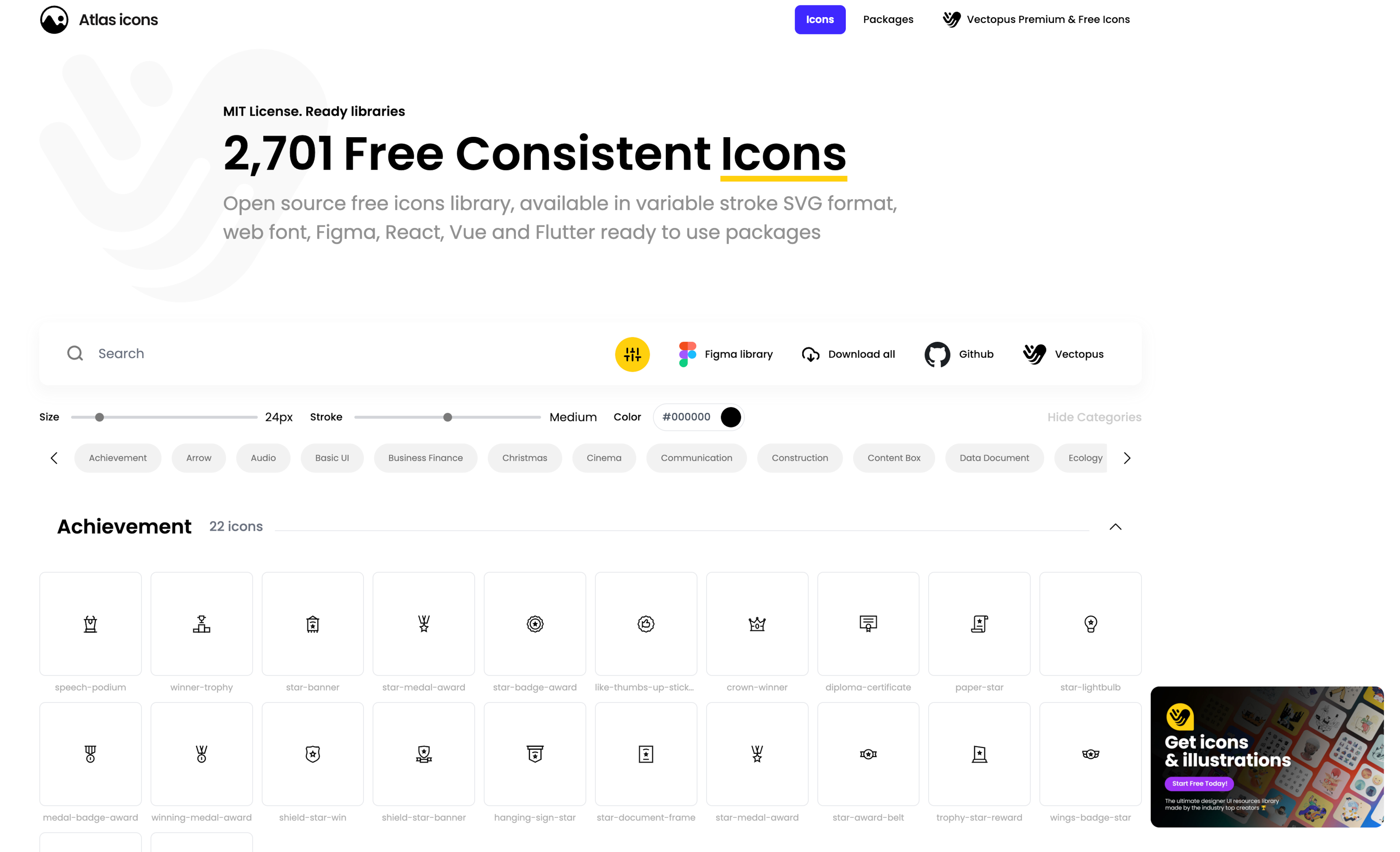
Atlas Icons stands as a freely accessible open-source library, this icon library offers 2700+ icons in SVG format. On top of that, the icons are available in web font format, as well as ready-to-use packages for popular frameworks like React, Vue, and Flutter.
This comprehensive range of formats comes in handy for the designers and developers alike, making it a contender of being one of the most formidable free, open source icon library.
You can find this icon pack on the Atlas icons website.
The advantage of using SVG icon libraries in interface design
Icons play a crucial role in our daily interactions, serving as universal symbols that transcend language barriers. They guide us through digital and physical spaces, from the universally recognized "save" symbol of a floppy disk to the simple figures that direct us to the nearest restroom.
Incorporating a custom icon library into your brand's design toolkit can significantly enhance your content's clarity, engagement, and aesthetic appeal. Open source icon libraries are frequently organized into categories to facilitate easier searching and integration. Here's why integrating an SVG icon library is a game-changer for your brand:
Streamlined design process in different devices
A dedicated icon library aligned with your brand guidelines simplifies and speeds up the content creation process. It enables both designers and non-designers within your organization to add visual flair to their work, ensuring brand consistency across all materials.
Consistency across personal and commercial projects
Ensuring a cohesive visual language, these libraries contribute to a polished and professional appearance across various elements of a project. This visual unity not only enhances the overall aesthetic but also instills a sense of brand consistency, reinforcing the project's identity and leaving a lasting impression on users.
Time and resources efficiency
Access to extensive collections of free vector icons offers a cost-effective solution, reducing the need for custom design efforts and optimizing project resources. The icons in open source libraries can typically be downloaded in various formats including SVG and PNG. By tapping into the services of these rich image repositories, designers not only save valuable time but also cut down on potential expenses associated with creating icons from scratch.
Scalability and adaptability
Free SVG icons designed for scalability maintain clarity and visual integrity, adapting seamlessly to diverse devices and device screen sizes in our ever-evolving digital landscape. This adaptability ensures a consistent and optimal user experience across various device platforms, from desktops to mobile devices, providing a visually pleasing and accessible interface.
Key Features to Look for in an Icon Library
When selecting an icon library, several key features should be considered to ensure it meets your design needs.
Essential Attributes of a Quality Icon Library
- Scalability: A top-notch icon library should offer scalable icons that maintain their quality at any size. This ensures that icons look sharp and clear, whether they are used in small buttons or large banners.
- Customization: The ability to customize icons to match your design themes is crucial for creating a cohesive and engaging user experience. Look for libraries that allow you to adjust colors, sizes, and styles to fit your specific needs.
- Compatibility: Icon libraries should be compatible with various design environments, including websites, applications, and presentations. This flexibility allows you to use the same set of icons across different platforms, maintaining consistency in your visual language.
- Licensing: It’s essential to review the licensing terms and conditions of an icon library to ensure it can be used for both personal and commercial projects. Some libraries may require attribution or have specific restrictions, so it’s important to understand these before integrating them into your work.
- Updates: A quality icon library should be regularly updated with new icons and designs to keep up with the latest trends and design requirements. This ensures that your projects remain fresh and relevant, with access to the most current visual elements.
By considering these key features, designers and developers can choose an icon library that meets their needs and enriches the overall quality and effectiveness of their design projects. Many open source icon libraries are regularly updated with new icons and features for todays ever-evolving design requirements.
To wrap up.
In our search for the internet of best icon resources, the libraries we've discussed above stand out for their reliability and uniqueness. Choosing the right icons is crucial for any project's success, and developers need to search for icons that are readable, user-friendly, and of high quality circle.
Fortunately, there are versatile tools available that allow for customization of icons in style, shape and color, without restricting the variety of icons you can incorporate into your projects.
As you dive into your UI and UX design projects, we hope you find the perfect icons to bring your visions to life. Here's to successful design ventures and happy designing!
Frequently Asked Questions
1. Can I use these icons for both app and website development?
Yes, the icons and fonts we've highlighted are versatile, allowing you to use them for app and website development. They come in various formats, including SVG, PNG image, and web font formats, ensuring compatibility across all devices and internet browsers.
2. Are there any free icon fonts available for download?
Absolutely! Many of the libraries mentioned, services such as Hugeicons and Tabler Icons, offer free icon fonts for download. These fonts can range from simple shapes to more complex designs and graphics, all of which are accessible for free download and use in your projects.
3. How can I create a custom icon set for my brand?
Creating a custom icon set starts with understanding your brand's identity and tracking the message you want to convey. Tools like Adobe Illustrator or Figma are great for designing icons from scratch. For example, you might use basic shapes to start and then refine and shape them to align with your brand's style.
4. How can I access and organize my downloaded icons?
After downloading, you can access and edit files for your app, icons and graphics directly from the download folder on your device. To keep things organized, create a dedicated folder for your app or project's assets. Label each file or group them into subfolders based on their categories, such as "App Icons," "Website Icons," or by their formats.
5. Are SVG icons better than other formats for web design?
SVG icons and graphics are highly recommended for a person who do web design due to their scalability and quality retention across different screen sizes and devices. Unlike raster images, for instance for example, SVGs don't lose clarity when scaled, making them ideal for responsive web design. Plus, SVGs can be styled with CSS command and manipulated with JavaScript command , offering more flexibility.
6. What tools do designers use to work with icons?
Designers typically use graphic design software like Adobe Illustrator, Sketch, or Figma to edit data and customize icons. For web projects, incorporating icons and data directly into HTML or using a CSS stylesheet is common. Additionally, SVG icons and data can be edited directly in code editors for precise adjustments. If you are a video editor, you can use those icons in your video editing work and video.
7. Can I use icons from these libraries in commercial projects?
Most icon libraries offer icons that are free for both personal and commercial use. However, it's crucial to review the license or terms of use for each library. Some may require attribution or have specific restrictions regarding commercial applications. Just Google it before using.
8. How do users benefit from consistent icon styles across platforms?
Users benefit from consistent icon as it provides a cohesive and intuitive user experience. Consistency in icon across different platforms and devices helps reinforce brand identity and aids in user navigation, reducing confusion and enhancing overall usability.
9. What's the advantage of using a web app plugin for icons?
Using a web app plugin for icons can significantly streamline the design process. It allows for easy search, preview, and insertion of icons directly within your design tool, saving time and ensuring a more efficient workflow. Plugins are particularly useful for accessing large libraries and keeping your icon sets updated. No need to download and delete.
Related Posts
5 Lucide Icons Alternatives That Offer Better Icons
Lucide has become one of the most recognizable icon libraries in the modern React ecosystem. It’s open source, lightweight, easy to install, and...

![Icon Design Guidelines: How to Design Beautiful Icons [+Resources]](https://cdn.hugeicons.com/blog/1742968097525-First preview final.png)
Icon Design Guidelines: How to Design Beautiful Icons [+Resources]
Over the years, we’ve designed more than 46,000 icons. Based on this, we’ve compiled a set of guidelines based on our knowledge. This article will...
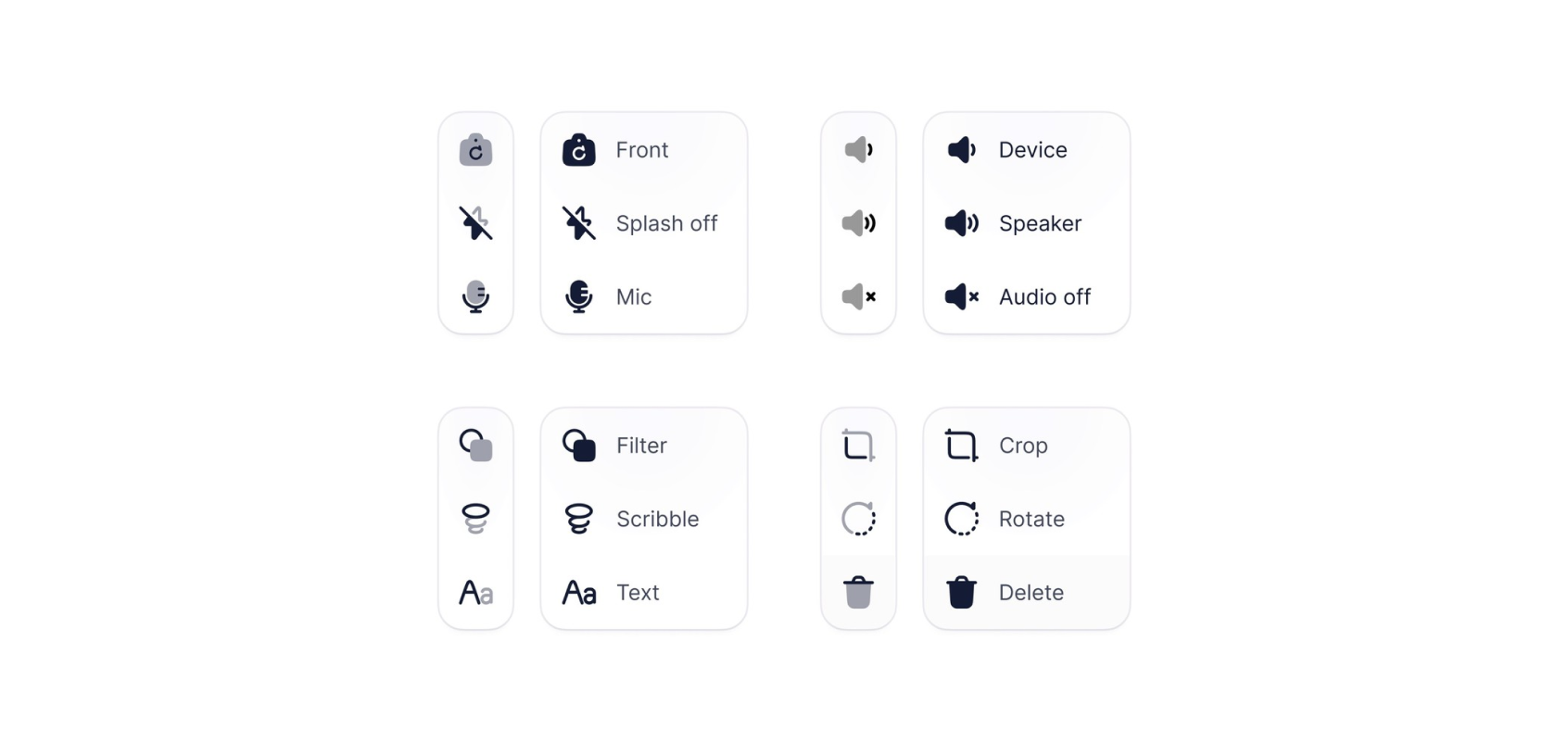
Top 13 UI UX Design Icon Sets in 2026
Deciding on a icon library? Our expert roundup of the top icon sets for 2026 cuts through the clutter, focusing on standout features, diversity...
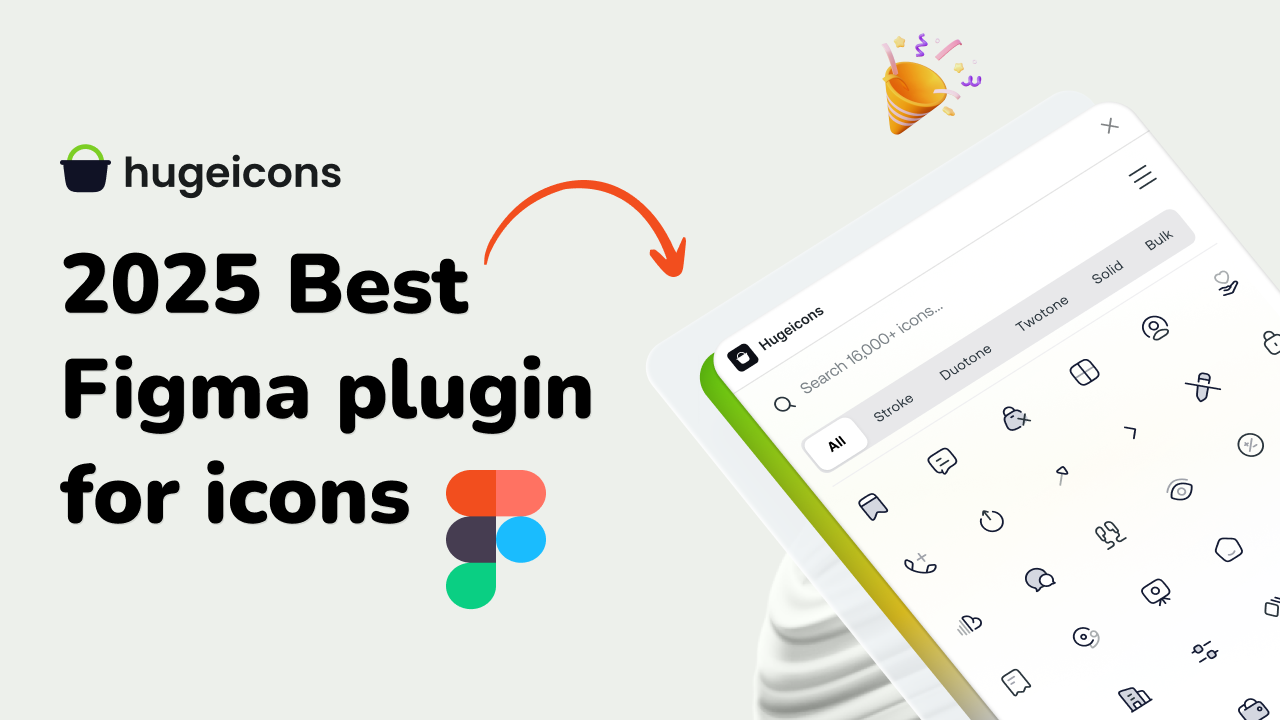
Best Figma Plugin for Icons: Top 10 Outstanding Choices in 2026
Icons might seem like small details, but they’re actually central to great design. They simplify complex ideas, enhance visual appeal, and guide...
Best Figma Icon Libraries in 2026
Figma has changed how designers collaborate, prototype, and ship digital interfaces. But when an individual designer or a design team searches for...
.png)
15 Best Free Fonts for UI Designers in 2026
Fonts are essential in UI design, significantly influencing user interaction. Beyond mere availability, selecting the right fonts is crucial, as...