Webflow Extension
No more meh icons. A consistent, high‑quality icon system directly inside Webflow.
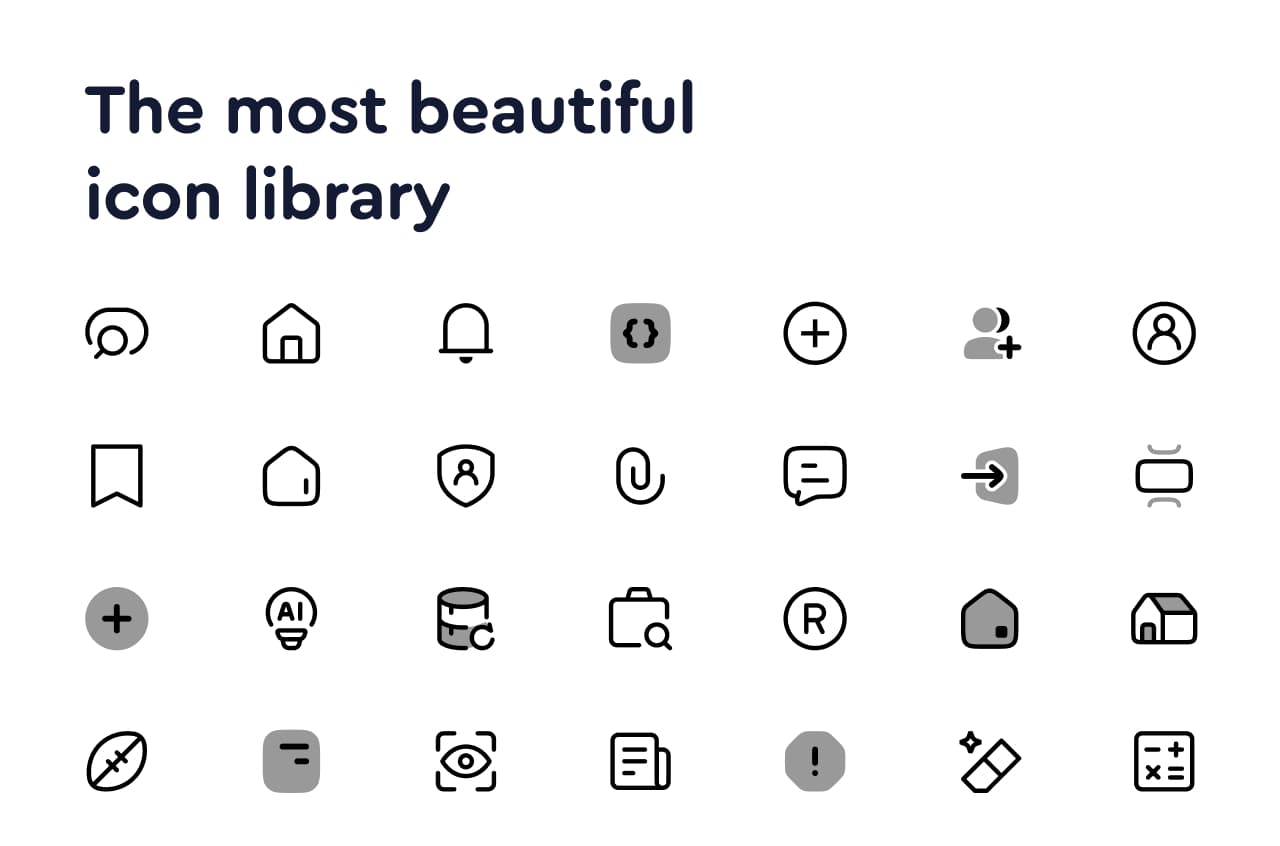
The Hugeicons Webflow Extension gives designers and developers a consistent, high‑quality icon system directly inside Webflow. With over 60,000 icons across multiple styles, you can easily enhance your Webflow projects with professional icons.

What You Get
- 6,000+ free icons (SVG) for unlimited personal & commercial use
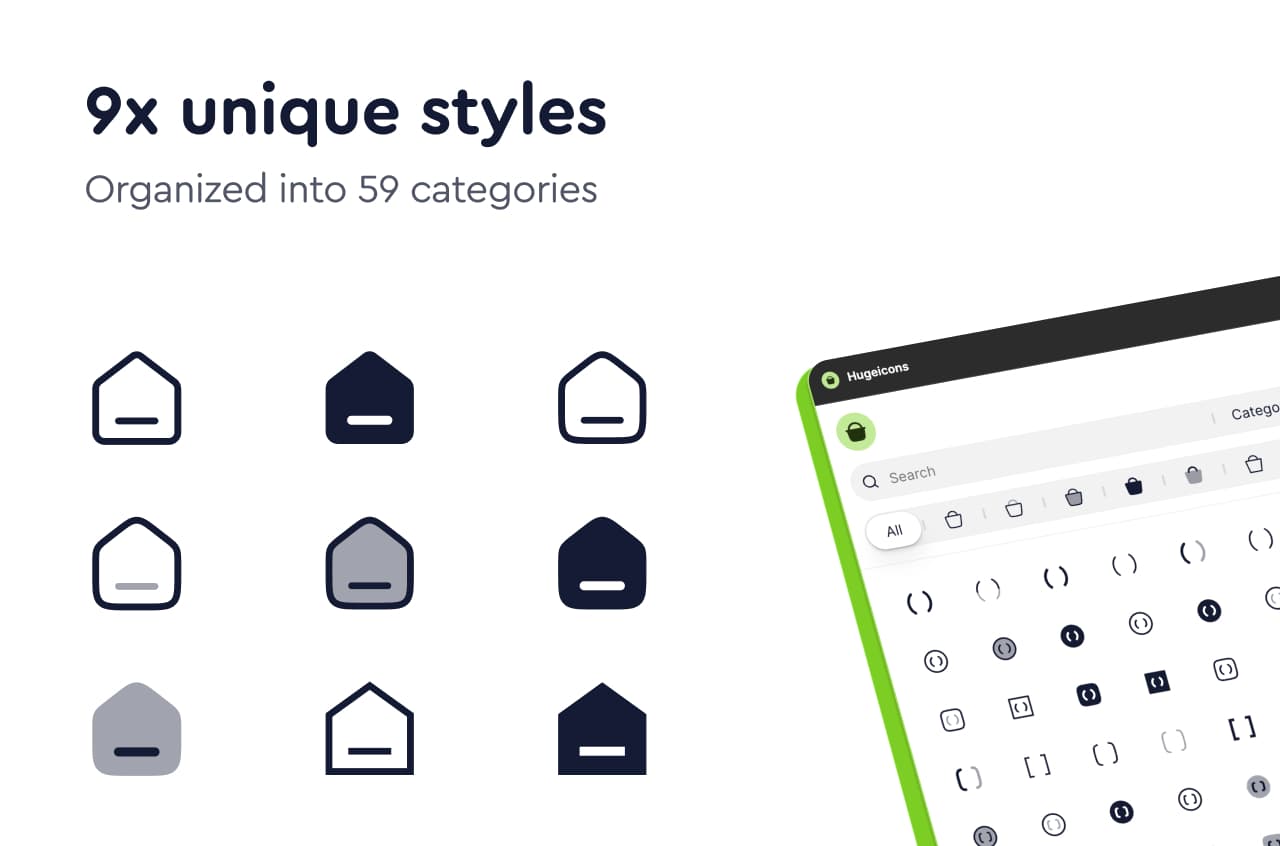
- 60,000+ Pro icons across 59 categories
- Multiple styles: Stroke, Solid, Two‑tone, Duotone, Bulk and more
- Search & filter by name, tag, style, and category
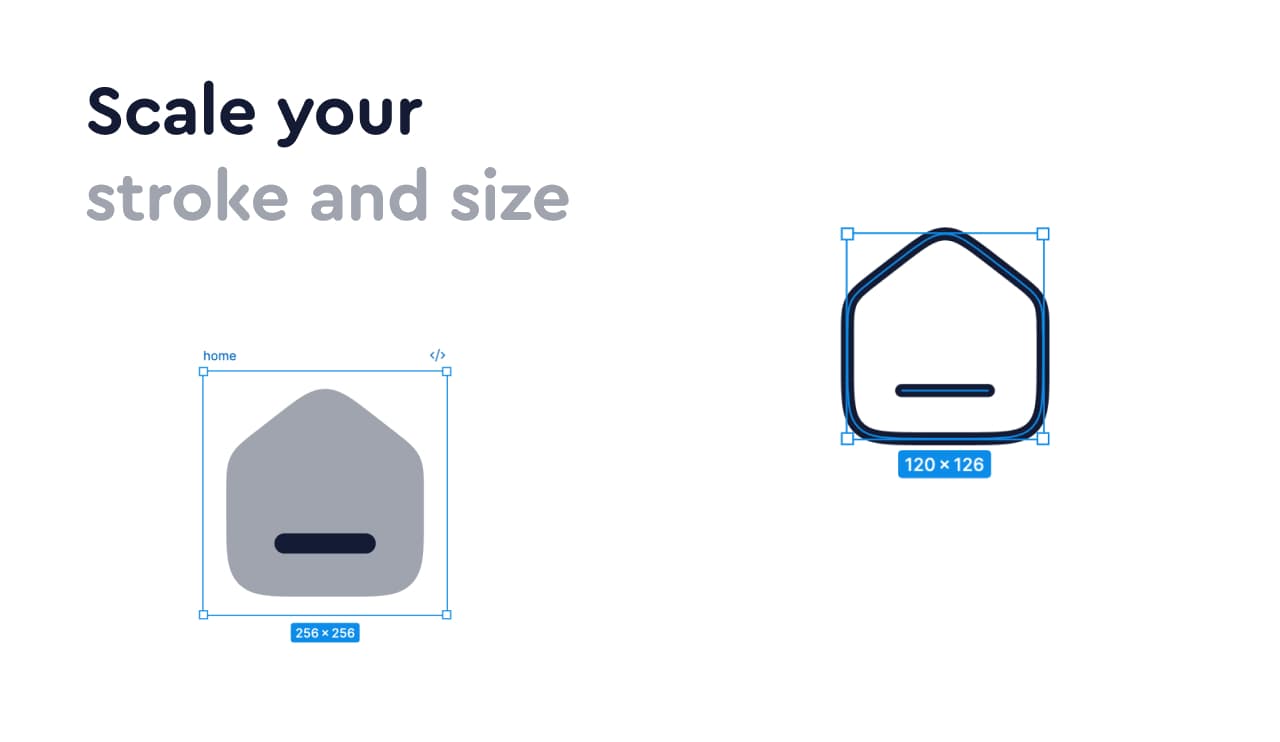
- One‑click insert as clean SVG layers, easy to recolor, resize, and animate
- Consistent grid & optics for a cohesive look across your UI
Getting Started
- Install the plugin in Webflow
- Open the plugin → search or browse
- Pick a style and click Insert
- Recolor/resize the SVG in Webflow as needed
Installation
- Visit the Hugeicons Webflow App page
- Click “Log in to install” (requires Webflow account)
- The plugin will be added to your Webflow Designer
- Access it through the Apps panel in your Webflow Designer
Features
- 6,000+ free icons (SVG) for unlimited personal & commercial use
- 60,000+ Pro icons across 59 categories
- Multiple styles: Stroke, Solid, Two‑tone, Duotone, Bulk and more
- Search & filter by name, tag, style, and category
- One‑click insert as clean SVG layers, easy to recolor, resize, and animate
App Capabilities
- Access site data: The plugin can access your site data to provide contextual icon suggestions
- Designer workflow: Seamlessly integrated into the Webflow Designer interface