6 Best Icon Plugins for Framer
Icons are a big part of good design. They help users understand things quickly and make your interface look clean and professional.
If you’re using Framer, having the right icon plugin can save time and make your work easier.
In this post, I’m sharing the best Framer icon plugins. These plugins offer improved search, scalable icons, and easy integration with the latest Framer features.
Let’s check them out.
What to Look For in a Framer Icon Plugin
In Framer, a good icon plugin can save you time and make designing smoother. Here are what to look for in a Framer icon plugin:
- Quick and smooth – Icons should load fast and not slow down your canvas.
- Easy to find – Good search and categories help you grab what you need easily.
- Simple to edit – You should be able to change size, color, and style right inside Framer.
- Works with components – Icons should fit into your layout and design system without breaking anything.
- Clean design – Icons should look sharp and consistent across different screens.
Choose the icon plugin that does it all and you don’t have to worry about icons in Framer.
Top 6 Icon Plugins for Framer
Here are the best Framer plugins to find and add icons quickly in Framer –
Hugeicons
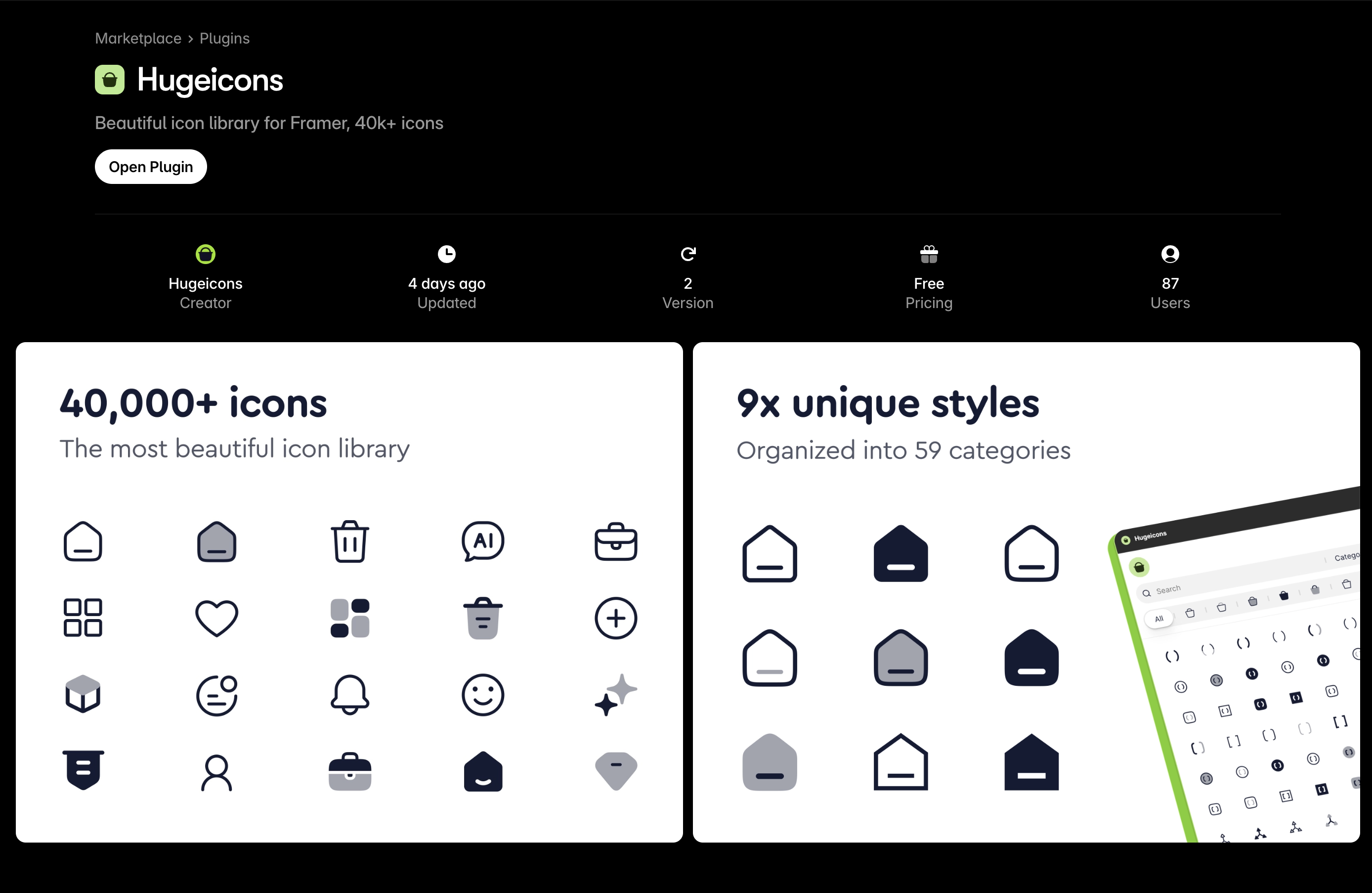
Hugeicons is a complete icon library with over 4,600 beautiful free icons for designers and developers, with the premium version unlocking a total of 46,000+ icons.
Designed by UX specialists following best practices, it offers high-quality vector icons that work almost all major frameworks and projects. The free library is regularly updated, and you can customize icons to fit your needs.
The plugin loads fast in Framer, the icons scale cleanly, and you can switch styles without rebuilding your layout. It’s a lifesaver when you’re prototyping something that might pivot countless times before launch.
Key Features:
- Extensive library: Access over 40,000 icons across 59 categories, with 4,000+ free icons available for personal and commercial use.
- Multiple styles: Hugeicons offer icons in 9 unique styles. Choose from Stroke, Solid, Two-tone, Duotone, and more.
- Advanced search and filters: Easily find icons by name, tag, style, and category.
- Smooth integration: Insert icons as clean SVG layers that are easy to recolor, resize, and animate within Framer.It also provides dedicated packages for other major frameworks like React , Vue , Angular , Svelte , and Flutter .
Official Website: Hugeicons.com
Framer Plugin: Hugeicons on Framer Marketplace
Obra Icons
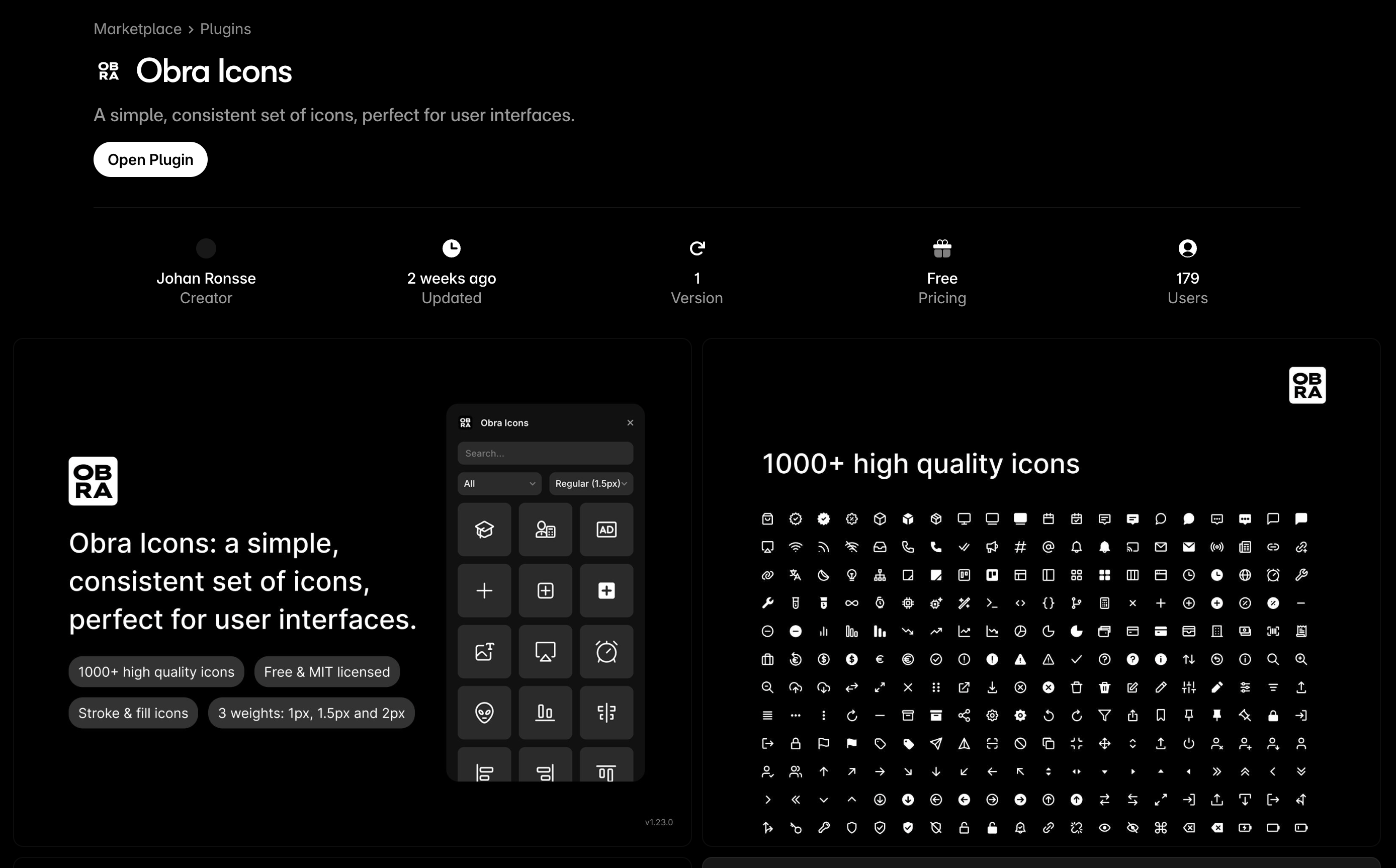
Obra icons is known for their distinct personality. The icons lean a little more handcrafted, almost like someone actually drew them instead of letting software smooth out every curve.
This actually matters in Framer. If you’re working on something playful, artistic, or storytelling-driven, Obra icons adds a touch of human warmth. It’s the kind of set you use when you don’t want your design to feel like it came straight from a template.
Key Features:
- Curated selection: Over 1,000 high-quality icons specifically chosen to work well in user interfaces.
- Three weights: Icons available in 2px, 1.5px, and 1px stroke widths to suit various design needs.
- Keyword search: Extensive keyword support to help you find the perfect icon quickly.
- Customizable: Adjust size and color with a slider, and the plugin remembers your settings for future use.
Official Website: Obra.studio Framer Plugin: Obra Icons on Framer Marketplace
Web3 Icons
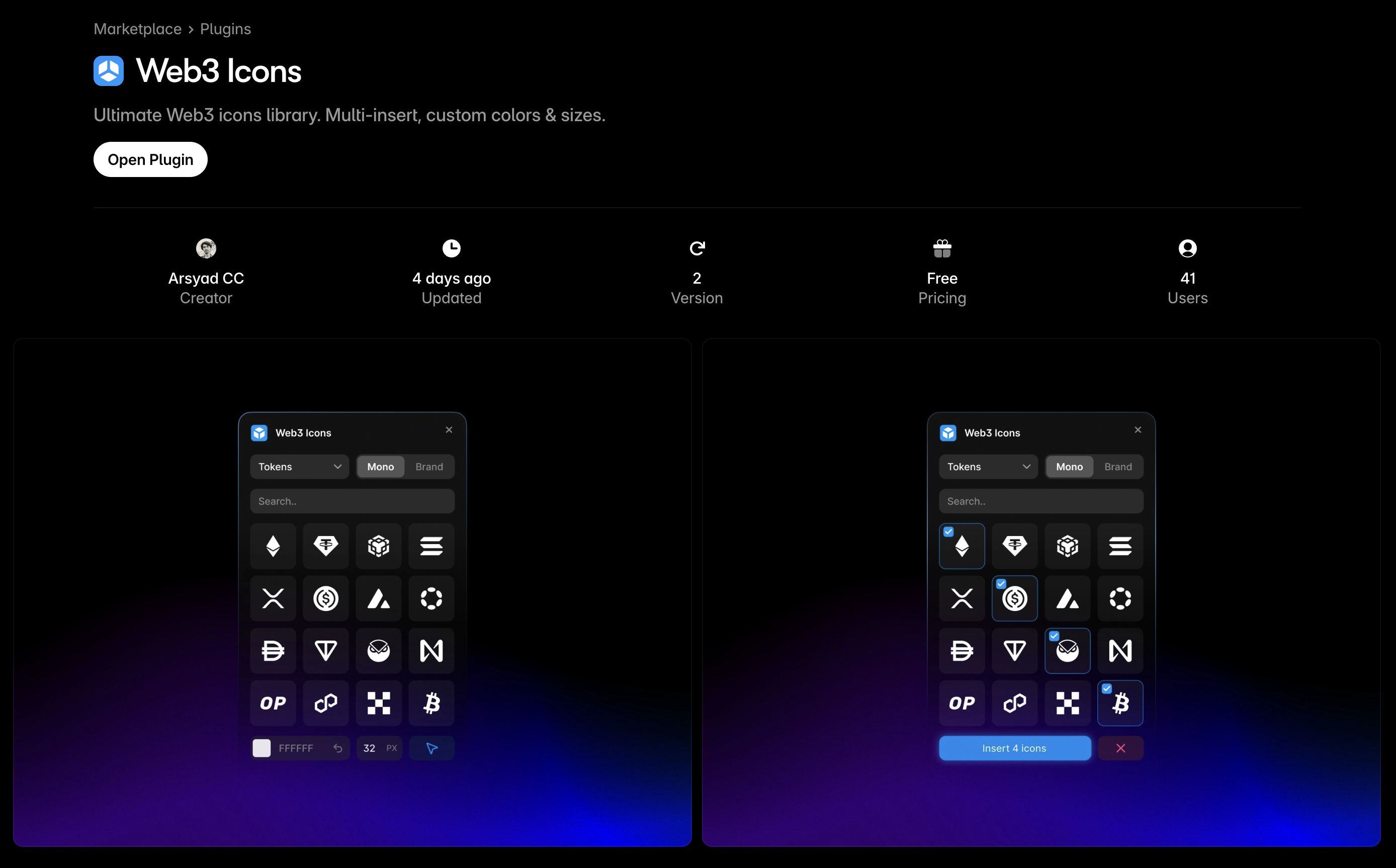
Web3 Icons was designed with blockchain and crypto products in mind. From coins to wallets and networks, this set covers the unique needs of Web3 design that mainstream packs overlook. If you’re building anything in fintech, DeFi, or NFT space inside Framer, this pack saves you hours of hunting.
Key Features:
- Specialized collection: Over 2,500+ Web3 icons—tokens, chains, wallets, and exchanges.
- Dual styles: Both monochrome and branded color versions available.
- Smart search: Quickly find icons by token name, ticker, or blockchain.
- Theme-aware: Icons adapt seamlessly to light and dark modes.
Official Website: web3icons.co
Framer Plugin: Web3 Icons on Framer Marketplace
SS Icons
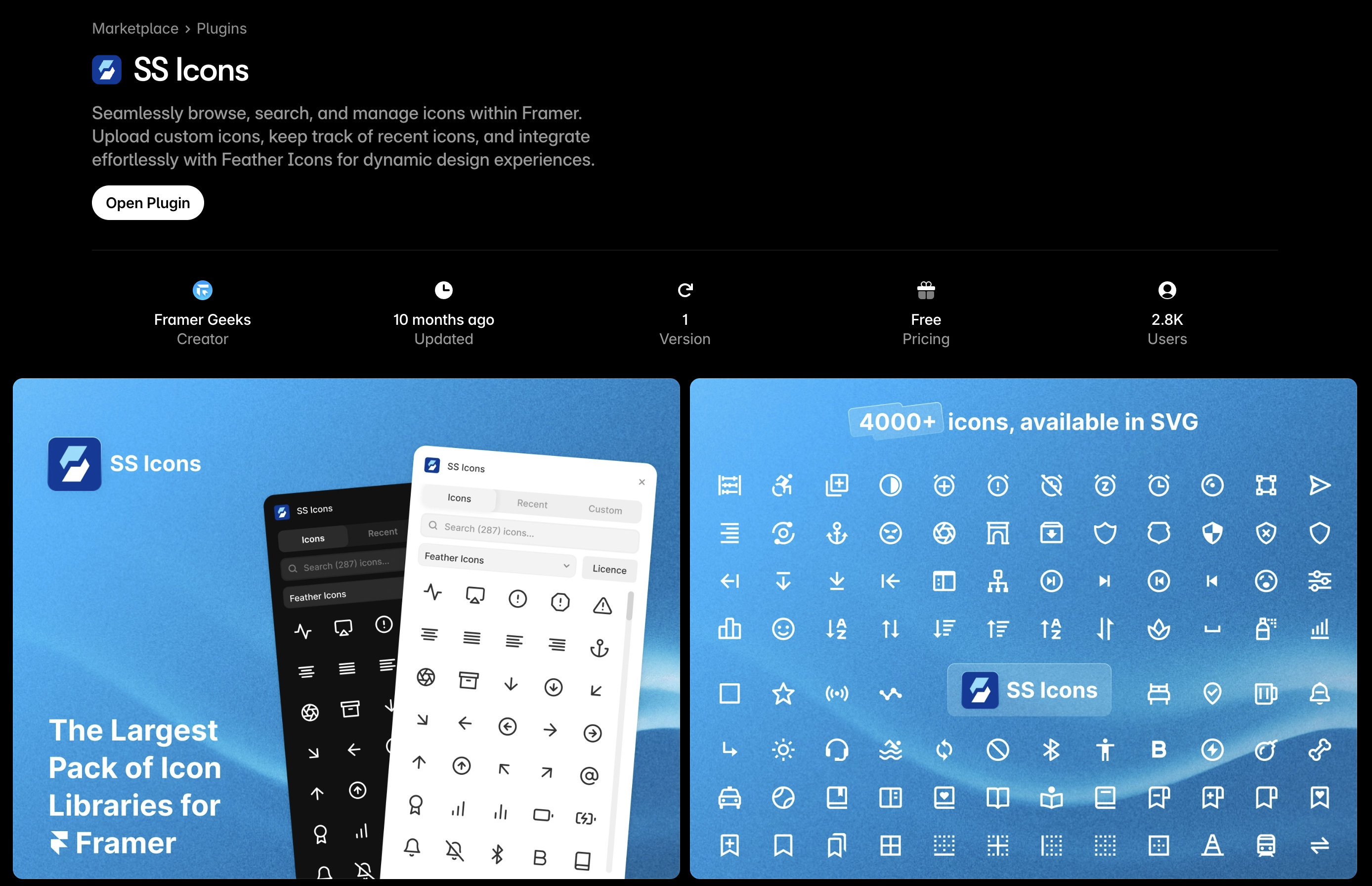
This one’s for the minimalists. SS Icon doesn’t try to do a million styles, it sticks to sleek, modern lines that look at home in almost any interface.
The Framer plugin is straightforward, which is kinda refreshing. No overthinking, just solid icons that make your layout feel professional without shouting for attention. Sometimes that’s exactly what you need.
Key Features:
- Integrated library: Access thousands of beautiful icons directly within your Framer canvas.
- Recent icons tracker: Automatically saves recently used icons for quick access.
- Custom SVG upload: Upload your own SVGs for a personalized icon set.
- Feather icons integration: Seamlessly integrates with Feather Icons for a consistent design language.
Official Website: SS icons
Framer Plugin: SS Icons on Framer Marketplace
Iconvault
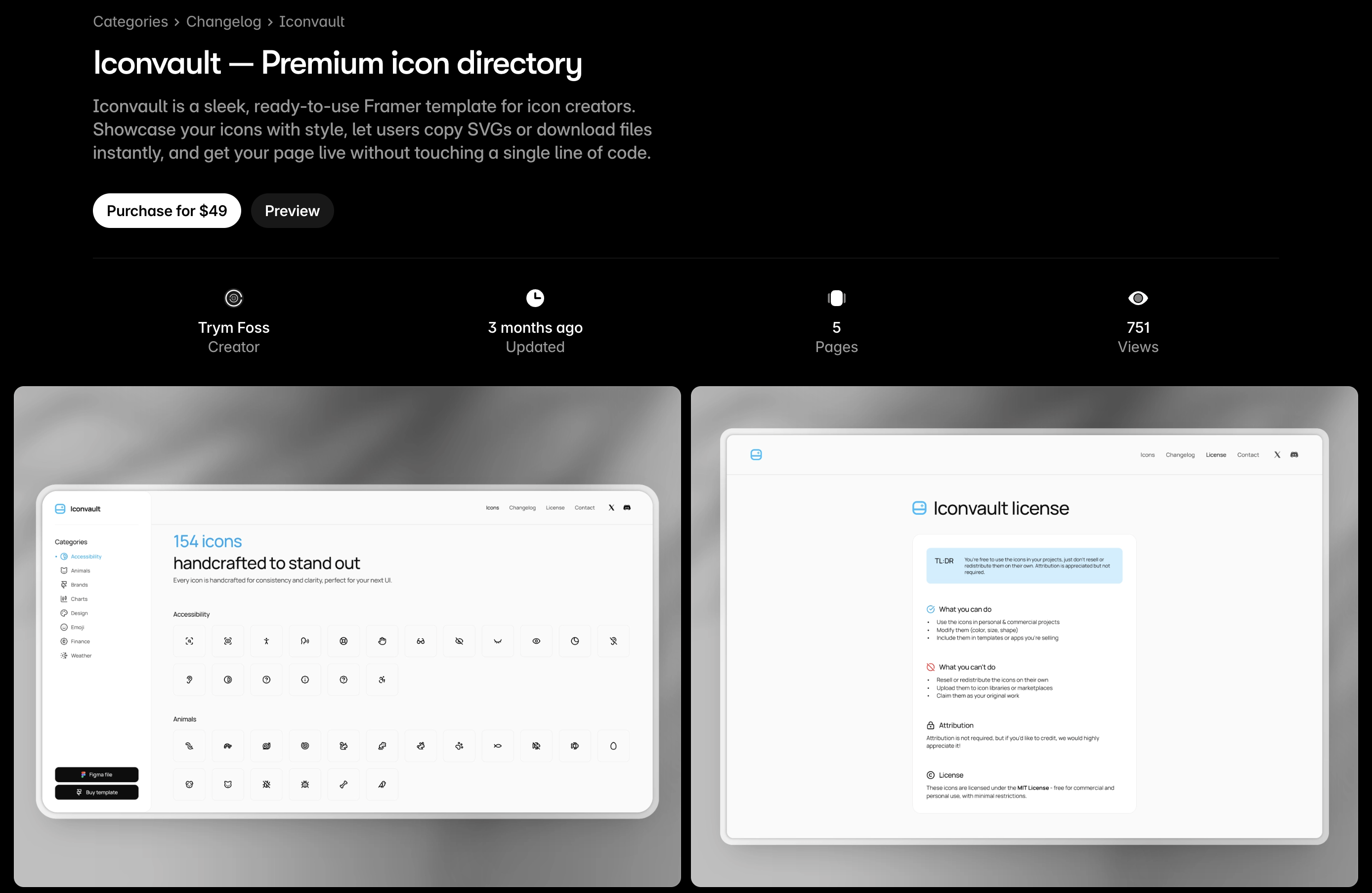
Iconvault offers a curated collection of high-quality icons designed for modern interfaces. With a focus on consistency, scalability, and elegance, it's a go-to resource for designers who want their visuals to feel polished and professional.
Key Features:
- Thousands of SVG icons across multiple styles (line, solid, duotone)
- Easy search and drag-and-drop functionality
- Built-in Framer plugin for instant access
Framer Plugin: Iconvault on Framer Marketplace
Bootstrap Icons
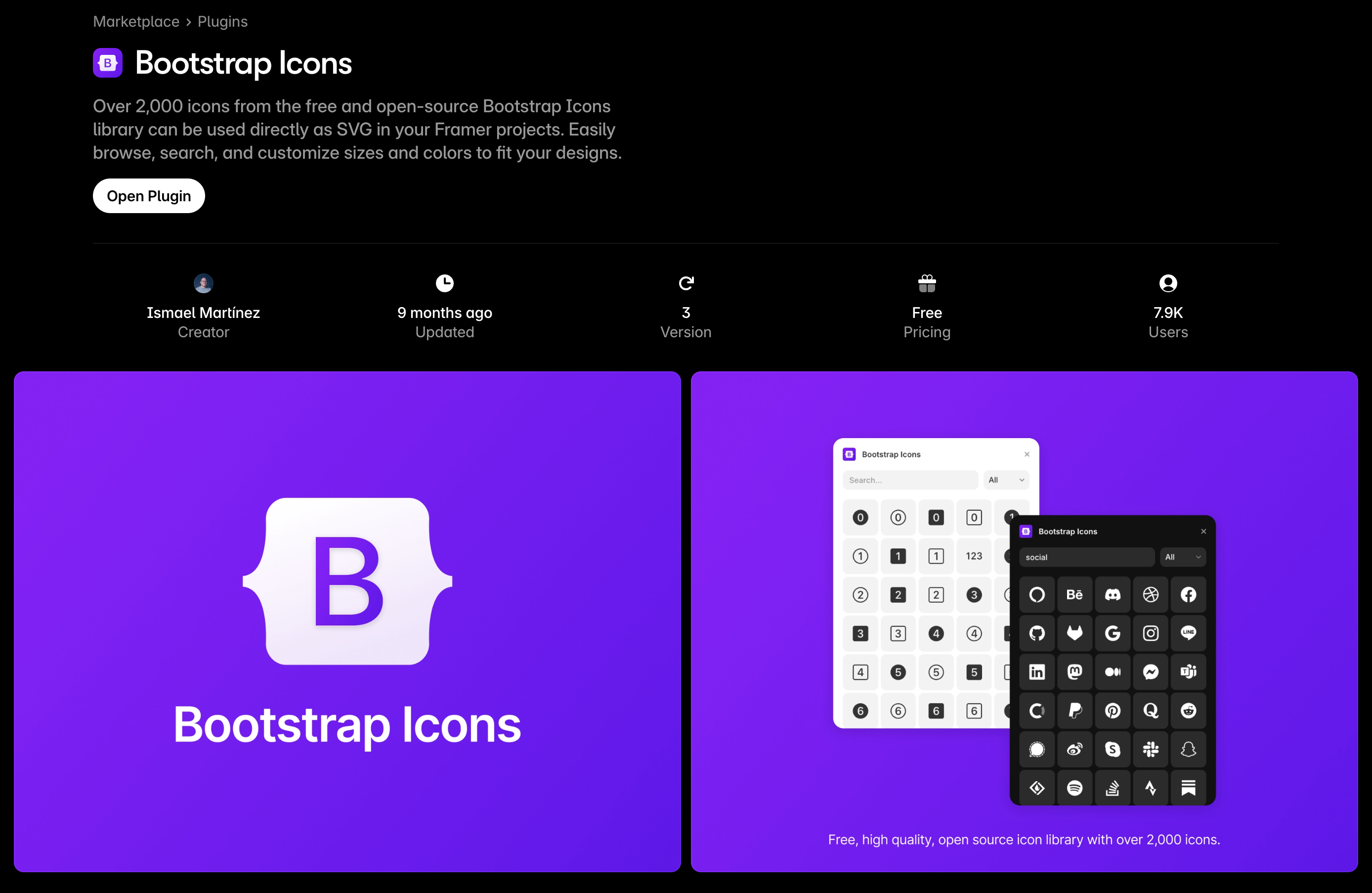
Created by the team behind Bootstrap, Bootstrap Icons are a free, open-source icon library built for speed and clarity. Perfect for developers and designers who want lightweight, versatile icons without the fuss.
Key Features:
- Over 1,800 icons in SVG format
- Pixel-perfect and optimized for web
- Seamless integration with Bootstrap and other frameworks
Framer Plugin: Bootstrap Icons on Framer Marketplace
To Wrap up
Now that you know which are the best Framer icon plugins, when to use it in your projects, and how to get started right away; you can choose the one that fits your bill.Our suggestion will be to choose the icon plugin with the updated library, smooth Framer integration, and flexibility for modern workflows.
Hope our article has informed you enough to help you to make the decision.
Happy designing!
Related Posts

Icon Font vs SVG : Which One Should You Use?
Icons are everywhere on the web these days. They make websites easier to navigate and help users understand things quickly without reading tons of...

Gumroad Affiliate Program Guide to Earn $4,500/month
Wondering how to earn income as a Gumroad affiliate? This practical guide breaks down the process, from signing up to earning commissions by...