Top 7 Vue.js Icon Libraries in 2026
If you’ve ever worked on a Vue project you must know that using icons in Vue can be a pain. Having to use icons from multiple icon libraries, facing SSR and hydration issues, and the overall inconsistencies as a result can feel like a nightmare.
Using icons from an icon library can address these pain points. The right icon library can save you hours and make everything feel more consistent.After trying different icon libraries across a few Vue projects, you start to notice which ones actually help. We did some digging and we’ve compiled the list of 6 best Vue icon libraries in this blog, so you don’t have to wander around searching for the perfect icons for your Vue projects.
Let’s check them out!
What to Look for in a Vue Icon Library
Before you pick an icon library for your Vue project, it is better to know what really matters in an icon library. Here are some questions to ask when choosing the right icon library for your Vue projects:
- Can you import just what you need? Some icon libraries claim tree-shaking but still slow things down.
- Do they stay sharp at small sizes? Icons that look great in design tools but end up blurry at 16px on screen aren’t the ones you’re looking for.
- Can you use them directly in Vue templates?
- Do they feel visually balanced? Uneven strokes or mismatched styles in icons kills aesthetics.
- Are they actually maintained? Outdated libraries that can cause bugs & security issues.
- Can you find what you need quickly? Clear grouping and search matters more than having tons of icons.
You should choose the icon library that answers all these questions positively. Once you find the one, you’re all set!
Hugeicons
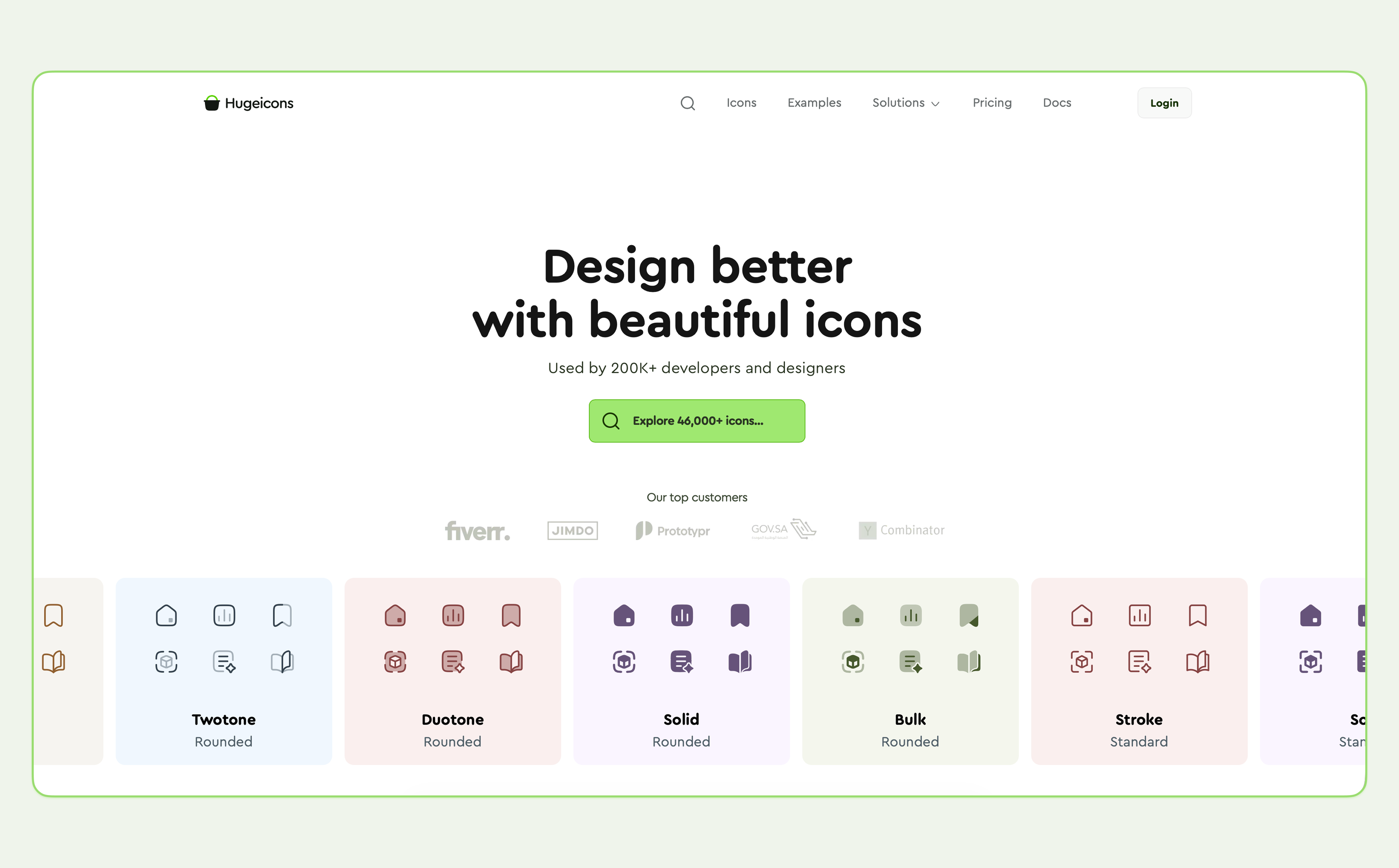
Hugeicons is a modern, beautiful icon library used by over 150,000 developers and designers across the globe. It offers over 46,000 icons, including 4,600 free ones; all visually consistent and easy to customize.
The icons are designed in 10 distinct styles and are divided into 59 categories for the ease of finding. The icon library added support for the latest Vue 3 and is expected to support future versions as well.
The integration is smooth, and the documentation makes it simple to get started without any guesswork. Hugeicons is simple to set up with Vue, and the icons just slot into your design without hassle.
How It Helps in Vue Projects
- 4,600+ free icons with matching stroke and sizing
- Easy import via @hugeicons/vue
- Same visual rhythm across categories
- Maintained actively and MIT licensed
- SVGs are optimized for speed and rendering
Highlighted Features
- 46,000+ total icons (4,600+ free)
- 10 styles and 59 categories
- Native Vue support with @hugeicons/vue
- CDN options via Cloudflare (Pro) and Google Cloud (Free)
- Also works with React, Svelte, Angular, and Figma
- SVGs are lightweight and customizable with props
- Frequent updates and Figma assets
- Fully compatible with Vue 3
- Maintained actively on GitHub
Installation
npm install @hugeicons/vue
Usage Example
<script setup>
import { HugeiconsIcon } from '@hugeicons/vue'
import { Notification03Icon } from '@hugeicons/core-free-icons'
</script>
<template>
<HugeiconsIcon
:icon="Notification03Icon"
:size="24"
color="currentColor"
:strokeWidth="1.5"
/>
</template>
You can also adjust icons using props
<ThumbsUpIcon color=”red” :size=”48" stroke-width=”1" />
Problems Hugeicon Solves
- Icons with mismatched stroke weights
- Overcomplicated setup just to get a few working
- Icons that feel disconnected from your UI design
Tabler Icons
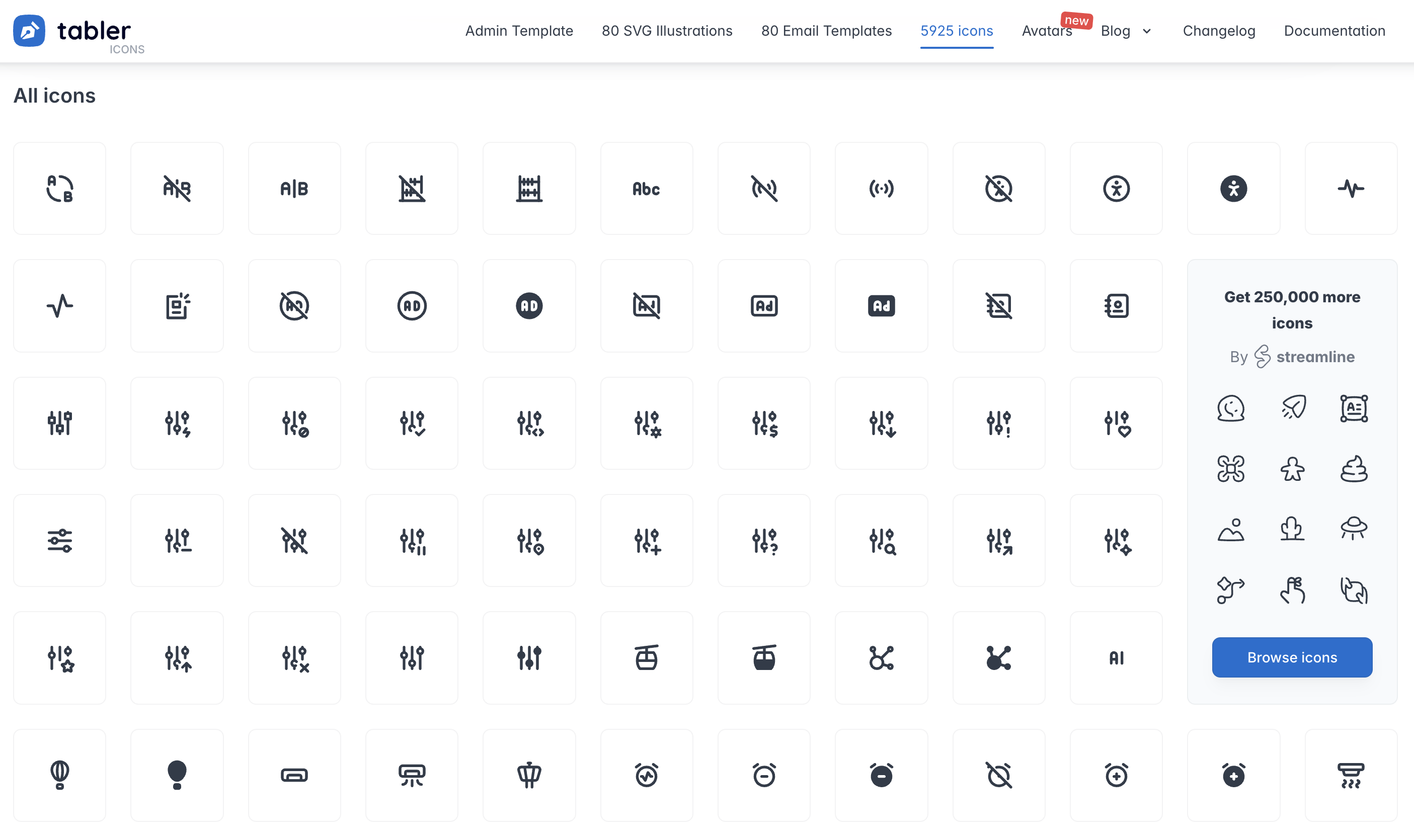
Sometimes you don’t need flashy icons. You just need something clean that works everywhere and doesn’t cause headaches. That’s Tabler Icons in a nutshell.
You’ll probably use these on a dozen projects, from admin dashboards to client websites. They’re boring in the best possible way. They’re consistent, readable, and they never surprise you.
How It Helps in Vue Projects
- Straightforward import via @tabler/icons-vue
- 5,925 icons built for small sizes
- Maintained actively and MIT licensed
Highlighted Features
- 5,925 free and open-source SVG icons.
- Vue 3 support via @tabler/icons-vue
- Designed for 16px–20px rendering
- Open-source and easy to customize
Installation
npm install @tabler/icons-vue
Usage Example
<template>
<IconHome />
</template>
<script>
// Returns Vue component
import { IconHome } from '@tabler/icons-vue';
export default {
components: {
IconHome
}
};
</script>
You can pass additional props to adjust the icon
<IconHome color=”red” :size=”48" stroke-width=”1" />
Phosphor Icons
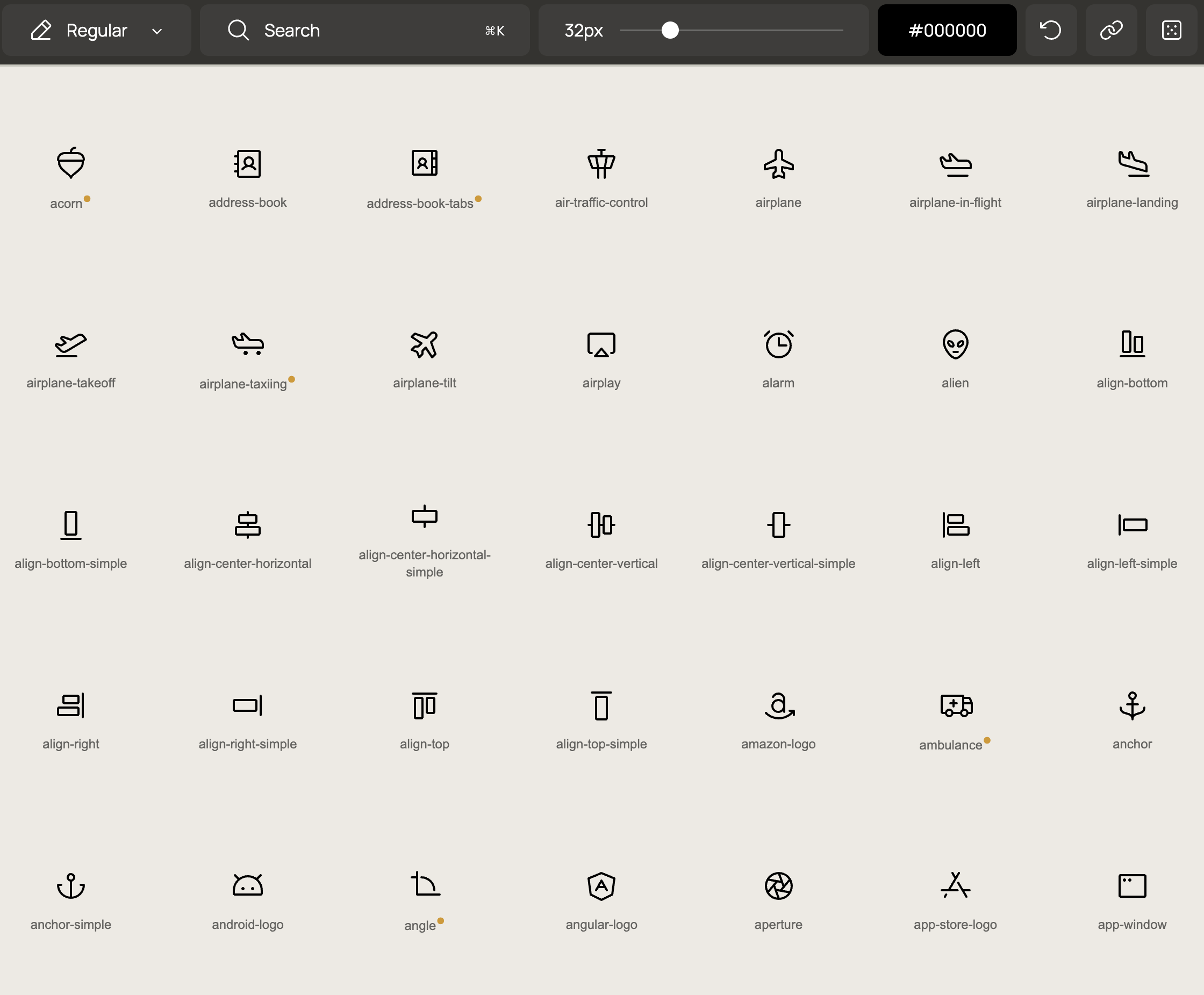 Phosphor Icons is a versatile, open-source icon library designed for interfaces, diagrams, and presentations. With over 9,000 icons available in six distinct weights. The icons are crafted on a 16x16 pixel grid, ensuring clarity at small sizes and scalability for larger displays. Phosphor Icons is free to use under the MIT license and is maintained actively on GitHub.
How It Helps in Vue Projects
- Over 9,000 high-quality, free icons.
- Designed for clarity at small sizes and scalability for larger displays.
- Customizable grid allows for the creation of complementary icons.
- MIT licensed and actively maintained.
Highlighted Features
- Six visual weights: Thin, Light, Regular, Bold, Fill, Duotone
- Drawn on a 16x16 grid
- Format options: SVG and PNG
- Community-friendly with active bug fixes
- Supports Vue via phosphor-vue
Installation
npm install phosphor-vue
Usage Example
<script setup>
import { Smiley } from 'phosphor-vue'
</script>
<template>
<Smiley size="32" weight="bold" color="#4CAF50" />
</template>=
What It Solves
• Icons that look blurry at small sizes
• Limited weight options in other sets
• Inconsistent stroke styles in UI libraries
Lucide Icons
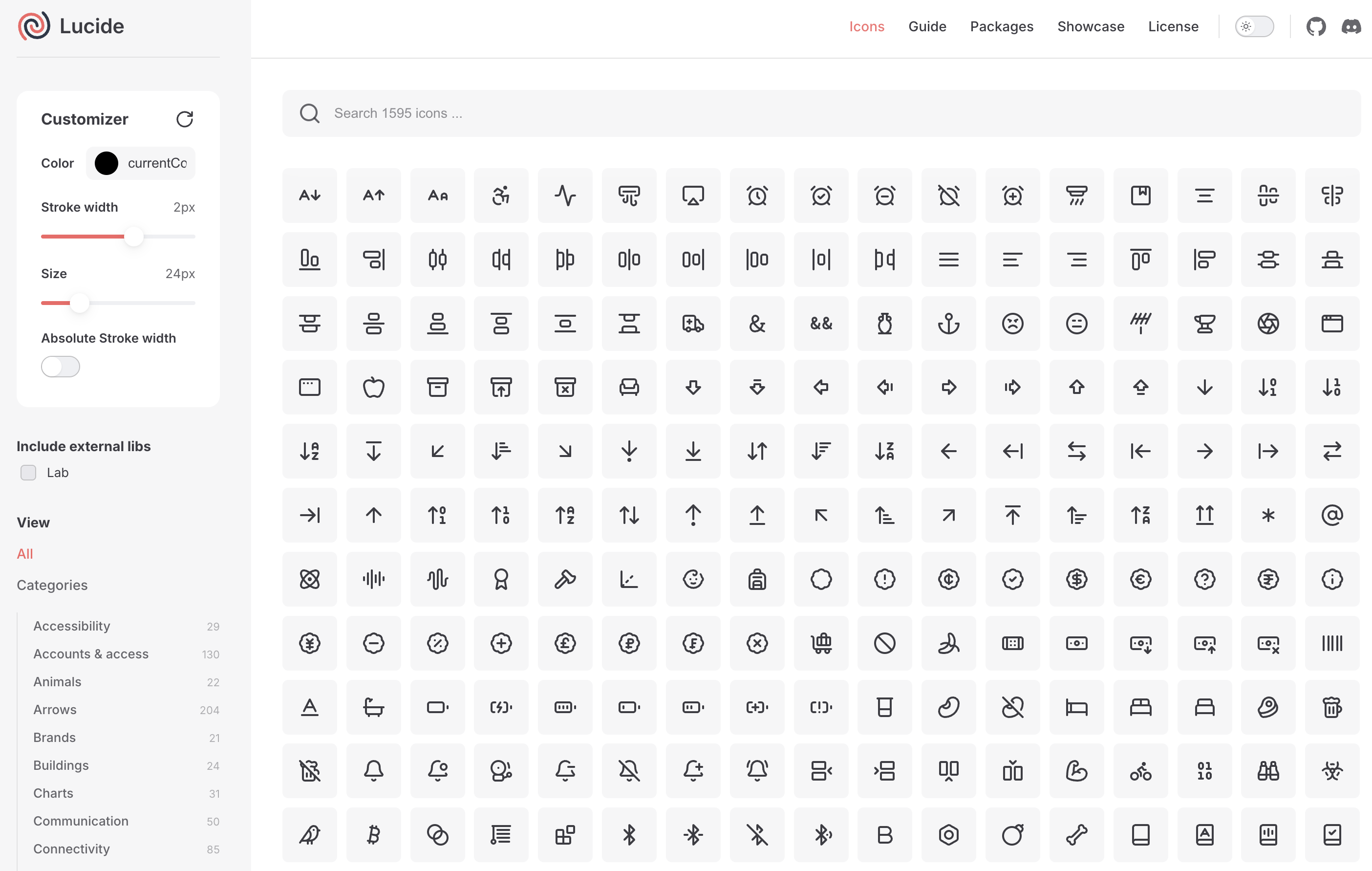 You remember Feather Icons? Great concept, but they stopped updating and the icon count was pretty limited. Lucide is basically what Feather should have become.
The community now drives Lucide. More icons, cleaner code, and the same visual simplicity. It’s lightweight and works naturally in Vue.
How It Helps in Vue Projects
- More icons than Feather, but same minimal vibe
- Full Vue 3 support
- Customizable stroke, color, and size
Highlighted Features
- 1,595+ icons based on Feather
- Vue components via lucide-vue
- Consistent 2px stroke style
- Open-source, Figma support
Installation
pnpm install lucide-vue
Usage Example
<template>
<Camera color="red" :size="32" />
</template>
<script>
import { Camera } from 'lucide-vue';
export default {
name: 'My Component',
components: { Camera }
};
</script>
You can pass additional props to adjust the icon
<template>
<Camera fill="red" />
</template>
Iconoir Icons
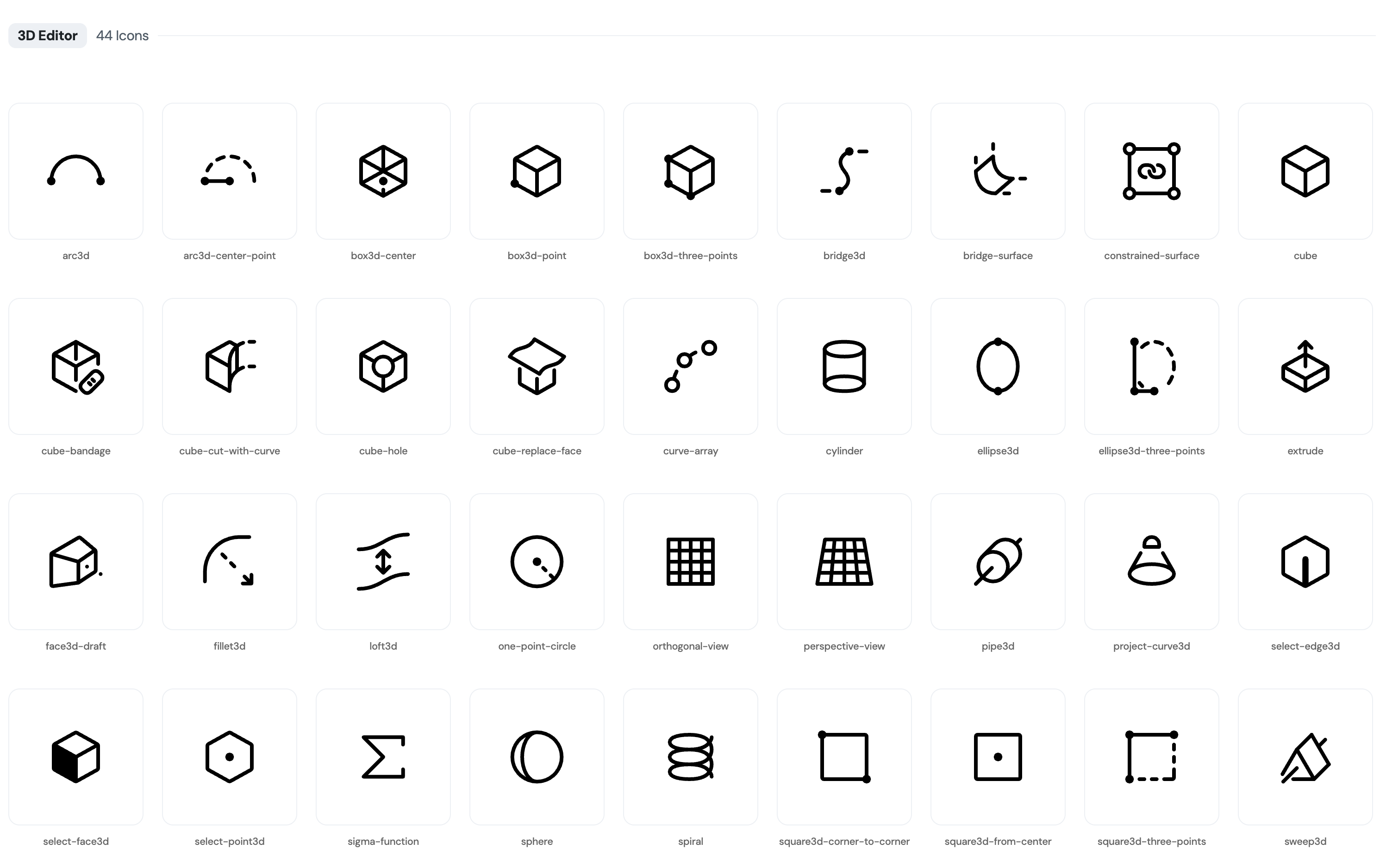 Most libraries play it safe. Iconoir stands out with a bold, geometric style. If your UI leans into structured layouts or creative direction, these fit well.
You have used these on portfolios and design-first projects. They have personality without getting in the way.
How It Helps in Vue Projects
- Unique line style
- Clean geometry that scales well
- Vue support through @iconoir/vue
Highlighted Features
- 1,671+ open-source icons
- No style variants. One consistent aesthetic
- Support for React, Svelte, Figma, Framer
Installation
npm i @iconoir/vue
Usage Example
<script setup>
import { Iconoir } from '@iconoir/vue';
</script>
<template>
<Iconoir />
</template>
You can pass additional props to adjust the icon
<Iconoir color=”red” height=”36" width=”36" />
What It Solves
- UIs that feel too generic
- Projects needing slightly more visual weight in icons
Material Design Icons
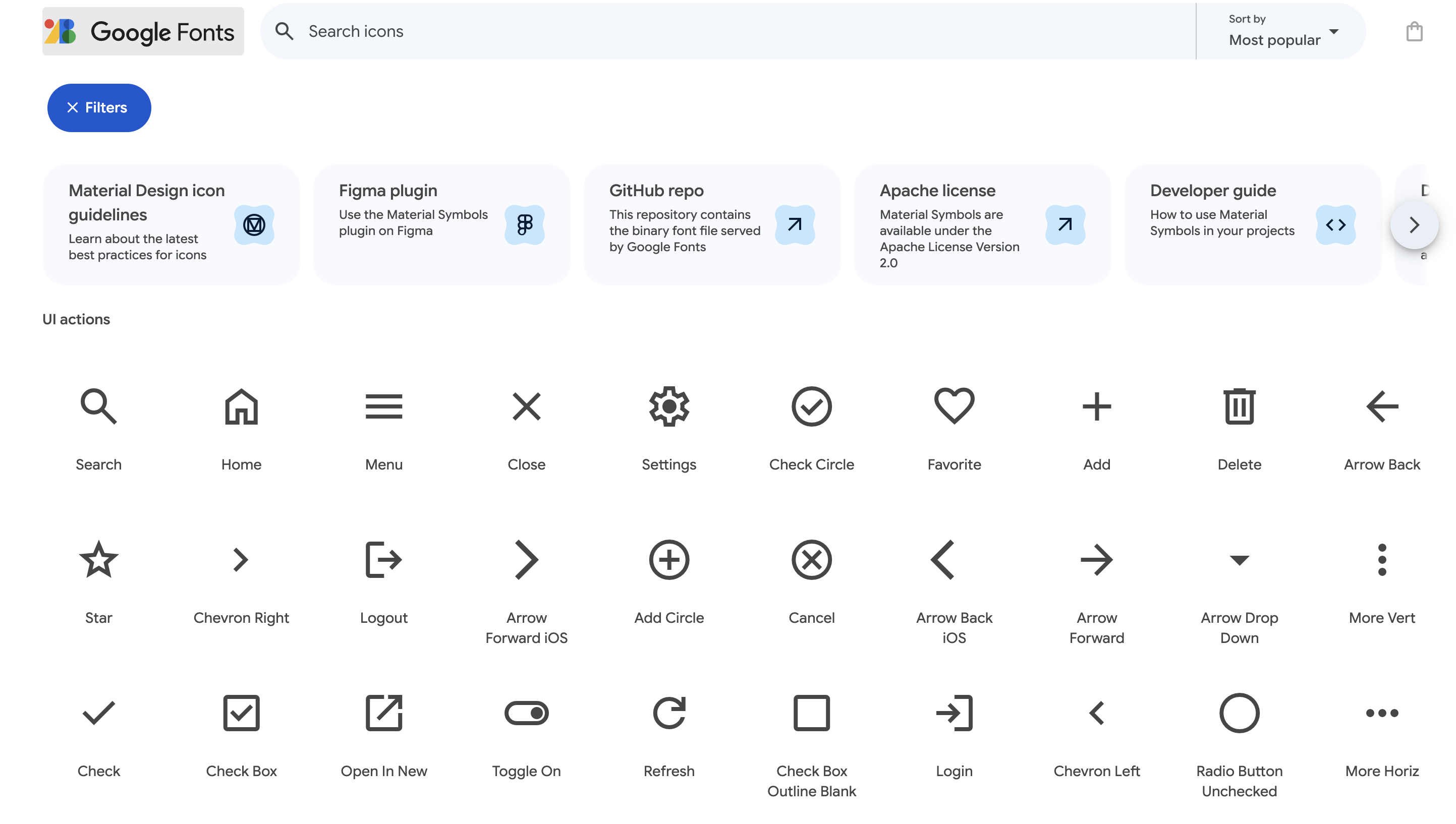
Material Design Icons gives you over 7,200 icons in filled, outlined, and rounded styles. They’re simple to use in Vue and cover a wide range of UI needs without extra setup.
How It Helps in Vue Projects
- Pre-built for Material spec
- Components available via vue-material-design-icons
Highlighted Features
- 7,200+ icons from Pictogrammers
- Filled, outlined, and rounded variants
- Ideal for enterprise UIs or design systems
Installation
npm i vue-material-design-icons
Usage Example
<script setup>
import AccountIcon from 'vue-material-design-icons/Account.vue'
</script>
<template>
<AccountIcon />
</template>
You can pass additional props to adjust the icon
<android-icon title=”this is an icon!” />
What It Solves
- Projects that follow strict system guidelines
- Need for a complete, massive icon set
Bootstrap Icons
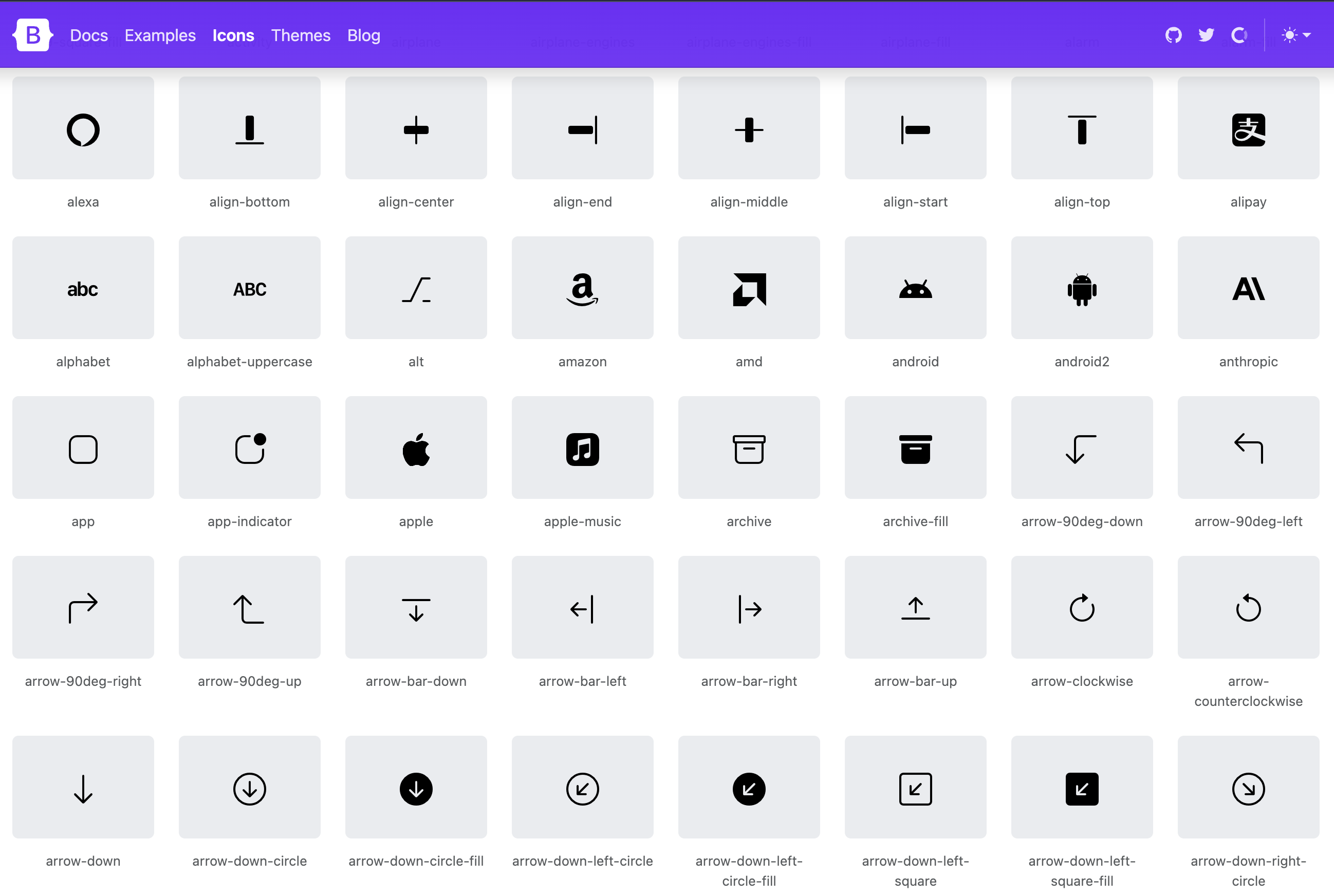
If you’re already using Bootstrap, or if you just want icons that feel familiar and professional, Bootstrap Icons is hard to argue with. They’re not going to win any design awards, but they’re clean, recognizable, and they work everywhere. Sometimes that’s exactly what you need.
How It Helps in Vue Projects
- Matches Bootstrap’s shape and spacing
- No framework lock-in. Works with HTML too
Highlighted Features
- 2,000+ Bootstrap-aligned icons
- Use with Vue or any frontend setup
- SVG sprite support
- Lightweight and MIT licensed
Installation
npm i bootstrap-icons
Usage Example
<template>
<svg class="bi" width="24" height="24" fill="currentColor">
<use xlink:href="bootstrap-icons.svg#android" />
</svg>
</template>
What It Solves
- Projects that already use Bootstrap or need visual consistency
- The need for simple, recognizable UI elements
Conclusions
Although using icons in Vue can present you with certain challenges, using the right icon library can solve most of it.
We tried to present all the viable options for Vue icon libraries in this piece of writing. Be sure to check them out and find out which one is the perfect for your specific use case.